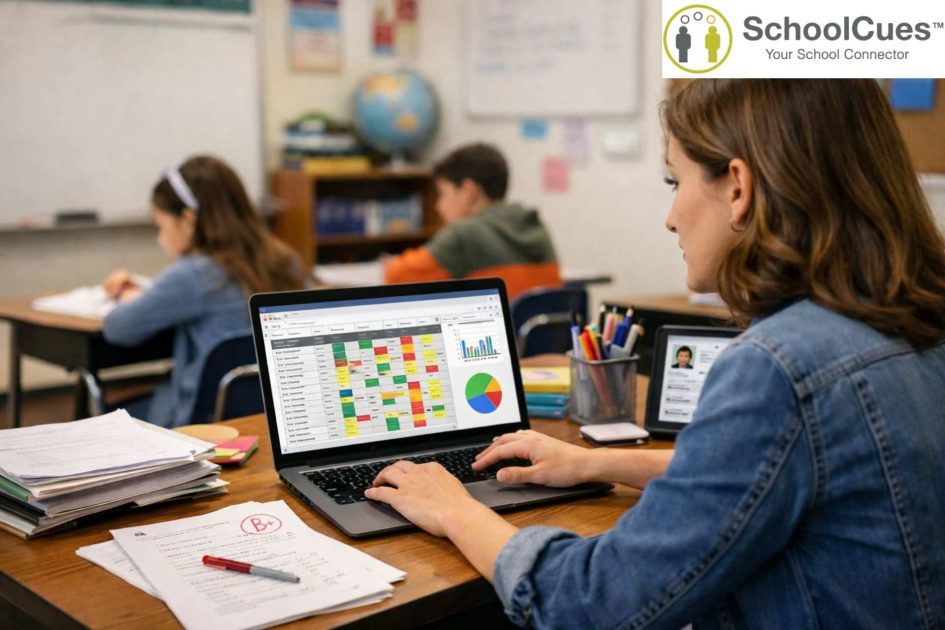
The paper gradebook is not your problem — your workflow is
Here is something most gradebook articles will not tell you: switching to digital will not automatically save you time unless the underlying workflow changes too. But when that workflow changes — genuinely changes — the difference is not incremental. It is transformational.
Ask any teacher at a small private school what report card week looks like. They will describe the same scene: scattered grade sheets, a calculator, four browser tabs, a stack of sticky notes, and a deadline that refuses to move. The paper gradebook is not broken. The system around it is.
A digital gradebook does not eliminate the work of grading. It eliminates the overhead around grading: the manual calculation, the re-entry into the report card template, the individual parent email when a student’s average drops below a threshold. That overhead is where the 40% time saving comes from.
What does a digital gradebook system actually do — in plain terms?
Strip away the feature lists and a digital gradebook does three things that paper cannot:
It calculates automatically — and it does not make arithmetic errors
Every grade entered is calculated against the weightings you set — classwork 30%, homework 20%, tests 50% — in real time. No calculator. No formula errors. No discovering in March that October’s weightings were entered incorrectly. The grade is always current, always accurate, always accessible.
It communicates without requiring teacher action
When a student’s average drops below 75%, a notification goes to the parent. Not because the teacher sent it — because the threshold was set once and the system monitors it continuously. Schools implementing this single feature report a 30% increase in parent-teacher contact frequency with zero additional teacher time invested.
It connects grades to every other part of the student record
In an integrated school management system, a grade entered in the gradebook module flows automatically into the report card template, appears in the parent portal, updates the student’s academic history in the SIS, and is accessible alongside attendance and fee payment data. The teacher enters the grade once. Everything else is automatic.
Digital gradebook vs. paper gradebook — the real comparison for small schools
| Feature | Paper Gradebook | Digital Gradebook System |
| Grade calculation | Manual, calculator-dependent, error-prone | Automatic, weighted, real-time, accurate |
| Parent visibility | Report cards 2–3 times per year | Real-time via parent portal or app |
| Missing assignment alerts | Teacher must notice and act manually | Automated alert to parent when threshold crossed |
| Report card generation | Hours per term per teacher | Minutes — generated directly from entered grades |
| Connection to SIS | Isolated — manual re-entry required | Native — grades flow automatically into student record |
| Mobile access for teachers | None | Full — enter grades from any smartphone or tablet |
| Time saved vs. paper | Baseline | 40% reduction in grading administration time |
Verdict: For a small school where one teacher covers three grade levels, the time recovered from grading administration in a single semester pays for a year of software subscription.
What should small school administrators look for when choosing gradebook software?
The wrong question is: which platform has the most features? The right question is: which platform will teachers actually open every morning without dreading it?
- Interface simplicity: if marking attendance and entering grades takes more than 90 seconds per class, adoption will fail by October.
- Mobile-first design: teachers need to update grades from the classroom, not a desk.
- Integrated parent portal: families see grades without requiring the teacher to send individual updates.
- Standards-based and percentage-based grading options side by side — Montessori and faith-based schools need flexibility.
- Direct report card and transcript generation from entered grades — no export, no reformatting.
- Connection to attendance, enrollment, and tuition data in the same platform.
- FERPA compliance with documented evidence — not just a checkbox on the marketing page.
- Per-student pricing built for 50–500 student schools, not district contracts.
How does SchoolCues’ gradebook connect to the full school management system?
SchoolCues was built from the beginning for small private, Montessori, Catholic, and independent K–8 schools — not scaled down from a district platform. Its gradebook integrates directly with attendance, the student information system, parent communication, and online tuition management in a single database.
There is no export-and-import cycle. There is no separate login for the gradebook. Grades flow into report cards automatically. Parents see updates in the same app they use to pay tuition. Teachers mark attendance and enter grades from the same platform. For a two-person administrative team managing 150 students, that integration is not a convenience — it is operational survival.
Frequently Asked Questions — Digital Gradebook System
Q: What is a digital gradebook system?
digital gradebook system is software that lets teachers record, calculate, and share student grades electronically. It automates grade calculations, generates report cards, sends parent notifications, and integrates with school management systems — replacing paper gradebooks and disconnected spreadsheets.
Q: How does a digital gradebook save time for small school teachers?
Digital gradebooks automate the most time-consuming grading tasks: weighted average calculations, report card generation, and parent notifications. Schools consistently report up to a 40% reduction in grading administration time — freeing teachers for instruction and direct student support.
Q: Can parents access a digital gradebook in real time?
Yes. Most digital gradebook systems include a parent portal or mobile app where families view grades, attendance, and assignments at any time — eliminating the need for scheduled conferences to check on academic progress.
Q: Is a digital gradebook system FERPA compliant?
Reputable platforms including SchoolCues store all student data with encryption, role-based access controls, and documented FERPA compliance. Always verify compliance documentation before selecting any platform that stores student academic records.
Q: What is the difference between a standalone gradebook and a school management system?
A standalone gradebook handles only grades and assignments. A school management system includes gradebook functionality alongside attendance, enrollment, communication, and tuition management — eliminating the need for small schools to run five disconnected tools simultaneously.