
Low Cost All-in-One School Management System for Afterschool Programs
After-school program management software for registration, sign-in and pickup, drop-in days and monthly fees, so your staff can spend the afternoon with the kids.
No setup fees · See pricing











Join 200+ schools using SchoolCues






Ready for the hours after the school bell
Sign-in and pickup at a kiosk
Families check children in and out on a school iPad, and only approved adults can collect them.
Early pickups, arranged ahead
Parents request an early pickup or report an absence in the app, and it appears on your staff’s attendance sheet.
Sign-ups for clubs and camp weeks
Open slots for enrichment sessions or camp weeks, with questions, waitlists and reminders.
Monthly fees and drop-in days
Bill monthly fees on autopay and add a charge for each drop-in day, with sibling pricing where you offer it.
Clubs with their own feed
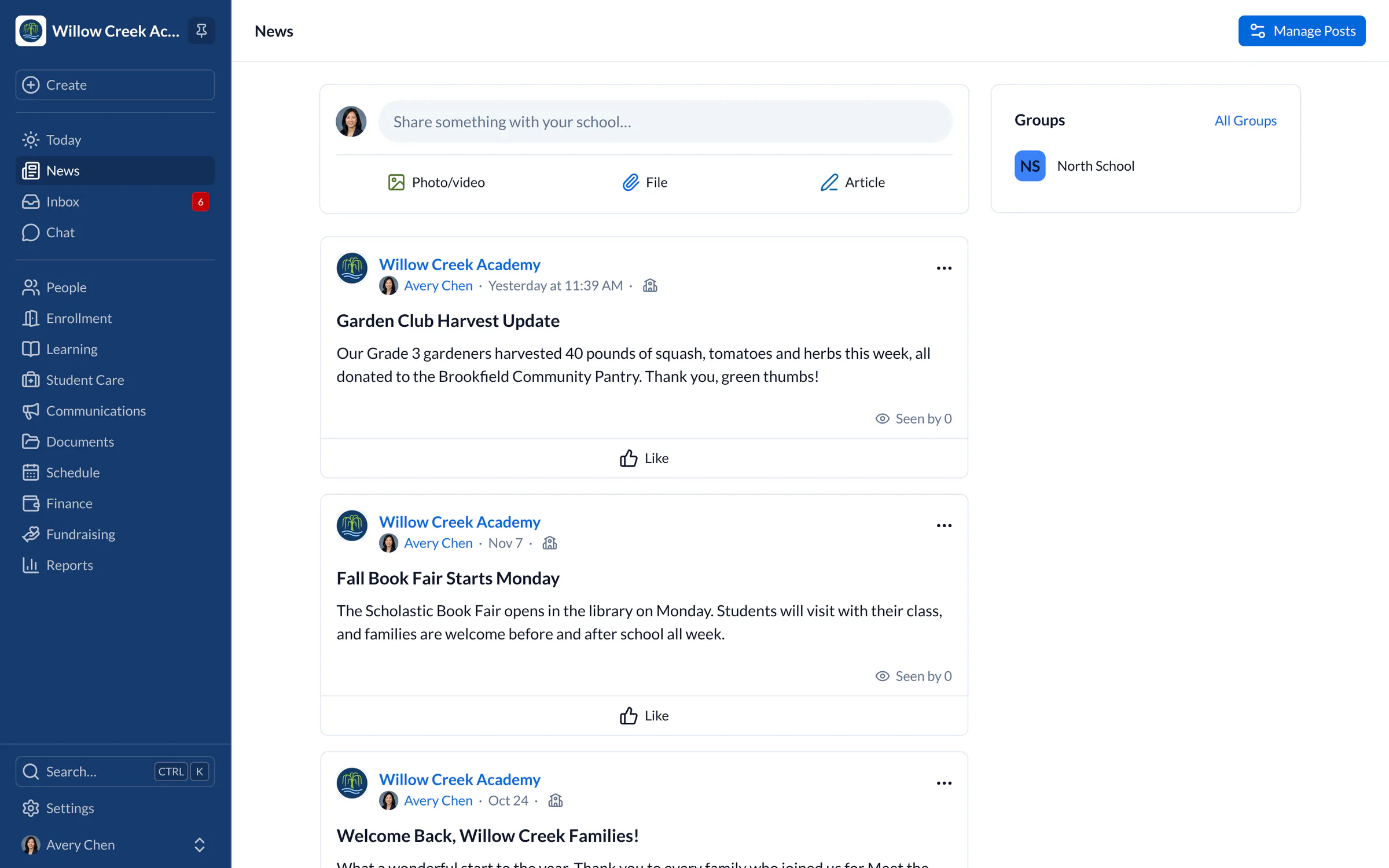
Groups give robotics, art or soccer their own news feed, and families can find and join the ones they want.
Quick word on a change of plans
Text every family about an early closure, with confirmed numbers and STOP/START handled for you.
A day with SchoolCues
An afternoon at your after-school program
All in one
Easily manage your afterschool program with a reputable school management solution.
An afterschool program has a lot to keep track of between the last bell and pickup. SchoolCues is a low-cost school management system for afterschool programs. Registration, billing, records and messages move online, and the mobile app lets your staff look up a child’s details or message a parent wherever they are.

Admissions
Admissions and Enrollment for Afterschool Programs
Registration shouldn’t take a stack of paper forms and hours of data entry. In SchoolCues you design custom forms for your afterschool program and keep them as simple as you like. Enrolling a child takes a few minutes, and all the paperwork is stored electronically. You also get:
- Online inquiry forms
- Online enrollment and re-enrollment
- Scheduling of campus tours
- Admissions reports
Parents comparing programs don’t want to fill in a long application before they’ve decided. Give them a quick school inquiry form instead, and let them book a tour themselves, with reminders sent 24 and 48 hours before the visit. Once they choose your program, the enrollment contract and confirmation arrive by email, and returning families can re-enroll online.
Fees
Online Payments for Afterschool Programs
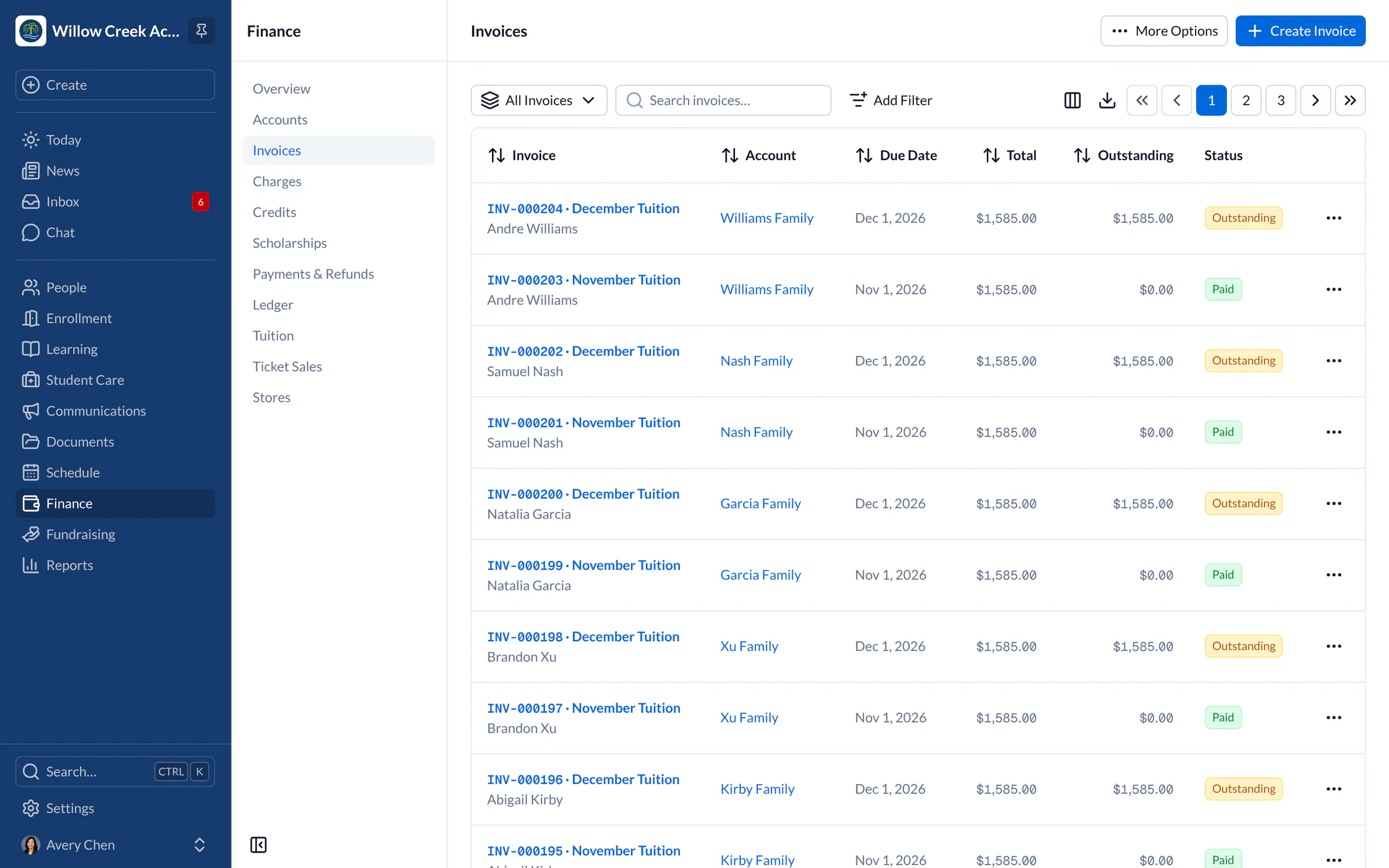
Parents can pay by ACH, credit card, cash or check. Payments are included in every plan, with no setup fees. Bill program fees and miscellaneous costs as one-time or recurring payments, and give families with more than one child sibling and family discounts through the tuition management system.
Afterschool program billing doesn’t have to be messy. Keep your books in order with a full ledger and finance reports. Payment reports and tax statements are ready when you need them, and payment reminders let parents know a charge is due.
Student records
Student Information System for Afterschool Programs
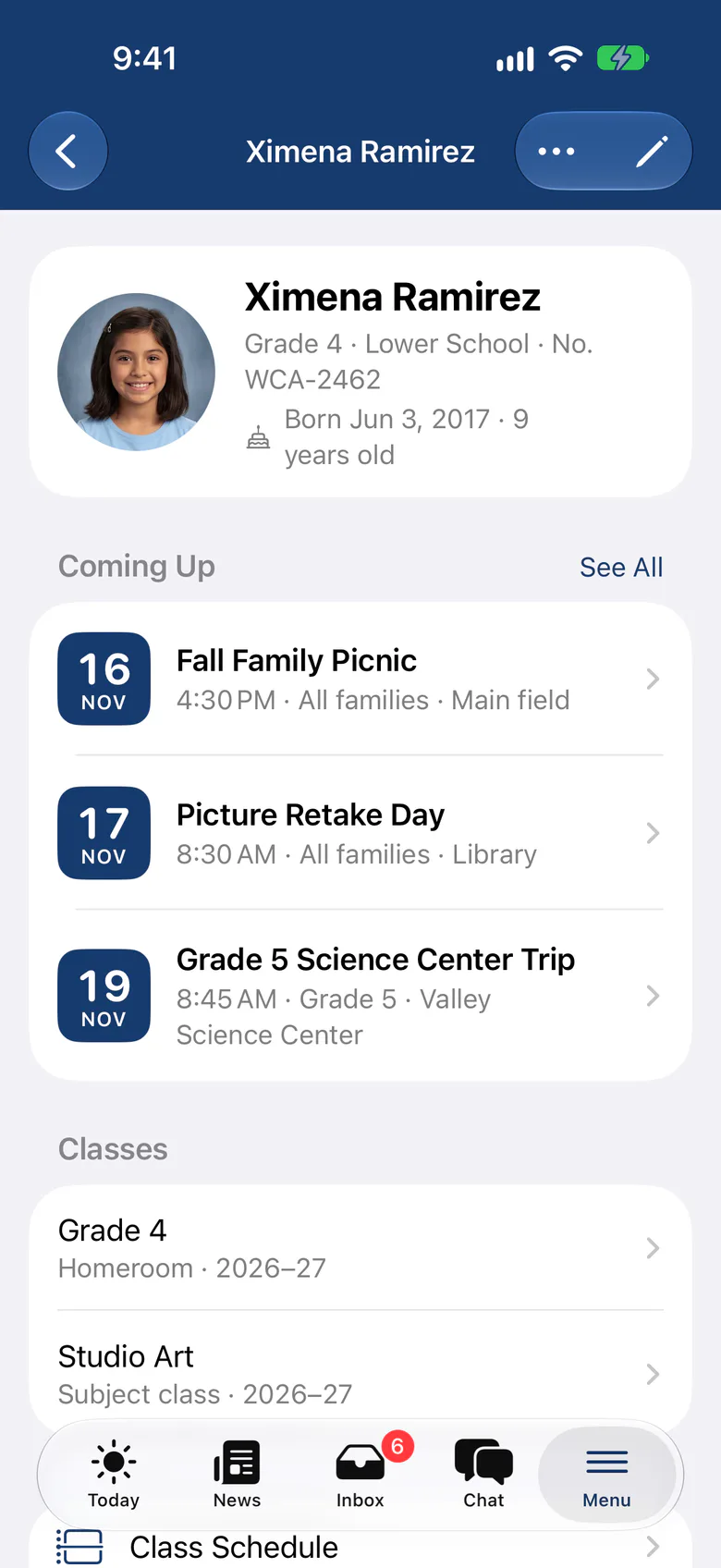
Keep each child’s information in one place: parent contacts, health details and photo and video permissions. SchoolCues includes ready-made forms with predefined fields, so you can start collecting information right away.
Contacts and health details
Store and update several sets of contact details, including:
- Student information
- Medical contact information
- Family information
- Emergency contact information
- Parent information
Beyond contacts, you’ll want other details on file for every child in your care. Health information has its own categories, such as:
- Health conditions
- Medications
- Allergies
- Immunizations
Attendance, checkouts and documents
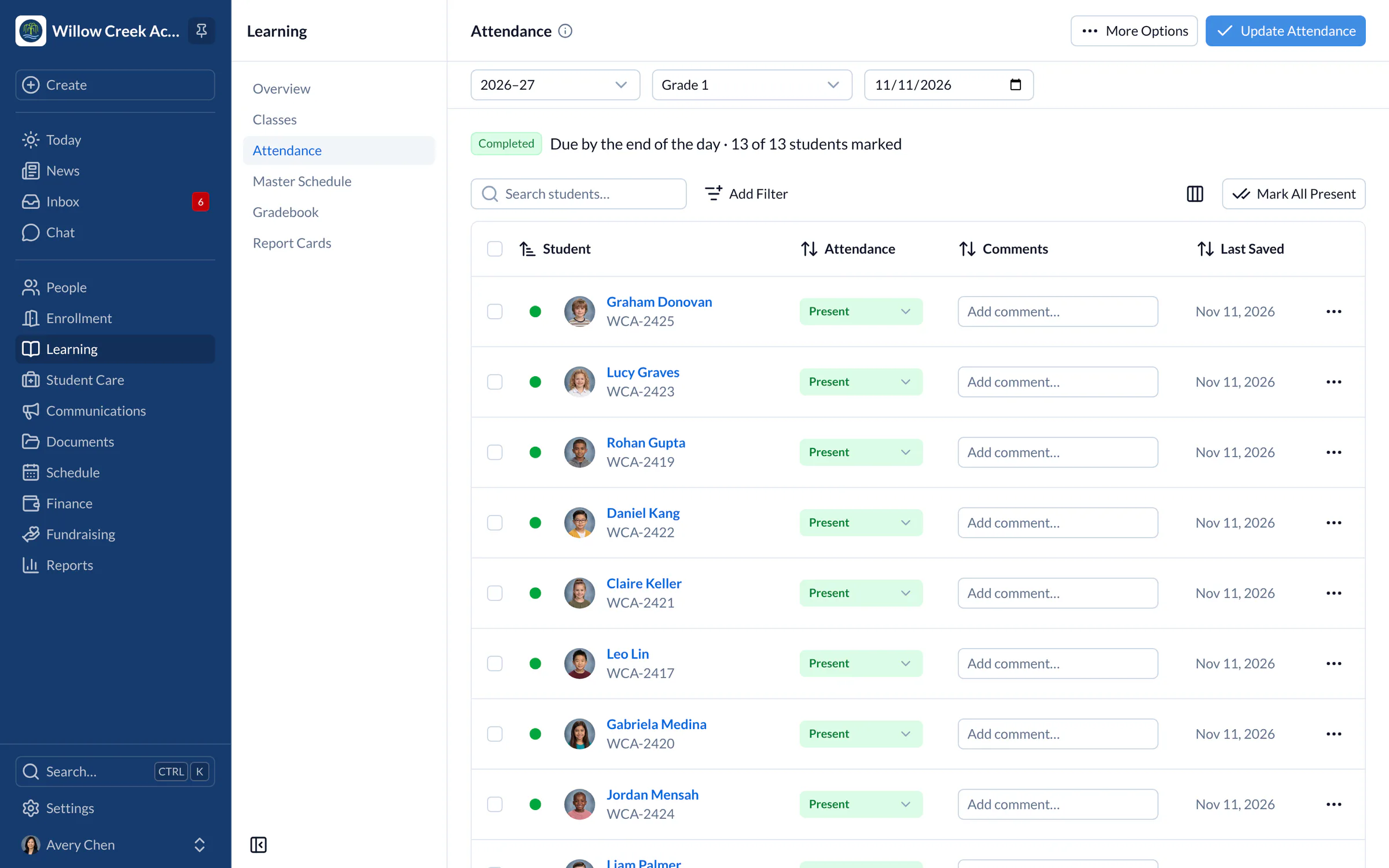
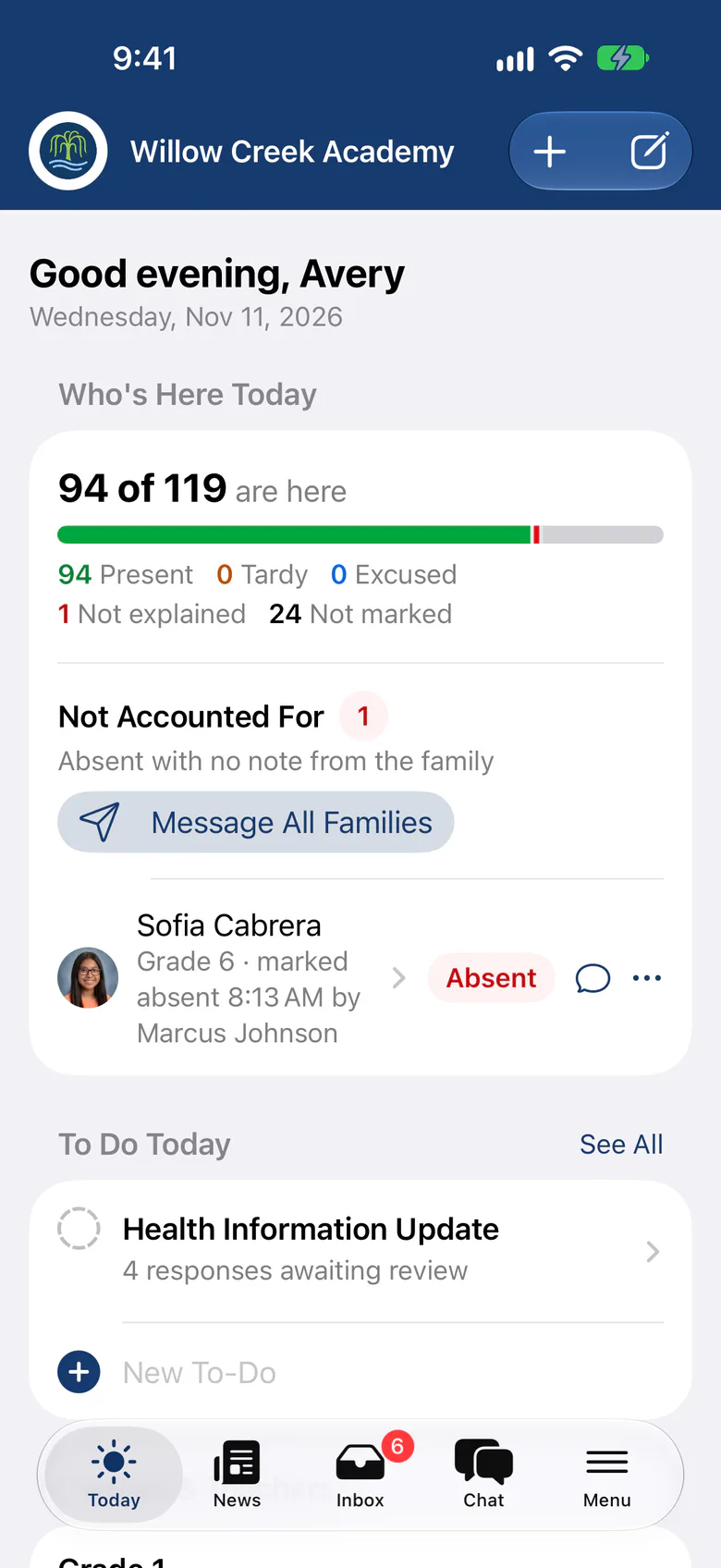
Take attendance online each afternoon, and check children out only to the adults their parents have approved. Parents can read your program handbook online. Keep sensitive documents such as birth certificates in one place, with access limited to the staff who need it, and build custom reports on any of this data.

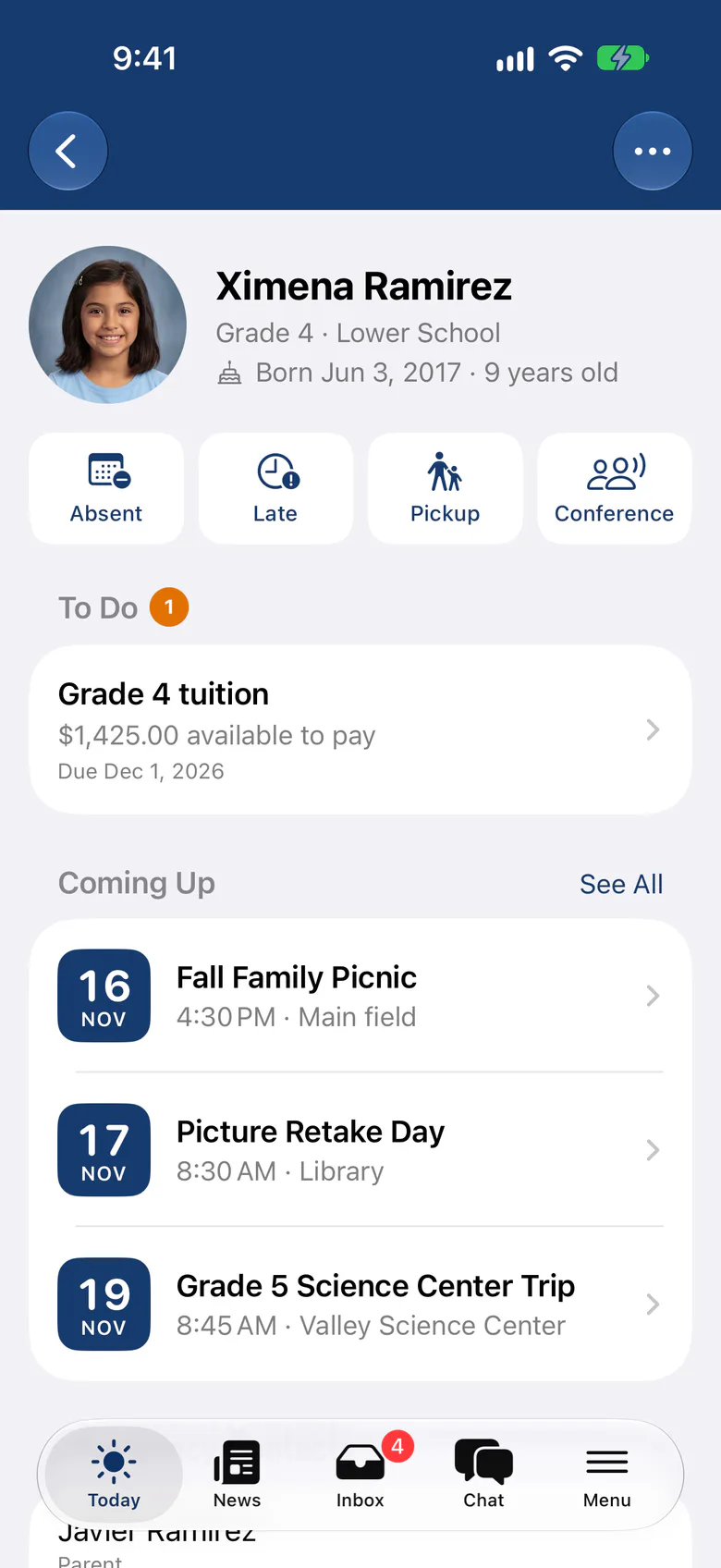
Parents report absences in the app
Parents can tell you about an absence, a late arrival or a drop-off change from the app, and the notice shows on the staff attendance sheet. They can also request an early pickup, so the front desk knows before anyone arrives.
Gradebook
Paperless Gradebook for Afterschool Programs
If your program includes tutoring or enrichment classes, the online gradebook helps you track how children are doing. Set up subjects, teachers and students, choose the grading and reporting format that suits each class, and correct mistakes in seconds. A report card template turns grades into report cards, and staff can grade from the mobile app.

Families
Easy Parent Engagement for Afterschool Programs
Parents drop their child off and often hear little until pickup. Many want to know more about what their child is doing and learning, and an end-of-term report doesn’t give them that.
SchoolCues Communications sends newsletters and announcements by email as often as you need. When plans change at short notice, send a text alert to one parent or to a whole class or grade.
The same module handles incident reports, check-in and check-out, a program calendar, parent-teacher conferences, absence forms, activity permission forms and late slips. Sign-up sheets with slots, waitlists and reminders help you fill volunteer shifts. Parents stay involved without having to catch staff at pickup for news.
Alumni
Alumni Management for Afterschool Programs
Many afterschool programs keep former students’ details in email threads and spreadsheets. With a list managed by hand, inviting alumni back for fundraisers and events is slow work.
With the alumni management solution for afterschool programs, your alumni coordinator sees every former student and their details on a single dashboard. Keep alumni contact lists current and send email campaigns, with fundraising features included in every plan.
Move children to alumni when they leave your program, then send emails, text messages and newsletters from the same platform.
Mobile app
Mobile App for Afterschool Programs
Much of an afterschool program happens away from a desk. SchoolCues puts school information on staff and parents’ phones, from attendance and grades to messages. Staff can grade and take attendance in the app, even when the Wi-Fi drops.
If a parent forgets to pay for tickets to the program’s play, send a text alert. They can see the balance in the app and pay online. One SchoolCues app for iPhone and iPad serves both program staff and parents, with push notifications that open straight to each message, and it’s included in every plan.
About SchoolCues
SchoolCues is a low-cost all-in-one school management system for every kind of school. For more than 15 years our school administration software has helped schools, afterschool programs included, run with less paperwork.
Everything is paperless and online. The modules include admissions and enrollment, online payment solutions, the student information system, the gradebook and communications, among others.
Staff use SchoolCues on the web and the mobile app, and families hear from you by email and text, all from one affordable system.
“SchoolCues is a lovely piece of software, reasonably priced, and the leadership is very responsive in resolving issues (a rarity these days!). Parents like the app, especially the permission slips and the tardy/absence forms. They offer parents a super easy way to communicate with the school. The school appreciates the ability to get messages to families in a targeted manner.”
Rebuilt for the way schools work today
Check-in kiosk
Turn a school iPad into a front-desk kiosk where approved adults check children in and out.
Groups
Give each club or team its own news feed, and let families discover and join the groups that suit them.
Checklists
Add a what-to-bring list to a message or event, like a swimsuit for pool day, and families tick it off.
Pricing
For after-school programs, we recommend Manage
One price covers your whole school, including every staff member, every family and the parent app. Pricing follows your enrollment, not how many people use it.
Compare all plans- Everything in Connect
- Student information system (SIS)
- Attendance, check-in and check-out
- Gradebook, report cards and transcripts
- Timetables and class schedules
- Cue, the AI assistant for staff (Beta)
FAQ
Questions schools ask us
Yes. Enroll regular attendees with monthly fees on autopay, and add a charge for each drop-in day. Charges can be targeted to a class or a single student.
Families check children in and out on a school iPad, and staff see who is approved to collect each child. Parents can request an early pickup or report an absence in the app.
No. The SchoolCues app for iPhone and iPad is included in every plan, for families and staff alike.
Every plan includes fee billing, autopay and online payments. Manage adds health and consent records and attendance. Unify adds registration, your website, Cue for families and integrations. Pricing is based on enrollment.
Book a demo
Make pickup the calmest part of the day
Book a live tour and see how SchoolCues fits your after-school program.
- A live SchoolCues demo with Q&A
- Your pricing, after the demo
- A plans overview to share with your board

Hosted by SchoolCues founder, Dr S
Every week. Join the group tour, or ask for a call with just your team.
Tell us about your school
Takes a minute. Then choose a session.