
Regular School Communications Increase Parental Engagement in School
Write once and reach every family by app, email and text. Newsletters, class updates, school news and urgent alerts all go out from one place, and families can reply in a private chat.
No setup fees · See pricing
Picture day is Thursday
Message Details
Message typeMessage
Categorye.g. Weekly learning
Checklist
 SCHOOLCUES · now
Picture day is Thursday
Smiles on! Class photos start at 9:00 a.m. Order forms are in your child’s folder, or order online by Friday.
MESSAGES · now
Weeping Willow Academy: Picture day is Thursday. Smiles on! Class photos start at 9:00 a.m. Order forms are in your child’s folder, or order online by Friday.
MAIL · now
Weeping Willow Academy
Picture day is Thursday
Smiles on! Class photos start at 9:00 a.m. Order forms are in your child’s folder, or order online by Friday.
Join 200+ schools using SchoolCues






Every message, sent the way families read
One message, every channel
Send by parent app, email and text together, and preview exactly who receives what before you send.
Always the right audience
Reach the whole school, a grade, a class or a group. Audiences update themselves as families come and go.
Conversations, not just broadcasts
Families reply privately in chat, and the school can see every conversation between staff and families.
Texts that respect family time
Texts wait out quiet hours, families confirm their own numbers, and STOP always works.
Newsletters on schedule
Start from a template, add photos and links, send yourself a test, then schedule it for Monday morning.
Help with the first draft
Draft with AI writes or translates a message for you to edit. Student names never leave SchoolCues.
School news
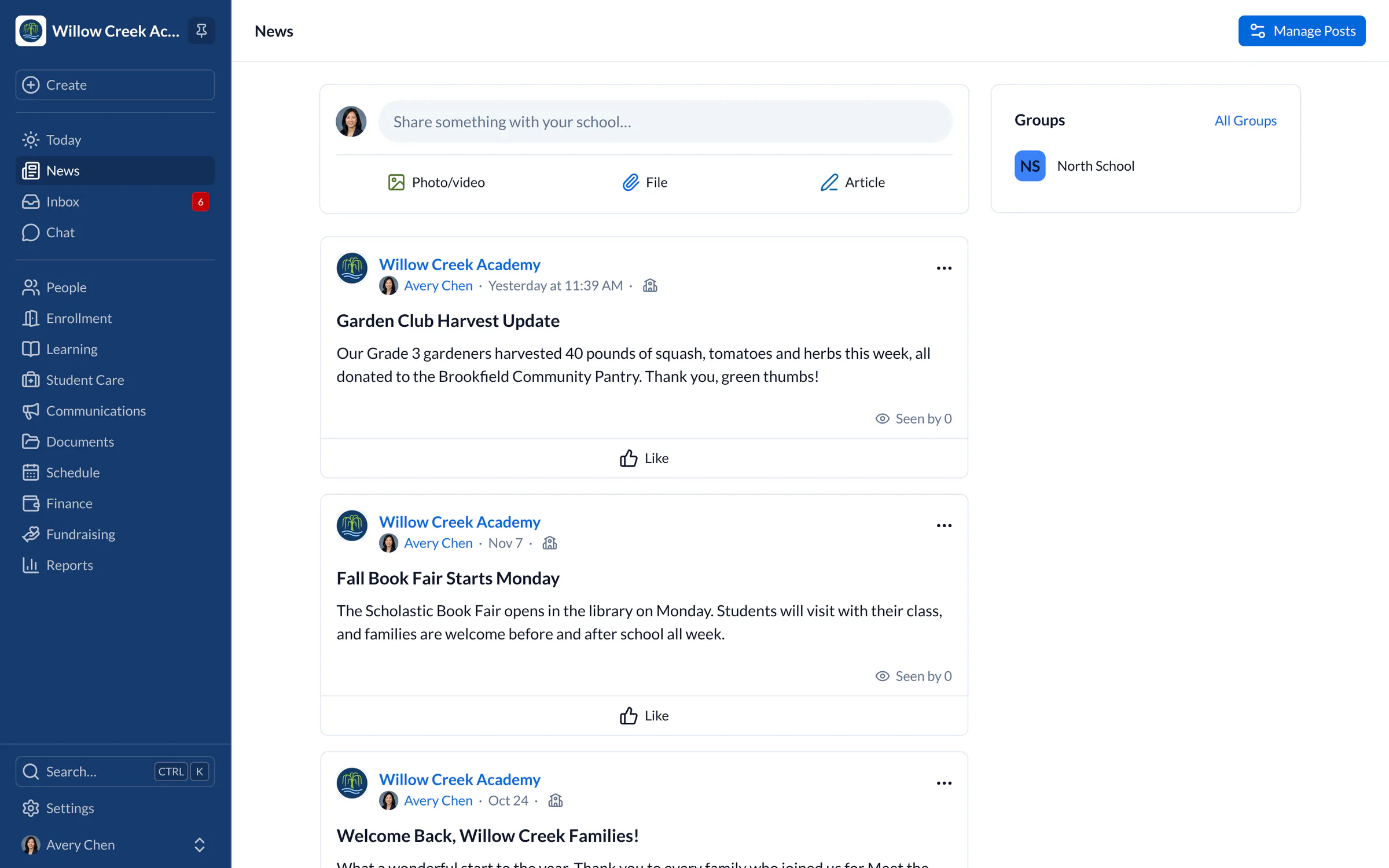
A news feed for the whole school, and every group in it
Post news with photos and files, pin what matters, and put an important notice at the top of every family’s Today page for as long as it applies.
- News for the whole school or for a club, team or class
- Today banners with start and end dates
- Push notifications, with email or text when it matters
Inbox and chat
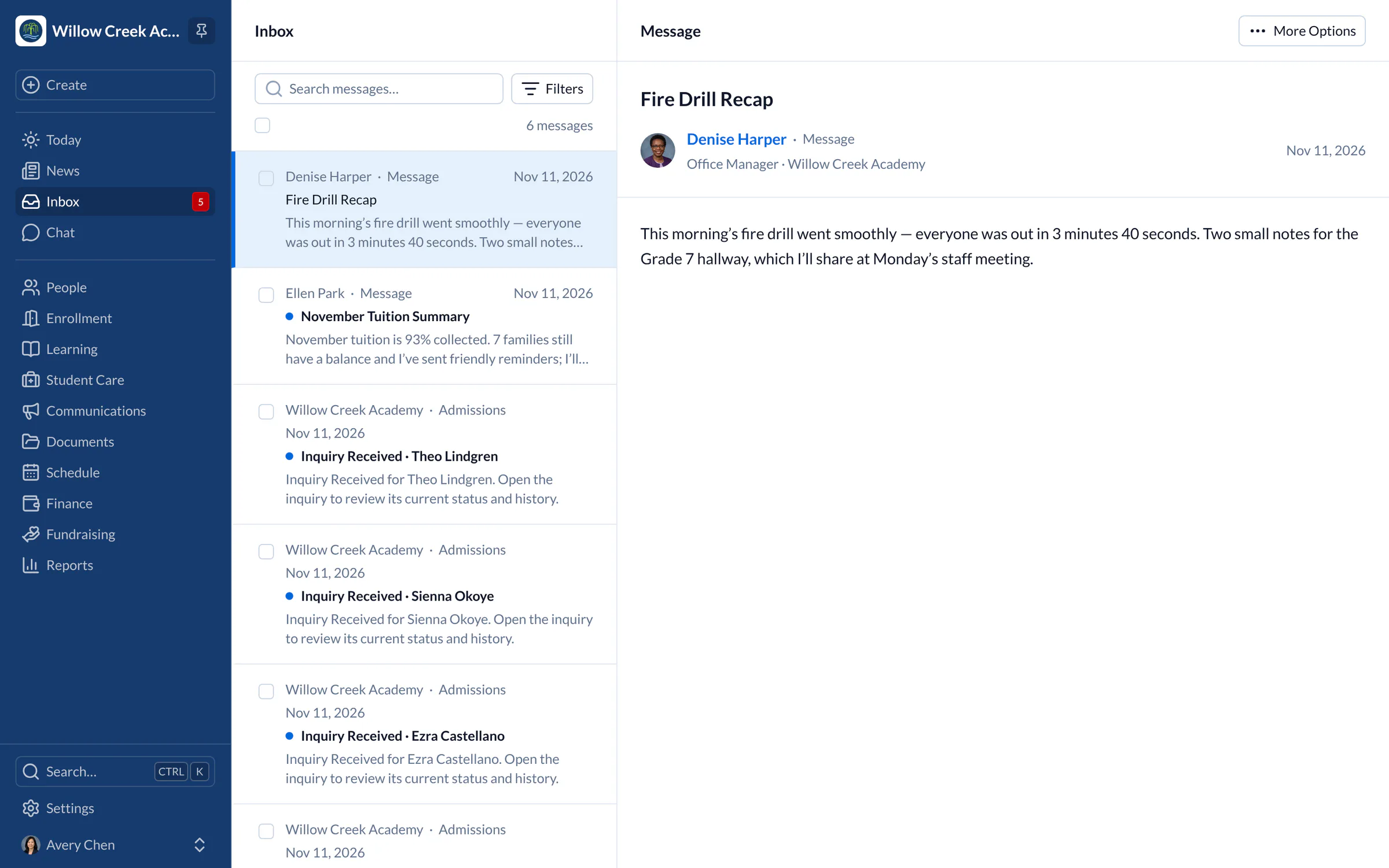
Every reply lands somewhere sensible
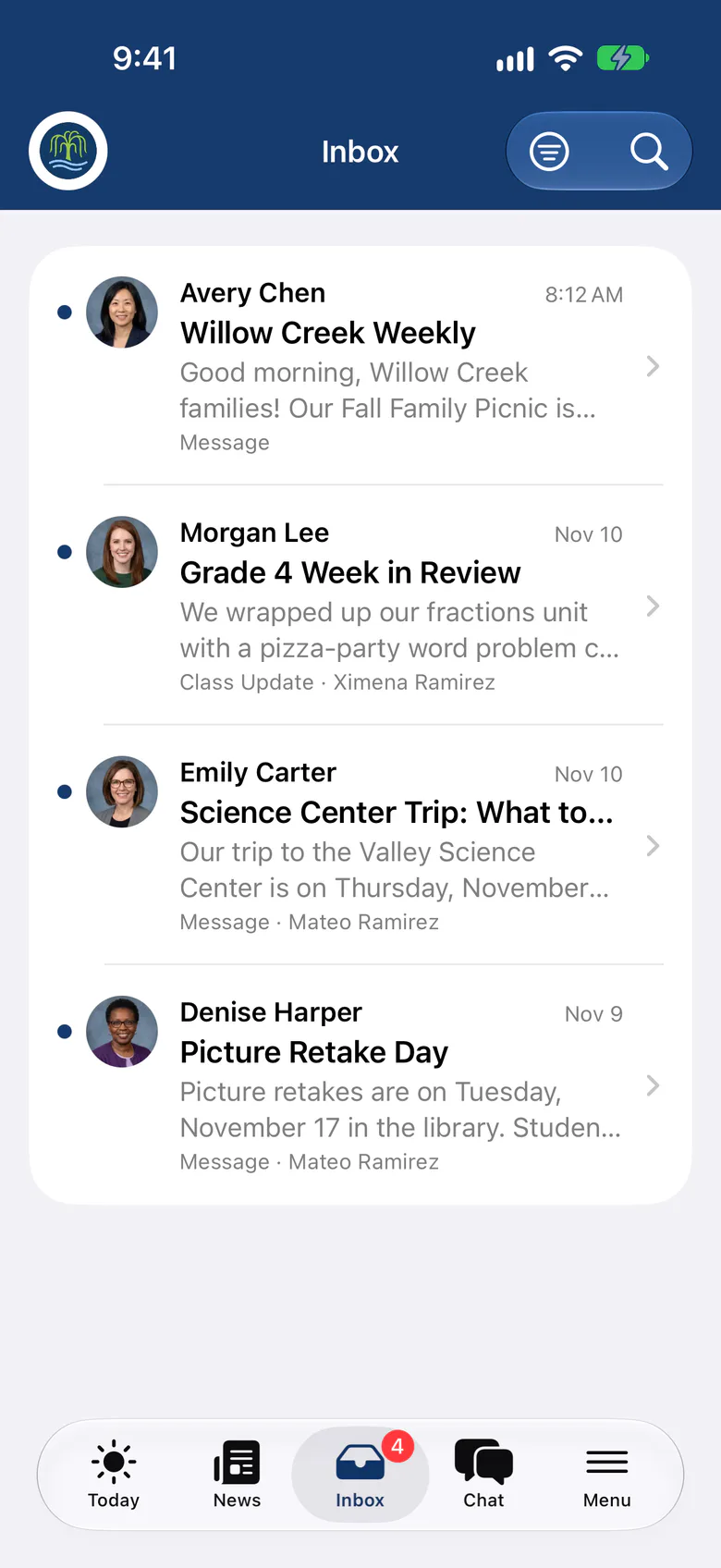
Messages and school notices arrive in each person’s Inbox. When a family wants to answer, they reply in a private chat with the sender, so nothing gets lost in personal email.
- Group chats for a class or a list of families
- Choose whether families can reply, need approval or chat freely
- Oversight tools to report, hide and retain conversations
Website chat
Answer visitors while they’re on your website
Anyone on your SchoolCues website can ask a question from Chat with Us. It arrives in School Conversations beside families’ texts, and your reply shows on the website under the school’s name.
- Name and email before sending, so you can always reply
- An email with a link to your reply if they’ve left
- Take messages or hide the chat outside office hours
- Mark as Spam stops an email starting new chats
Parent app
On every family’s phone, at no extra cost
The SchoolCues app brings messages, news, the calendar, forms and account balances together for families, and it is included in every subscription.
Explore the parent app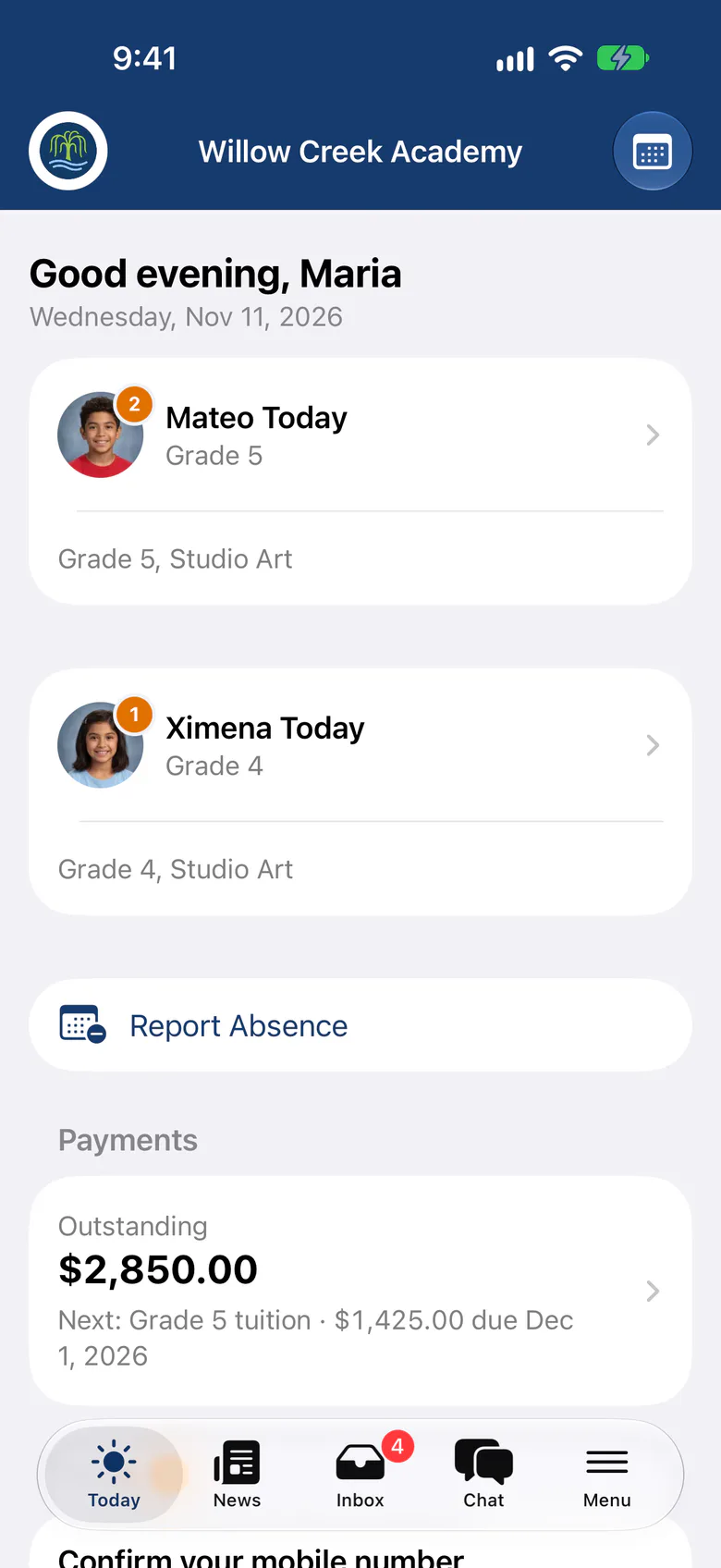
School Notifications Systems from SchoolCues - The Intelligent School Information Management System
Why it matters
SchoolCues simplifies school communications with our online school administration system
Children do better in school, academically and socially, when their parents are involved in their education. So schools and teachers need to communicate with parents quickly and well, and an online school management system makes regular school communication possible.
Parents find it hard to free up time to be as involved as they’d like. A student information system with built-in school communications helps close that gap.
Many paper notices end up in the trash or in a pile of unread mail. Parents have only a few minutes to spare, so they want short, clear content that catches their attention and reads well on a phone.

Made for parents on their phones
SchoolCues is a student information system built for school communications. Many schools work with tight enrollment targets and budgets and limited technology for online school management, so they need a simple way to market to parents and keep them engaged.
Families increasingly read school news on their phones, yet many schools still rely on their website as the main way to share information.
In SchoolCues, you write all of these in one place, and they’re quick to send:
- Announcements
- Newsletters
- Class updates
- Mass texts to families
- Emails
Because they’re designed to catch the eye, they’re far less likely to go unread than paper notes.
What parents asked for
SchoolCues is designed to increase parental engagement.
In a survey by the National School Public Relations Association (NSPRA), parents preferred internet and mobile communication to traditional forms. Most parents surveyed wanted a school information system that delivers information as soon as decisions, schedules or updates are made.
With email and mass text communication designed for phones, SchoolCues gives schools with smaller budgets an affordable way to reach families on mobile.
What schools say
Current users of SchoolCues rate it highly. Christa Montague, School Administrator at Montessori Children’s House and School in Dallas, TX, says:
“A very comprehensive, all-in-one solution designed for small schools. We use it to manage our student enrollment, billing and payment processing, sending emails and texts to parents, parent-teacher conference sign-ups, and more.”
Judy Scruggs, Director of Operations at The Hub Houston in Houston, TX, says:
“The All-in-One system is easy to set up. It has great features for communicating with parents in several different ways. Our parents appreciate that SchoolCues is very user friendly. Sending contracts electronically and storing information has been extremely easy. Our teachers have no difficulty setting up special groups for communications and engagement. Customer support is wonderful.”

One system for the whole school
SchoolCues is an online school management system that helps schools keep parents engaged. It is a one-stop school management system: a student information system with a parent engagement system, school administration system and text messaging system built in.
Everything a school needs to communicate, manage student information and engage parents is in one place. Parents reach it through the SchoolCues mobile app, which connects to the online student information management system.
To see how this online school management system can increase parental engagement at your school, compare plans and pricing or book a demo.
“SchoolCues is a lovely piece of software, reasonably priced, and the leadership is very responsive in resolving issues (a rarity these days!). Parents like the app, especially the permission slips and the tardy/absence forms. They offer parents a super easy way to communicate with the school. The school appreciates the ability to get messages to families in a targeted manner.”
Rebuilt for the way schools work today
Chat with families
Two-way conversations between staff and families, with safeguarding oversight built in.
Templates with fields
Start from a saved or built-in template, and add fields such as a student’s first name, filled in for each family.
Video and audio
Add video and audio recordings to messages, alongside photos and files.
Read rates at a glance
The Communications overview shows how many families read your messages, and which still need answers.
One-click update requests
Ask families to check their contact or student information with a built-in request, and review what comes back.
Groups
Clubs, teams and associations each get their own news, members and chat.
Pricing
School communications is included in Connect
One price covers your whole school, including every staff member, every family and the parent app. Pricing follows your enrollment, not how many people use it.
Compare all plans- Messages, news, class updates, texts and WhatsApp
- The SchoolCues app and family portal
- Calendar, events, sign-ups and conferences
- Documents, forms and e-signatures
- Tuition, payments and financial aid
- Donations, giving pages and the school store
FAQ
Questions schools ask us
Yes. Messages can go out by text as well as by email and the parent app. Families confirm their own mobile number first, can reply STOP at any time, and texts wait until quiet hours end.
Yes. Choose the whole school, a grade, a class, a group such as a team, or individual families. Audiences stay current as students and families change.
Yes. A family can answer a message in a private chat with its sender or the school. You decide whether families can reply freely, need approval or only read.
Communications and the parent app are included in every plan, starting with Connect, along with calendars, sign-ups, forms and permission slips.
Yes, on a SchoolCues website. Visitors ask from Chat with Us on any page, with their name and email, and staff who answer School Conversations reply in SchoolCues. If the visitor has left, they get an email with a link to the reply. Outside office hours, the chat takes messages or hides.
Book a demo
Keep every family in the loop
Book a live tour, then send your first message today.
- A live SchoolCues demo with Q&A
- Your pricing, after the demo
- A plans overview to share with your board

Hosted by SchoolCues founder, Dr S
Every week. Join the group tour, or ask for a call with just your team.
Tell us about your school
Takes a minute. Then choose a session.