
Easy-to-Create Incident Reports for Today's School Administration
Create incident reports for accidents, injuries and behavior in a few minutes, share them with the right families, and see who has acknowledged each one, without photocopies or lost paper.
No setup fees · See pricing
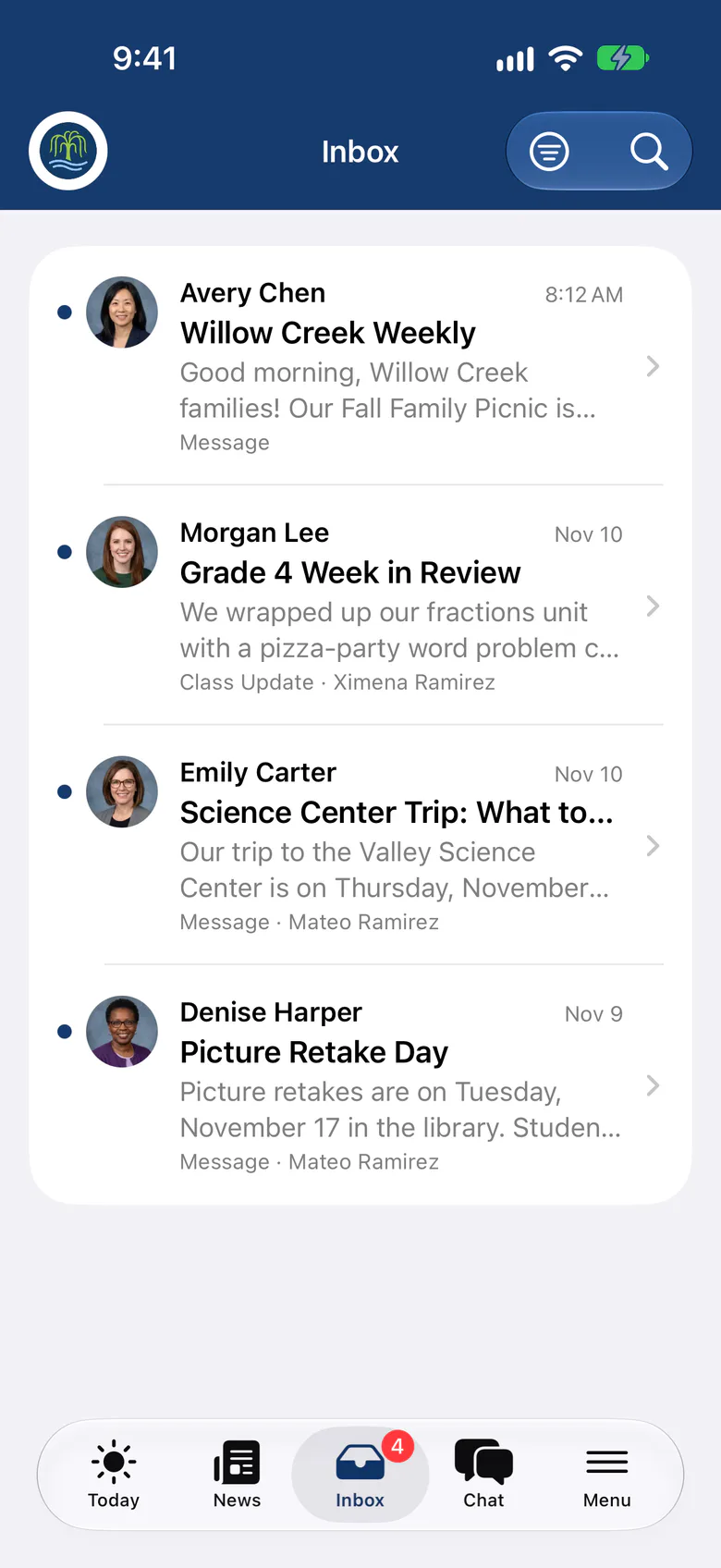
Join 200+ schools using SchoolCues






From the playground to the family, the same day
Clear categories
Start with categories such as injury, illness, behavior and bullying, then rename them or add your own.
Acknowledged, not assumed
Families confirm they’ve read the report, and you see the name and time of each acknowledgement.
Corrections with a reason
Update a shared report and explain why. Families see the new version and acknowledge it again.
Written where it happened
Teachers start a report in the SchoolCues app, with photos, before the details fade.
Help with the wording
Draft with AI helps describe what happened. Student names never leave SchoolCues, and nothing is shared without your review.
Staff
A clear record, written once
Record the type, category, date and time, what happened and the action taken. Save a private draft, check it, then share it with the family when it’s ready.
- Private drafts until you share
- Several students in one incident, shared with each family separately
- Download reports as PDFs and export acknowledgements
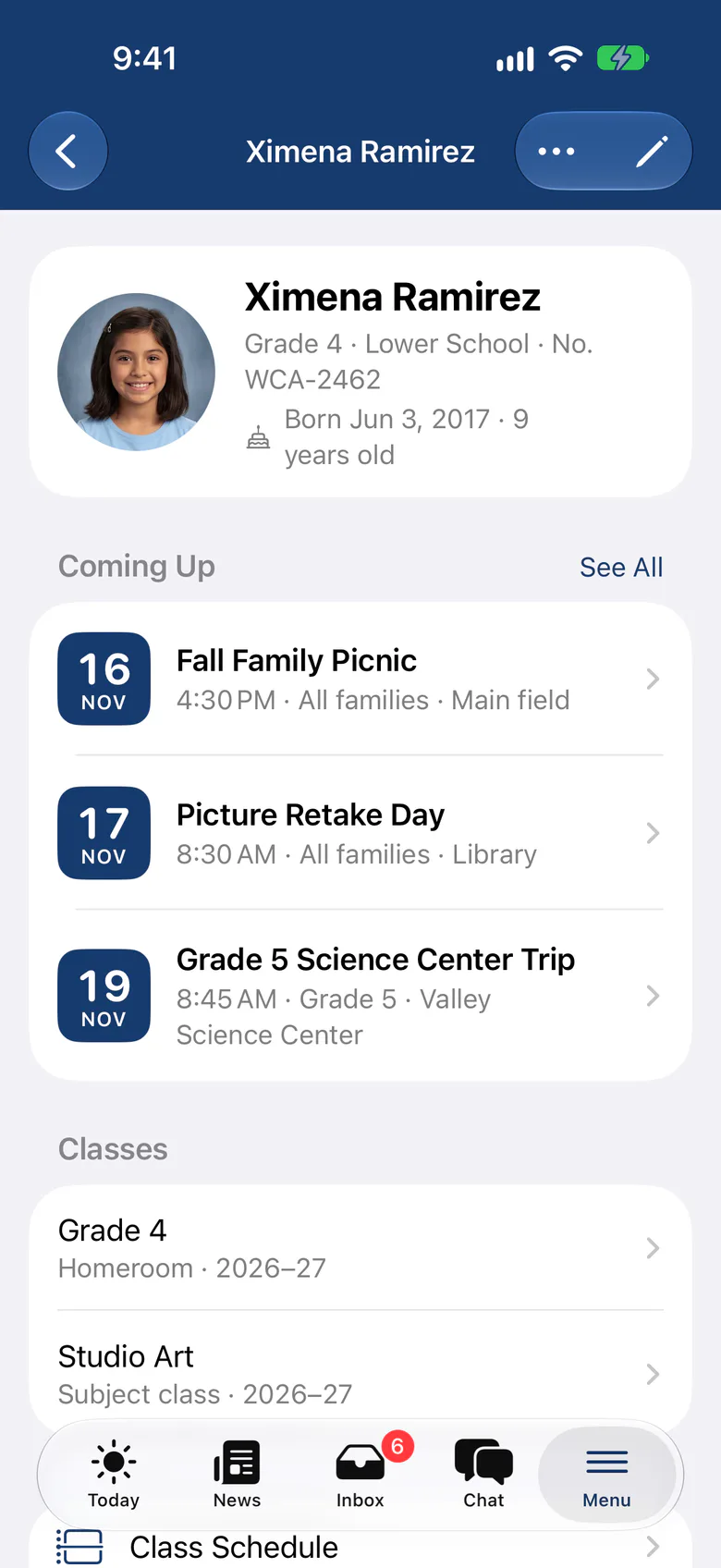
Record keeping
Every version kept
Each shared version, its recipients and their acknowledgements are kept. Archiving stops further edits while families keep the reports already shared with them.
Explore the student information systemWhy it matters
From SchoolCues, the Intelligent School Information Management System
Most school incident and accident reports are on paper, and parents often toss them after a quick look. That takes a lot of paper and staff time: someone has to write up the incident and then hand a copy to the parent.

Quick reports shared with parents
With the incident and accident report module in SchoolCues, teachers and administrators can write up a report quickly and sort it by type. SchoolCues shares the report with the parent, who can acknowledge it when the school asks them to.
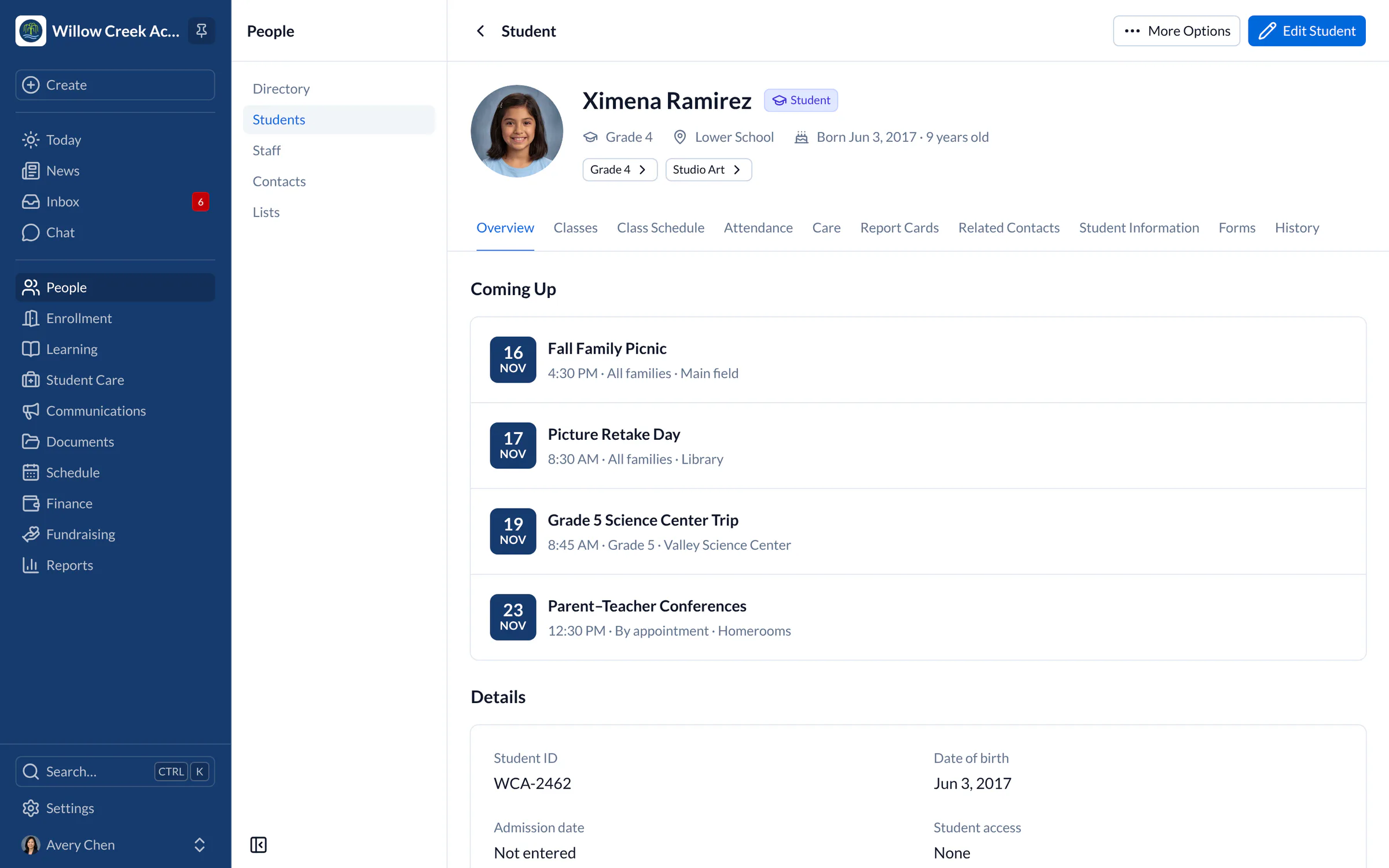
Safe schools help students learn
A positive, productive learning environment depends on a safe and orderly school, in classrooms and everywhere else on school grounds.
Student behavior and academic achievement are closely linked. Students who struggle in math, reading, science and social studies often have more behavior problems, large and small. Fewer behavior problems mean better learning and achievement.
When incident and accident reports are easy to create, the school runs more efficiently and educators can focus on teaching.

SchoolCues
SchoolCues is an online school management system that helps you keep parents involved. It works as your school management system: a student information system with admissions, enrollment, parent engagement, school administration, online payments and billing, and built-in text messaging.
It gives a school what it needs to communicate, manage student information and engage parents. Parents use the mobile app, which connects to the same online student information management system.
To bring this online school management system to your school and get more parents involved, explore SchoolCues.
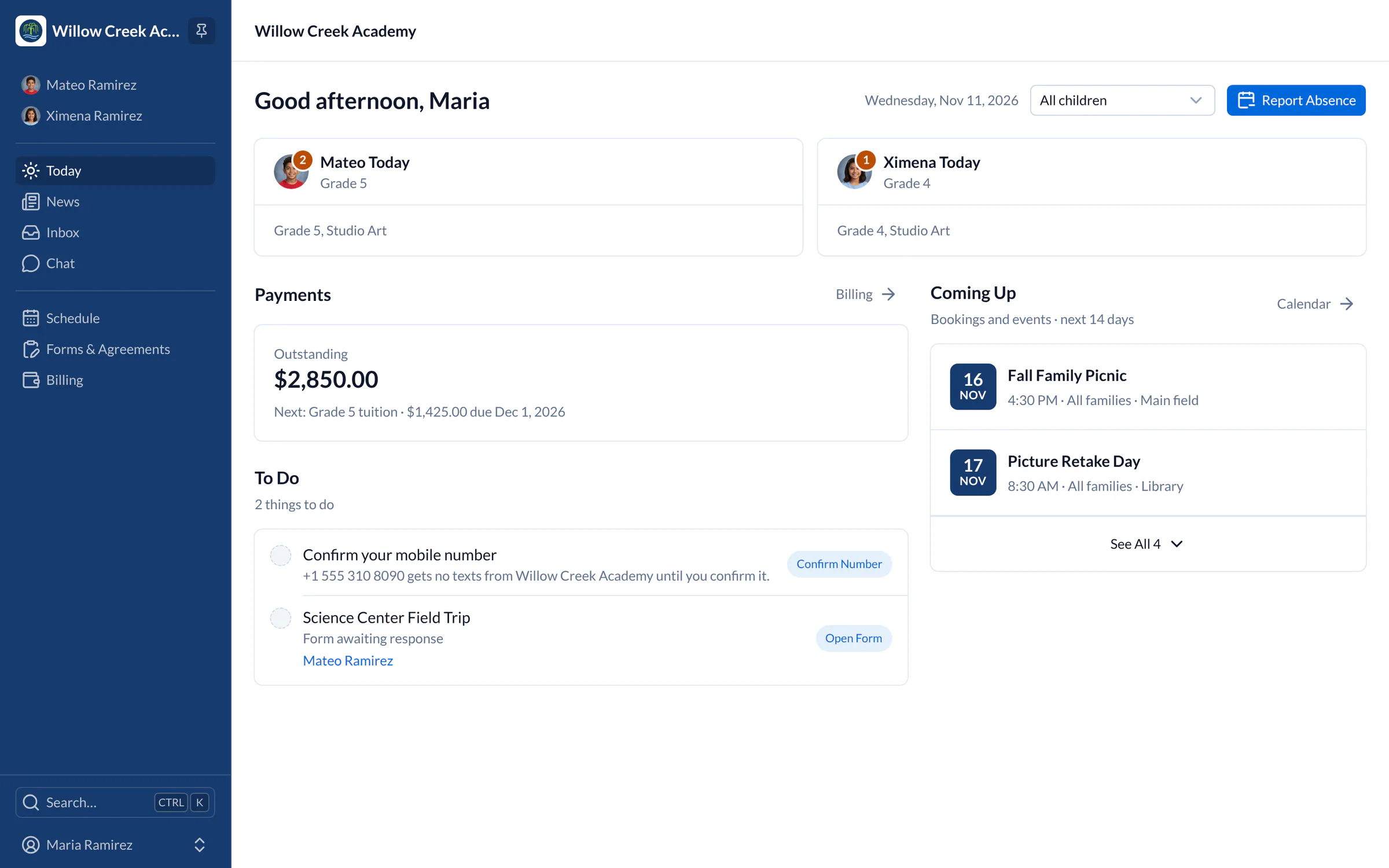
“SchoolCues has helped us streamline all the different ways in which schools operate. The seamless integration of all our admissions/enrollment, grade book, and incident report and forms has made the process much simpler and a huge time saver! Our overall experience with SchoolCues has been very positive.”
Rebuilt for the way schools work today
Draft with AI
Once your school turns it on, it helps write messages and incident narratives, with names replaced first.
Health details on every profile
Allergies, medications and emergency contacts appear on the student’s profile when staff need them.
Chat with families
Follow up privately with a family in chat, with school oversight built in.
Pricing
Incident reports is included in Manage
One price covers your whole school, including every staff member, every family and the parent app. Pricing follows your enrollment, not how many people use it.
Compare all plans- Everything in Connect
- Student information system (SIS)
- Attendance, check-in and check-out
- Gradebook, report cards and transcripts
- Timetables and class schedules
- Cue, the AI assistant for staff (Beta)
FAQ
Questions schools ask us
Yes. Families read the report in the SchoolCues app or any browser and acknowledge it with a separate, deliberate step. Staff see who acknowledged each version and when.
Administrators, staff assigned to the student, and the family members the report was shared with. Other families never see it, and staff can’t acknowledge on a family’s behalf.
Edit the draft, give a reason and share it again. Families see the new version and are asked to acknowledge it, and earlier versions stay on record.
Yes. Teachers and administrators can write and share reports, with photos, from the Staff view of the SchoolCues app on iPhone and iPad.
Incident reports are part of Manage. Incident is a built-in Student Report template, beside daily care reports and your school’s own templates, and Manage also includes check-in and check-out with a self-service kiosk, attendance, and health and consent records.
Book a demo
Close the loop on every incident
Book a live tour, then set up your incident categories today.
- A live SchoolCues demo with Q&A
- Your pricing, after the demo
- A plans overview to share with your board

Hosted by SchoolCues founder, Dr S
Every week. Join the group tour, or ask for a call with just your team.
Tell us about your school
Takes a minute. Then choose a session.