
Online Report Card System and Transcript Management Software
Online report cards and transcripts for every kind of school. Issue report cards and transcripts from your gradebook in minutes, with your letterhead, GPA and teacher comments, and share them with families.
No setup fees · See pricing
Join 200+ schools using SchoolCues






Every report your families and colleges ask for
Your template, your letterhead
Choose the title, grades or scores, teachers, credits, GPA, legends and comments for each template.
Every kind of report card
Grading period, semester, consolidated and final report cards, for quarters, semesters or trimesters.
Transcripts for college applications
Every term on one transcript, with credits, GPA and weighted GPA, in all-year, semester or trimester format.
Corrections without confusion
Reissue with a reason when a result changes. The earlier edition is kept, so you always know what was sent.
Transfer students covered
Upload transcripts from a student’s previous school, so their full academic history sits in one record.
Gradebook
Built from the grades teachers already entered
Report cards and transcripts use each student’s issued course results, so nothing is retyped and every document matches the gradebook.
- Percent, letter, pass/fail and not-graded subjects
- Teacher comments, with Draft with AI if your school turns it on
- An optional attendance summary
Families
Report cards families can open anywhere
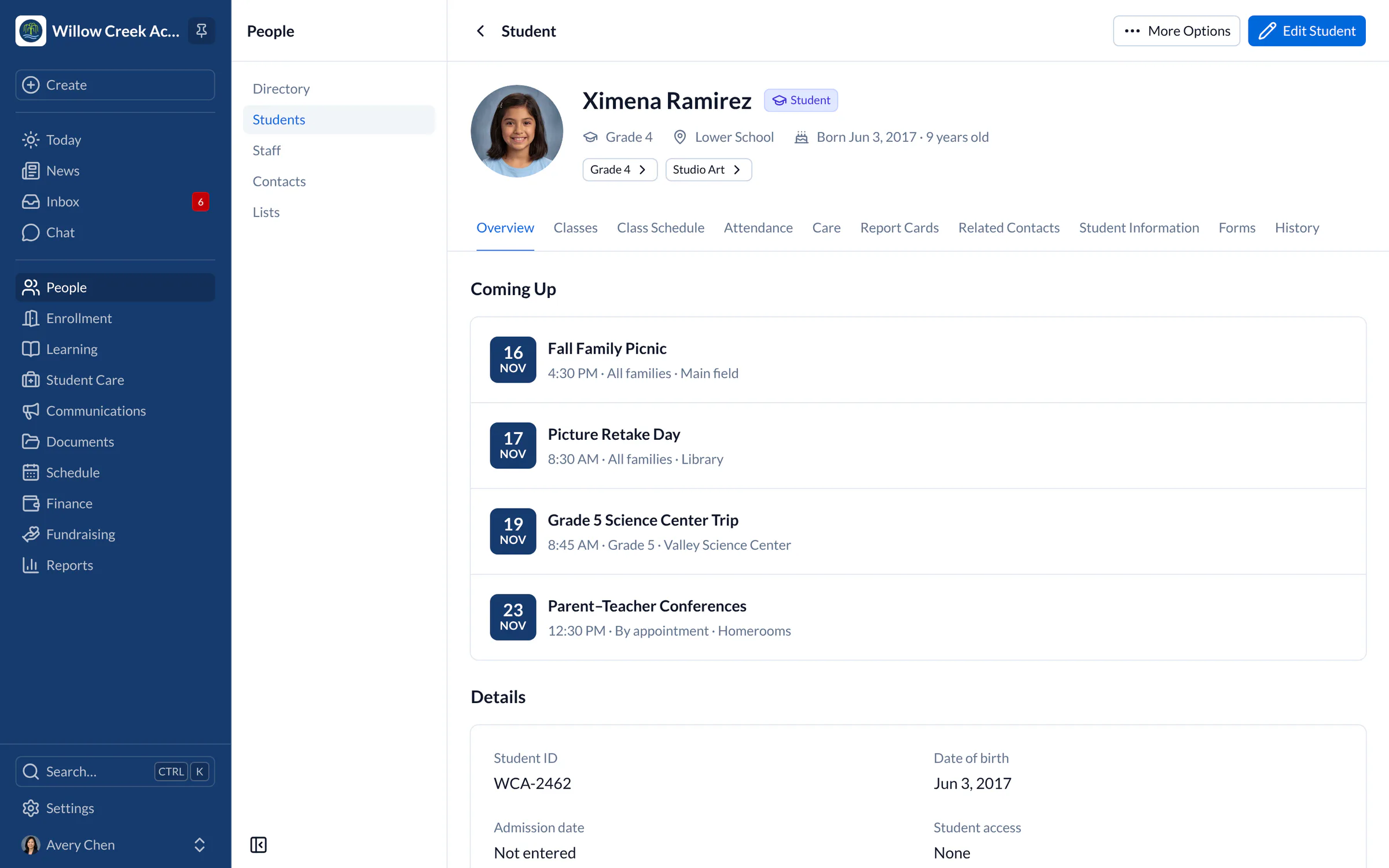
Once issued, report cards and transcripts appear on the child’s Reports tab in SchoolCues and in the SchoolCues app for iPhone and iPad.
See what parents see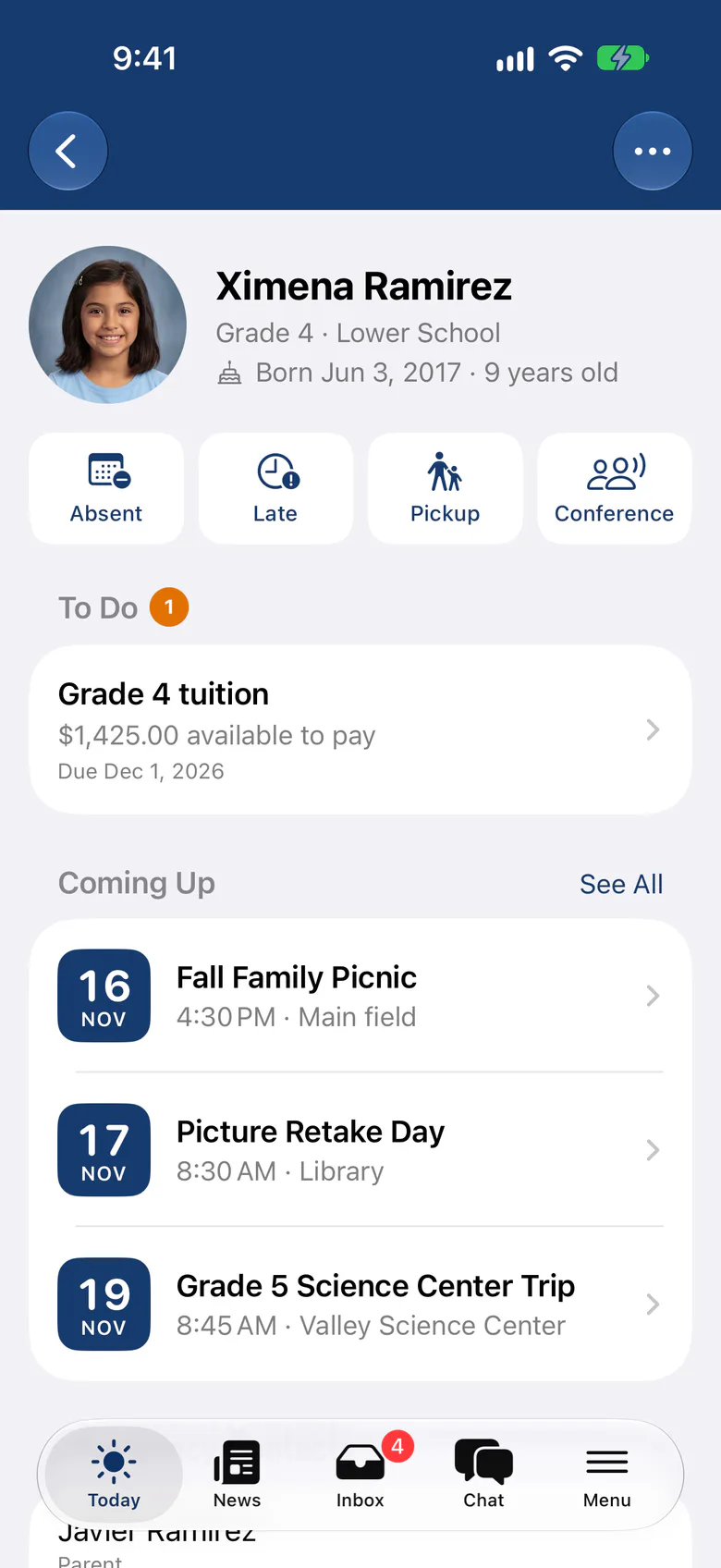
Report cards
Custom transcripts and student report cards online
Most school administrators are short on time and stuck with paper and spreadsheets. A web-based school administration system that makes online report cards and transcripts easy and affordable takes a real load off. The SchoolCues online grading module generates both.
The online report card system and transcript management software are part of the SchoolCues management system, so teachers record grades and create transcripts in one place. Parents can follow their child’s progress in the parent portal and the parent mobile app.
Teachers can also add comments and track attendance. Whether you email or print report cards and transcripts, the data is consolidated and you can customize them.

Know the difference
School report card vs transcript
A report card is a short-term record of a student’s grades for one grading period. At any age or grade level, SchoolCues online report cards are flexible, easy to use and highly configurable, which helps small and medium-sized schools with a small staff.
A transcript holds every grade a student earned during their whole time at the school. Because it covers several years, it traces the student’s academic record. That matters for every student, and most of all for high school and transfer students, whose full academic performance is on it.
College-bound high school students often need several transcripts for their applications, and the SchoolCues school administration software makes them easy to generate. For transfer students, transcripts and past grades help a new school with placement, and SchoolCues keeps those records ready to share.

Pricing
SchoolCues Grade Book Pricing
The SchoolCues gradebook is included in the Manage plan, together with report cards and transcripts. It’s a paperless, easy-to-maintain place to host, track and manage student data, and the online student report card system makes grading and producing transcripts simpler.
Why SchoolCues
Why choose SchoolCues?
Make SchoolCues your online school management system. It’s one school management system and student information system with integrated admissions, enrollment, a parent engagement system, a school administration system, online payments and billing, and a built-in text messaging system.
SchoolCues gives a school what it needs to communicate, manage student information and engage parents, from gradebooks to transcripts. Parents use the mobile app, which connects to the same online student information management system.
To bring this online student management software to your school, compare plans and book a demo.
“SchoolCues has helped us streamline all the different ways in which schools operate. The seamless integration of all our admissions/enrollment, grade book, and incident report and forms has made the process much simpler and a huge time saver! Our overall experience with SchoolCues has been very positive.”
Rebuilt for the way schools work today
Attendance on report cards
Show a term’s attendance summary on report cards, beside the grades and comments.
Trimester report cards
Report Trimester 1 to 3 and a final result, or quarters and semesters, from the same gradebook.
Draft with AI for comments
Teachers get a first draft of each report card comment to edit. It stays off until your school turns it on.
Pricing
Report cards and transcripts is included in Manage
One price covers your whole school, including every staff member, every family and the parent app. Pricing follows your enrollment, not how many people use it.
Compare all plans- Everything in Connect
- Student information system (SIS)
- Attendance, check-in and check-out
- Gradebook, report cards and transcripts
- Timetables and class schedules
- Cue, the AI assistant for staff (Beta)
FAQ
Questions schools ask us
A report card covers one grading period or term. A transcript lists every term a student spent at your school, with credits and GPA.
Each template sets the printed title, how results show, course identifiers, teachers, credits, GPA, legends and comments, and every PDF carries your school’s letterhead.
Issue the document again with a reason. SchoolCues adds a new edition and keeps the earlier one, so there is always a record of what was sent.
They’re part of Manage, together with the gradebook and attendance.
Book a demo
Issue this term’s report cards in an afternoon
Book a live tour, then set up your first report card and transcript templates.
- A live SchoolCues demo with Q&A
- Your pricing, after the demo
- A plans overview to share with your board

Hosted by SchoolCues founder, Dr S
Every week. Join the group tour, or ask for a call with just your team.
Tell us about your school
Takes a minute. Then choose a session.