
Solving the Scheduling Issues of Parent-Teacher Conferences
Our parent-teacher conference scheduler lets families book every child’s meeting online, back to back, and tells teachers what each family wants to discuss. There’s no paper to send home and nothing gets double-booked.
No setup fees · See pricing
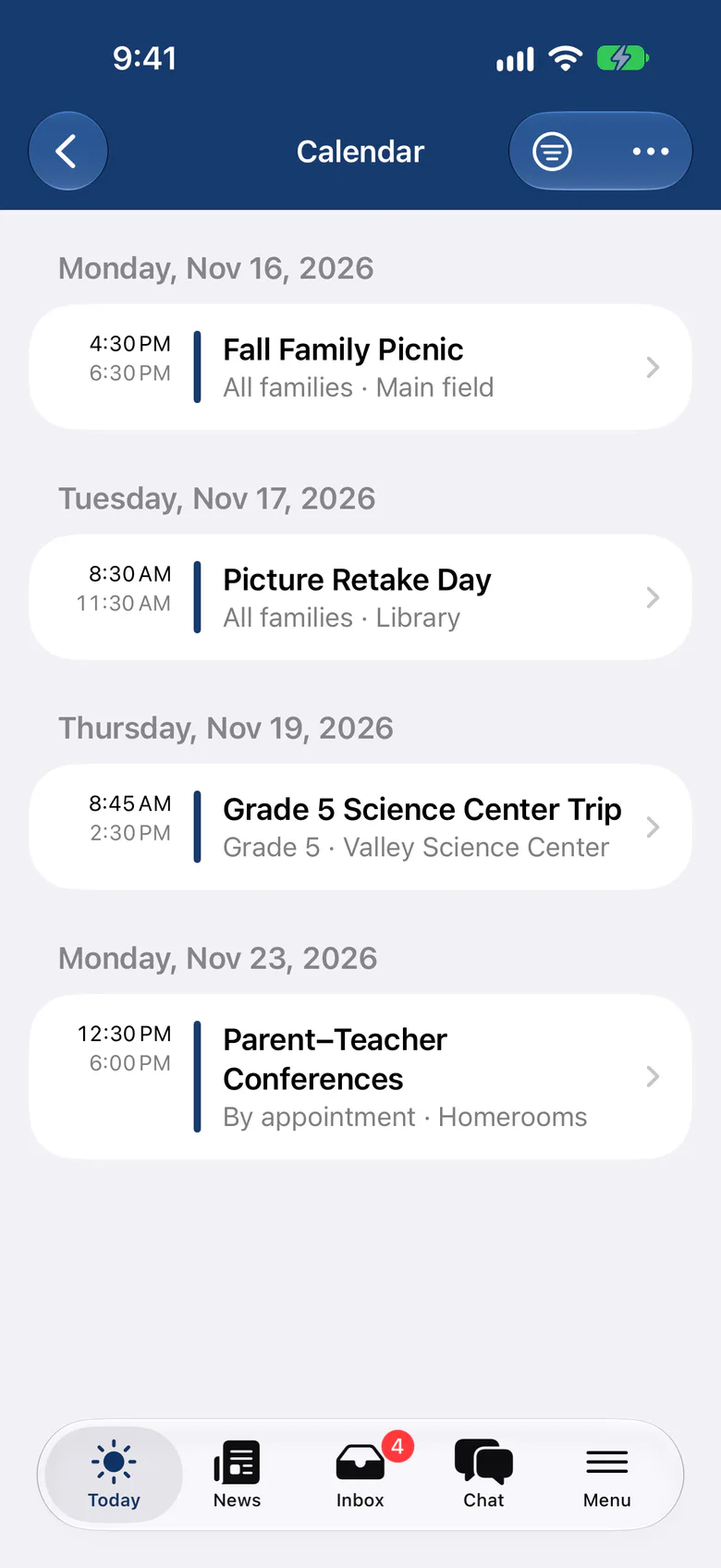
Join 200+ schools using SchoolCues






Conference week without the back-and-forth
Every child, one visit
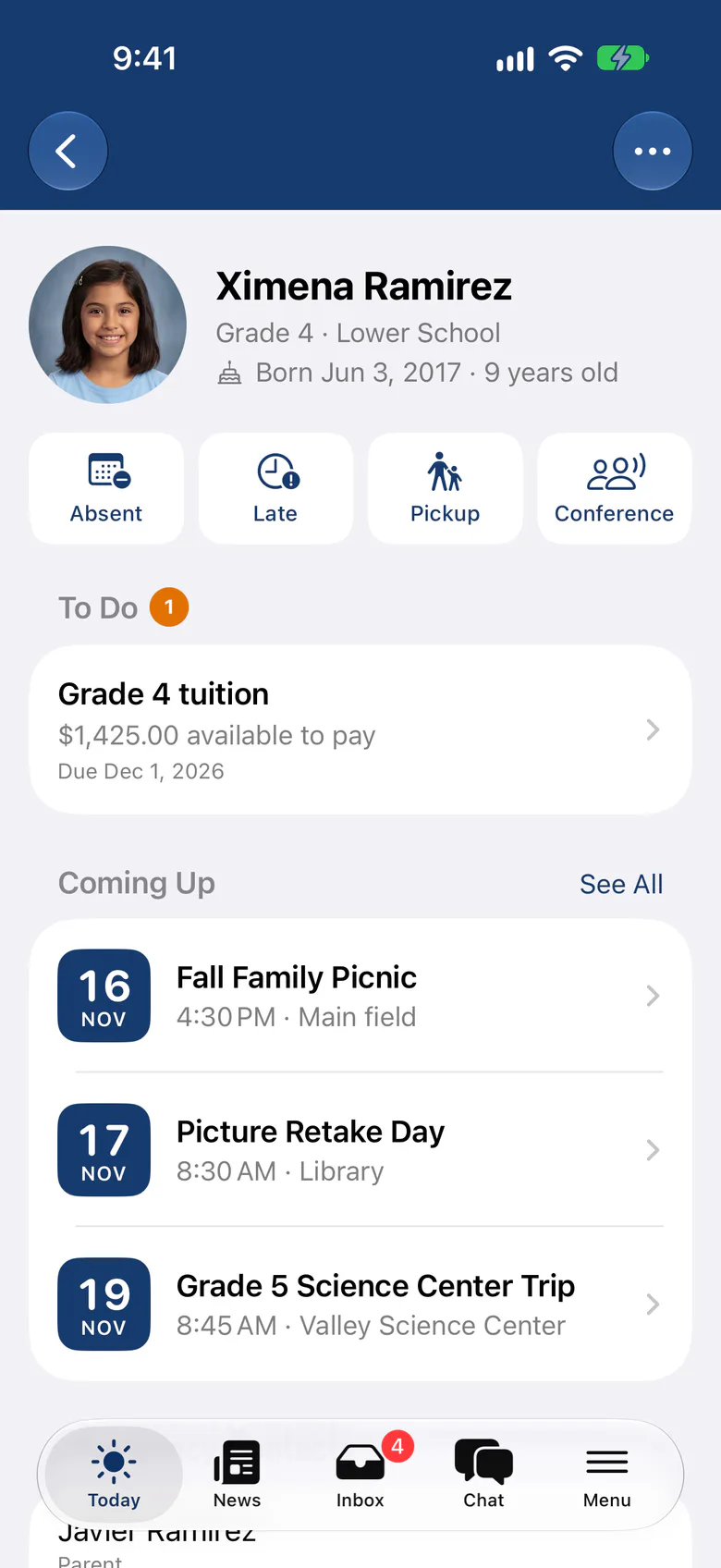
Families with several children book all their conferences together, back to back on one day, with time to walk between rooms.
Know what families want to discuss
Families pick topics such as progress or friendships and add their questions, so teachers come prepared.
A day sheet for each teacher
Teachers see their own bookings with each family’s topics and questions, and download the day sheet to bring along.
Only the right teachers
Open each conference to the classes or groups you choose, so families only see their own children’s teachers.
Confirmed, then remembered
Families get a confirmation for every booking and can update their discussion points until the meeting starts.
Book from the app
Families book from the SchoolCues app on iPhone and iPad, or from any web browser.
Families
A plan for the whole family in a few taps
Families choose which children need a conference, then a day and a time of day. SchoolCues finds back-to-back times with every teacher and books them all at once.
- Only days where every meeting fits are offered
- Swap one time and keep the others in place
- Attend separately when two adults share the meetings
Teachers
Teachers walk in knowing what matters
Each host teacher sees their bookings by day: the student, who is attending, the topics chosen and any questions. Download the day sheet and keep it on the table.
- Topics you set, such as Progress, Behavior or Wellbeing
- Questions families add before the meeting
- Discussion points stay between the family, the teacher and administrators
The problem
From SchoolCues, The Intelligent School Information Management System
Parent-teacher conferences take teachers and administrators a long time to set up, and they’re awkward to manage. Busy parents find it hard to fit in meetings with teachers. SchoolCues makes conference scheduling simple for the school and the parent.
In most schools, conferences are still set up by hand, with paper or email. Parents get few choices of time slot, so conflicts are common, and teachers and administrators end up changing appointment times again and again.
Conference notices sit unread in children’s backpacks, so parents need constant reminders. All of this costs the school time, effort and money. SchoolCues removes these problems.

Why it works
The benefits of using SchoolCues
SchoolCues automates parent-teacher conference scheduling for teachers, administrators and parents.
Booking that works for families
Parents see every open meeting time for each of their children’s teachers, and they can book back-to-back conferences for several children at once.
Booking online is quick for parents, and they get an email confirmation and automatic reminders. Teachers spend less time on setup because there’s no paperwork and no back-and-forth email.
No clashes or double bookings
The scheduler accounts for siblings in different classes, so a family’s appointments don’t clash, and SchoolCues prevents double bookings and other scheduling errors. Parents can book any time, from anywhere. They can add discussion points for the teacher, and each teacher gets a day sheet of their conferences.
SchoolCues
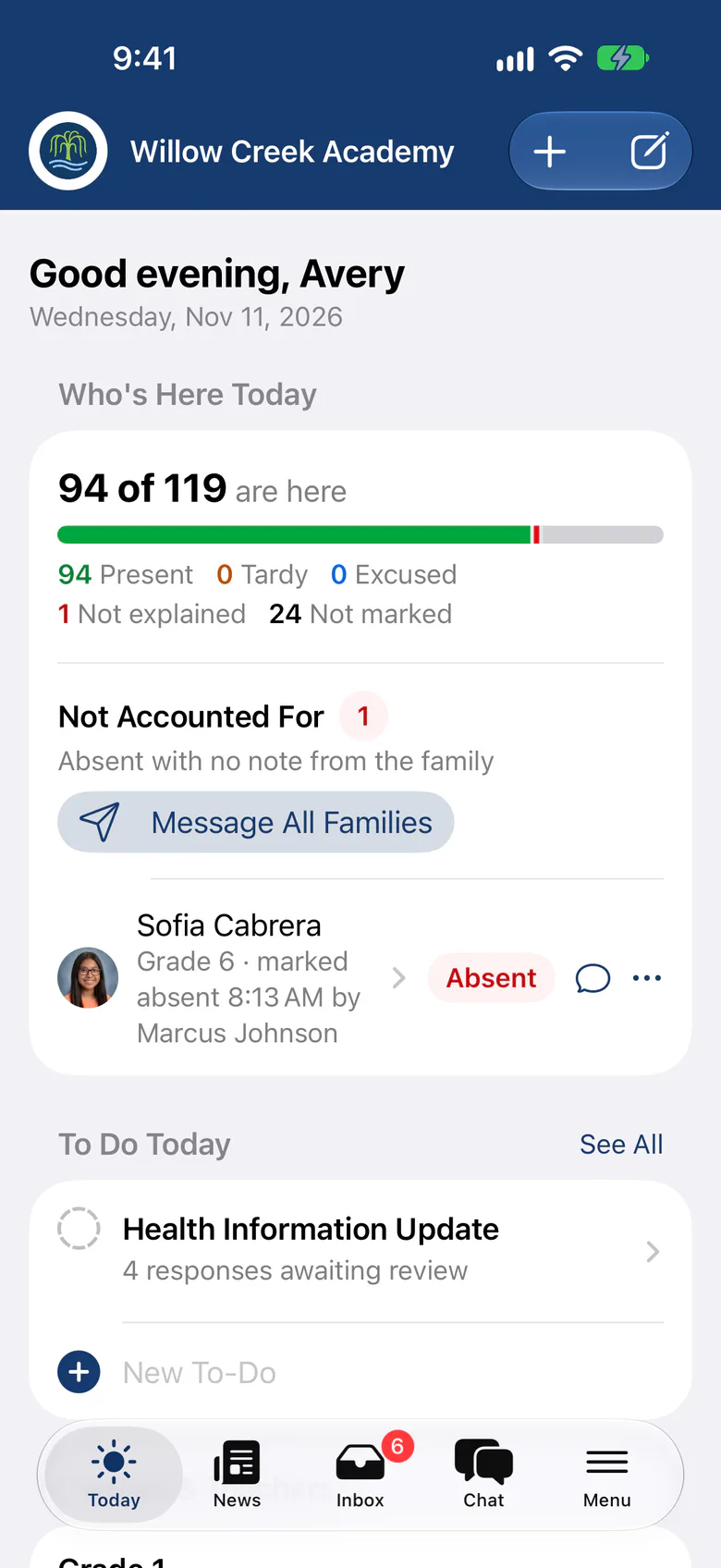
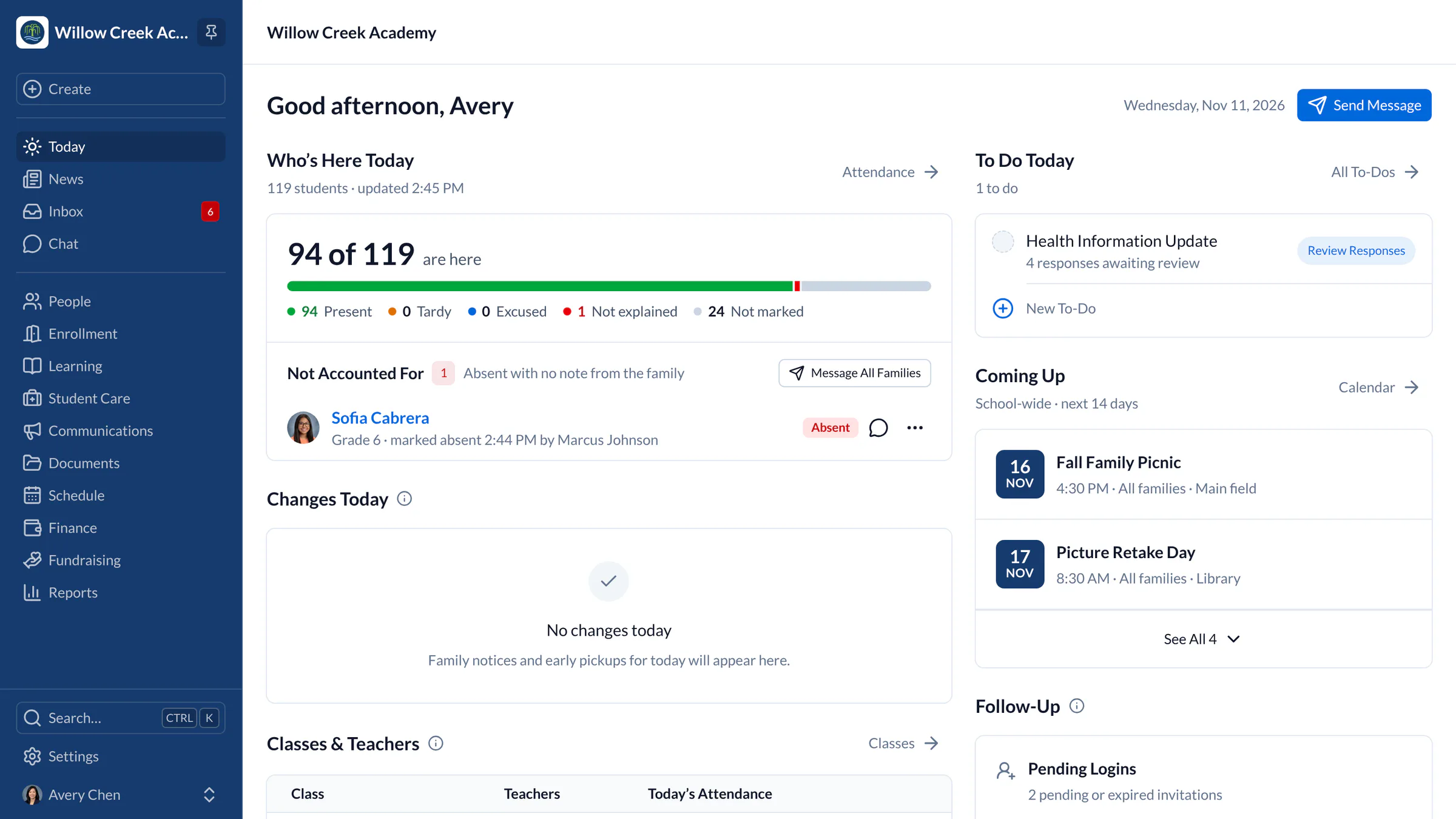
SchoolCues is an online school management system that helps you keep parents involved. It works as your school management system: a student information system with admissions, enrollment, parent engagement, school administration, online payments and billing, and built-in text messaging.
It gives a school what it needs to communicate, manage student information and engage parents. Parents use the mobile app, which connects to the same online student information management system.
To bring this online school management system to your school and get more parents involved, explore SchoolCues.
“A very comprehensive, all-in-one solution designed for small schools. We use it to manage our student enrollment, billing and payment processing, sending emails and texts to parents, parent-teacher conference sign-ups, and more.”
Rebuilt for the way schools work today
Multi-child conference planner
Book back-to-back conferences for several children in one guided flow.
Discussion points
Families share topics and questions ahead of time, and teachers see them on the day sheet.
Calendar subscription links
Families add school events to Apple, Google or Outlook calendars, and they stay up to date.
Pricing
Parent-teacher conferences is included in Connect
One price covers your whole school, including every staff member, every family and the parent app. Pricing follows your enrollment, not how many people use it.
Compare all plans- Messages, news, class updates, texts and WhatsApp
- The SchoolCues app and family portal
- Calendar, events, sign-ups and conferences
- Documents, forms and e-signatures
- Tuition, payments and financial aid
- Donations, giving pages and the school store
FAQ
Questions schools ask us
Yes. The planner lists each child’s conferences, finds a day when they all fit, and books back-to-back times in one step. Families can also choose to attend separately.
Yes. Families can choose topics and add questions when they book. The host teacher sees them with each booking and on the day sheet they download. Other families never see them.
From the SchoolCues app on iPhone and iPad, or in any web browser. They only see conferences for their own children’s classes.
Parent-teacher conferences are part of every plan, starting with Connect, along with communications, calendars, sign-ups and forms.
Book a demo
Make conference week the easy week
Book a live tour, then open your first conference schedule to families.
- A live SchoolCues demo with Q&A
- Your pricing, after the demo
- A plans overview to share with your board

Hosted by SchoolCues founder, Dr S
Every week. Join the group tour, or ask for a call with just your team.
Tell us about your school
Takes a minute. Then choose a session.