
Electronic Permission Slips That Allow Easy Access for Parent and School
Send electronic permission slips for field trips and activities, and let families sign from their phone. Your office sees who has responded, reminds the rest and stops chasing paper.
No setup fees · See pricing
Join 200+ schools using SchoolCues






Signed slips back before the bus leaves
Signed online
Families type their signature on a phone or computer, and it is saved with their response.
Every guardian can sign
Ask for one signature or every guardian’s, for trips where both parents need to agree.
Reminders that do the chasing
Remind everyone who hasn’t responded by email or text, right away or at 9 a.m. on a later day.
Deadlines you control
Set a closing date, and extend it for one family who needs a little more time.
A register of every answer
See who has signed and who is still waiting, student by student, in one response register.
Questions that adapt
Add follow-up questions that only appear when needed, such as medication details when a family says yes.
Families
Families sign from wherever they are
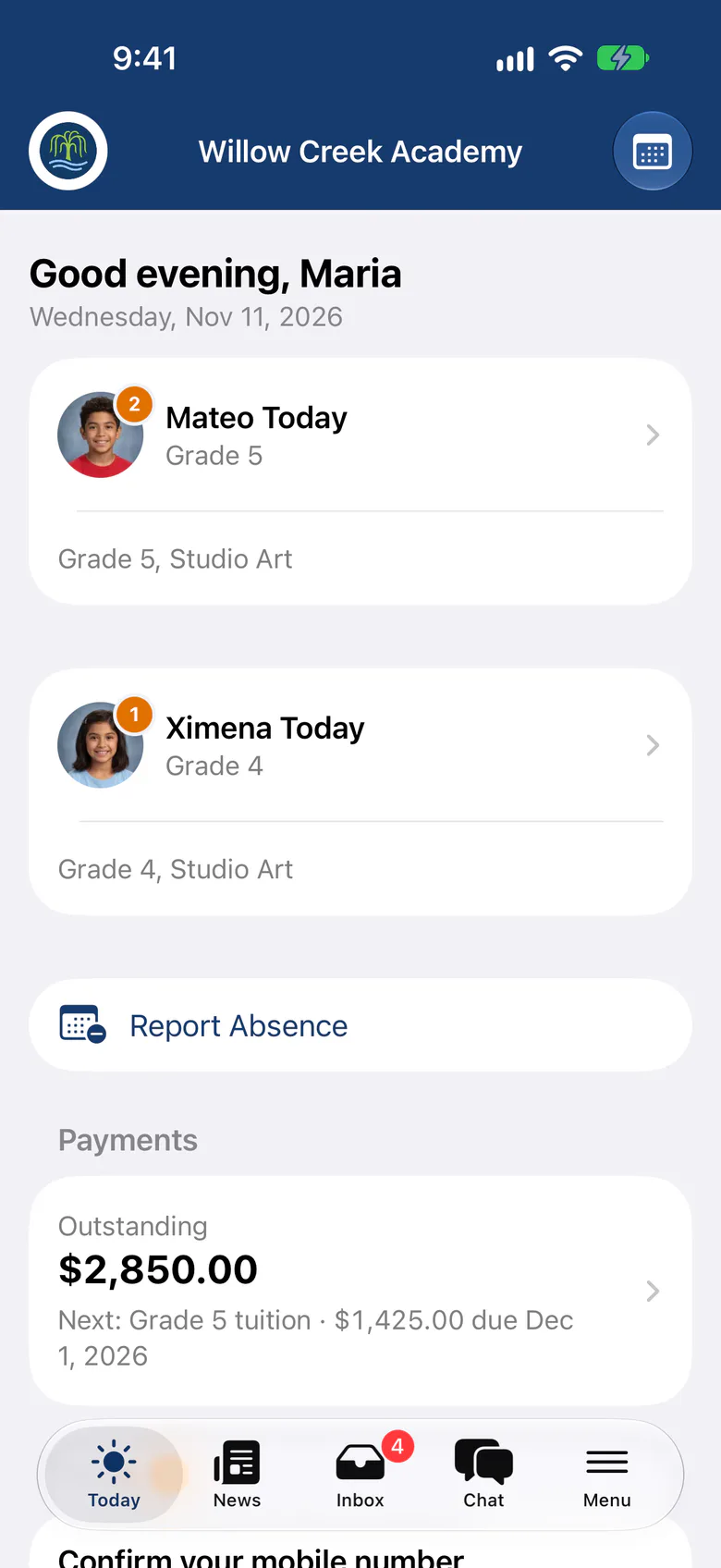
A new slip appears in Needs Attention on the family’s Today screen, so they can open it, answer and sign straight away in the SchoolCues app or any browser.
- Drafts save if a family is interrupted
- Phone numbers and emails filled in from saved contacts
- A record of every response they’ve sent
Absences and late arrivals
Absence and tardy notes without the phone call
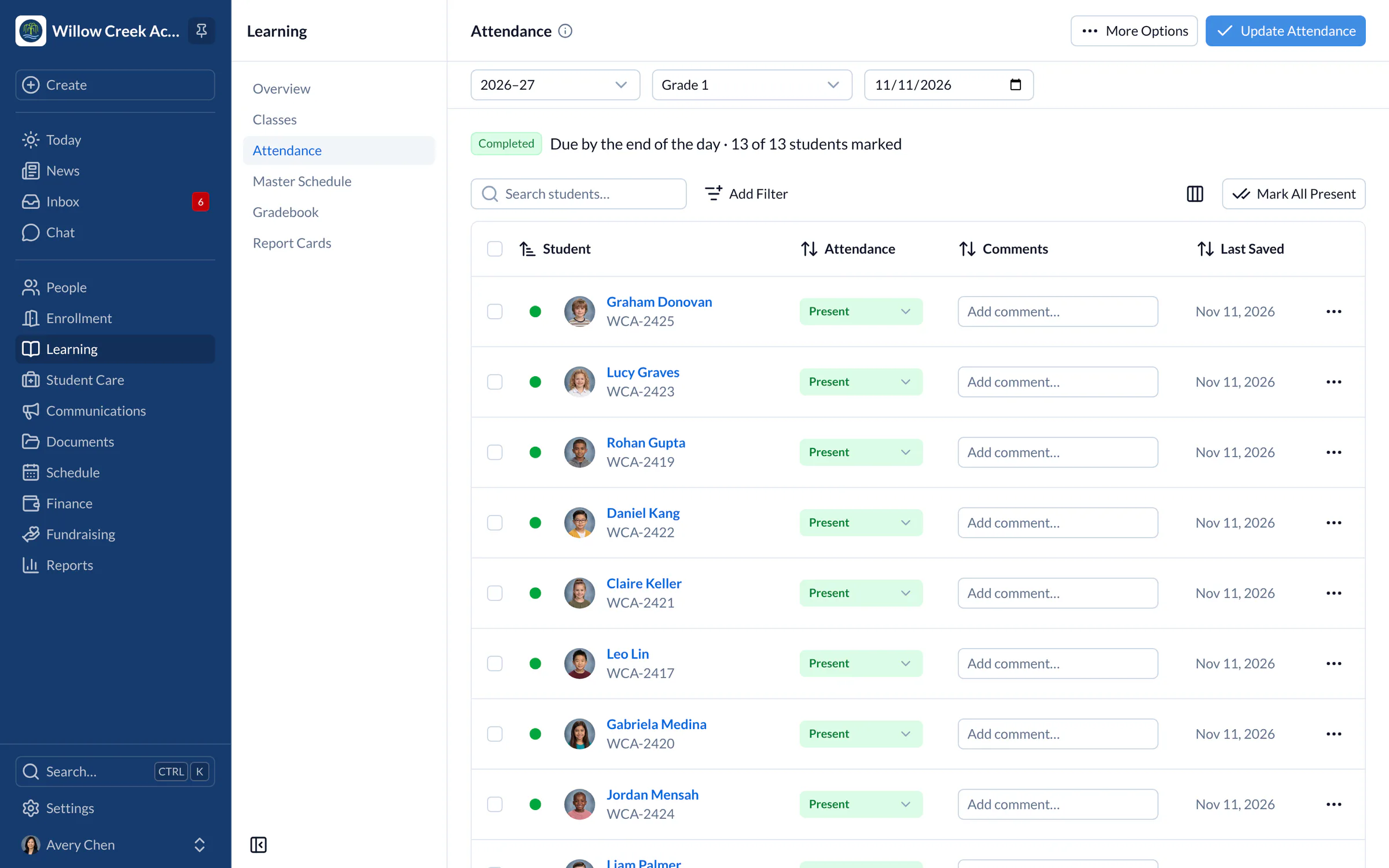
Families report an absence or a late arrival ahead of time or after the fact. The note appears beside the student on the teacher’s attendance sheet.
- Report an absence for several children at once
- Early pickup requests for appointments
- Families see when the school has seen their note
Why go paperless
From SchoolCues, the Intelligent School Information Management System
Children get sick. With the SchoolCues school management system, parents don’t need to call the school to report an absence. They send an absence notice online, ahead of time or afterward, and it shows on the teacher’s attendance sheet.
Sometimes a child runs late because of a dentist appointment. Parents can send a tardy slip online for that, too.

Field trip forms signed online
With the Permission Slip module, a school creates a form for a field trip or any other activity, and parents fill it out online and sign it with a typed signature. Every guardian can co-sign. The module saves the school paper, money and time, and staff can pull reports of who has responded.

Sent from the app or website
Parents and the school also get a quicker, easier way to communicate.
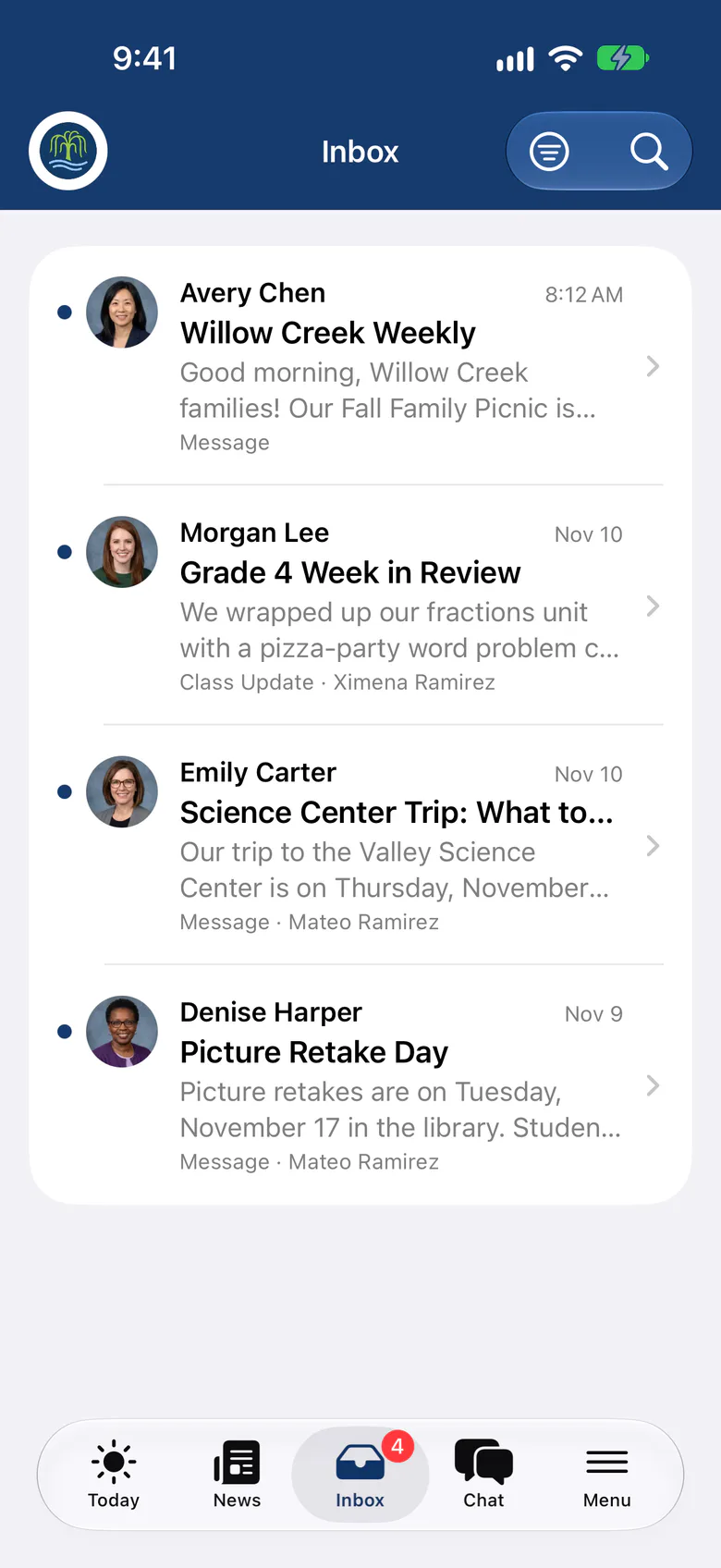
Parents can do all of this from the SchoolCues app or website, and the school gets a confirmation.
SchoolCues
SchoolCues is an online school management system that helps you keep parents involved. It works as your school management system: a student information system with admissions, enrollment, parent engagement, school administration, online payments and billing, and built-in text messaging.
It gives a school what it needs to communicate, manage student information and engage parents. Parents use the mobile app, which connects to the same online student information management system.
To bring this online school management system to your school and get more parents involved, explore SchoolCues.
“SchoolCues is a lovely piece of software, reasonably priced, and the leadership is very responsive in resolving issues (a rarity these days!). Parents like the app, especially the permission slips and the tardy/absence forms. They offer parents a super easy way to communicate with the school. The school appreciates the ability to get messages to families in a targeted manner.”
Rebuilt for the way schools work today
Co-signing
Every guardian can sign the same form, and you see each signature.
Deadline extensions
Give one family more time without reopening the form for everyone.
Ready-made templates
Start from one of 46 message and form templates, then make it your own.
Pricing
Permission slips is included in Connect
One price covers your whole school, including every staff member, every family and the parent app. Pricing follows your enrollment, not how many people use it.
Compare all plans- Messages, news, class updates, texts and WhatsApp
- The SchoolCues app and family portal
- Calendar, events, sign-ups and conferences
- Documents, forms and e-signatures
- Tuition, payments and financial aid
- Donations, giving pages and the school store
FAQ
Questions schools ask us
Yes. Families open the slip in the SchoolCues app on iPhone and iPad or in any browser, answer the questions and type their signature.
Yes. You can ask for a signature from every guardian, and the response register shows who has signed and who is still waiting.
Families report absences and late arrivals online, and teachers see each notice beside the student when they take attendance.
Forms and permission slips are included in every plan, starting with Connect.
Book a demo
Retire the paper permission slip
Book a live tour, then send your first permission slip this week.
- A live SchoolCues demo with Q&A
- Your pricing, after the demo
- A plans overview to share with your board

Hosted by SchoolCues founder, Dr S
Every week. Join the group tour, or ask for a call with just your team.
Tell us about your school
Takes a minute. Then choose a session.