
Online School Newsletter Software to Keep Parents Informed
Create a school newsletter from a template, add photos, links and attachments, send yourself a test and schedule it for Monday morning. Families read it in the SchoolCues app or their email, on any device.
No setup fees · See pricing
Join 200+ schools using SchoolCues



Newsletters families open and read
Start from a template
Pick one of the ready-made templates and fill in this week’s news instead of starting from a blank page.
Photos, links and files
Add photos, links and attachments, so families have the flyer and the form in one place.
Test before it goes
Send yourself a test copy and check the live preview of who receives it on each channel.
Scheduled for the right moment
Write it on Thursday and schedule it for Monday morning, or move it back to draft to keep editing.
One newsletter, many audiences
Send to the whole school, a grade, a class or a group, with each family getting it once.
In the languages families read
When your school turns it on, Draft with AI translates a newsletter for you to check before sending.
Composer
Write once, preview everything
Newsletters use the same composer as every other message, so you see exactly who receives it by app, email or text before you send.
- Live preview of recipients on each channel
- Test sends to yourself
- Send now or schedule for later
Picture day is Thursday
Message Details
Message typeMessage
Categorye.g. Weekly learning
Checklist
 SCHOOLCUES · now
Picture day is Thursday
Smiles on! Class photos start at 9:00 a.m. Order forms are in your child’s folder, or order online by Friday.
MESSAGES · now
Weeping Willow Academy: Picture day is Thursday. Smiles on! Class photos start at 9:00 a.m. Order forms are in your child’s folder, or order online by Friday.
MAIL · now
Weeping Willow Academy
Picture day is Thursday
Smiles on! Class photos start at 9:00 a.m. Order forms are in your child’s folder, or order online by Friday.
The Customized School Newsletter from SchoolCues - The Intelligent School Information Management System
Why newsletters
Importance of Newsletters in Schools
The school newsletter is an email tool that is part of your student management software. Newsletters tell parents about:
- School activities
- Policies
- News
- Schedule changes
- Events
- Performances
- Student awards
- Community happenings
Sent weekly, every two weeks, monthly or as needed, they help parents keep up with school news and plan to attend events or join activities with their child.

Sent to the right families
Newsletters go out to dynamic parent contact lists, which administrators can filter by class, grade or group. For a quick one-off message, the school announcements module lets teachers and administrators send an update without writing a full newsletter. When news is time-sensitive, individual text alerts for parents reach them on their phones.
Easy to read on a phone
Parents are short on time, which is why a newsletter template inside a school information management system helps. Paper newsletters often end up in the trash or in a pile of unread mail. Parents want short, clear content they can read on their phones, and online school newsletters give them that.
Sending newsletters online has several benefits:
- Parents can read them at any time.
- Parents can read them in the portal, the app or their email.
- You can create and edit content and add pictures from anywhere.
- You save a lot of paper, which is better for the environment.
- Parents can read them on the go.
The tool
SchoolCues’ online school newsletter tool
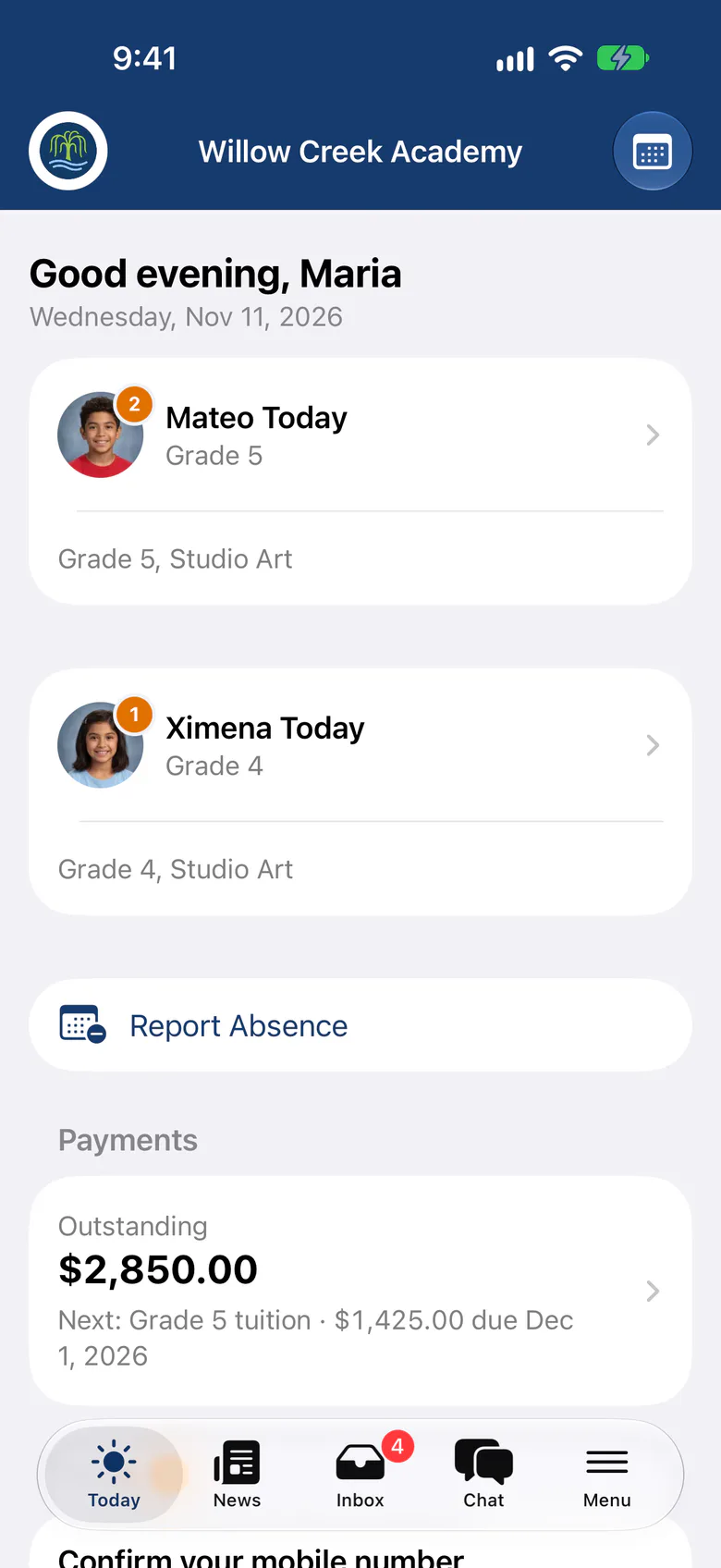
The newsletter tool in SchoolCues makes it easy to write newsletters for families. Simple, mobile-friendly templates help you keep students and parents informed about events.
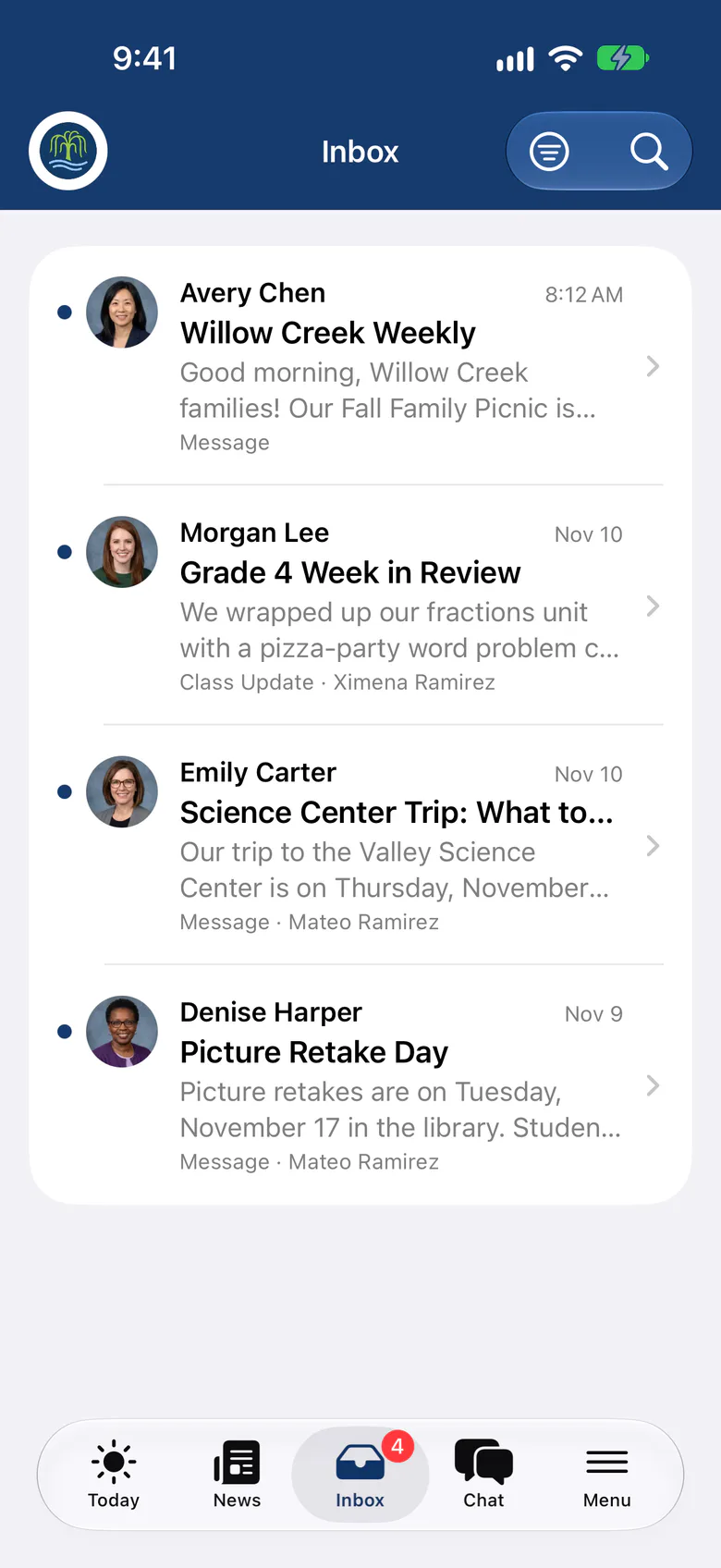
Newsletters from SchoolCues look good, are easy to send and are easy to read, including in the SchoolCues app. Creating and editing contact lists is just as easy.
Keep each newsletter concise so parents read it instead of throwing it away. The tool makes delivery quick and comes with simple contact management built in. You can add pictures, links and attachments, then send it to a class, a group, several groups or your contact lists.

Tips
How to make a newsletter for school which actually gets opened and read
Many parents stop reading newsletters after a few months with a school. Most newsletters are long, and busy parents get overloaded.
Here are some tips for a newsletter parents will open and read:
- Use an eye-catching banner with your school logo.
- Use high-resolution images.
- Keep the content clear and short.
- Include no more than three reminders and three action items. Parents won’t remember more.
- Less is more: the shorter the newsletter, the more likely parents will read it.
- Don’t treat the newsletter like a blog.
Why SchoolCues
Why Choose SchoolCues?
Schools and parents need a one-stop school management system with built-in newsletter and announcements tools to manage school communications.
A simple, low-cost way to handle newsletters leaves schools more time to focus on teaching.
SchoolCues is an online school management system for every kind of school, including Montessori, independent, Christian and charter schools, and it is built to engage parents.
To see how this online school management system can increase parental engagement and simplify your school administration, compare plans and pricing or book a demo.
“The All-in-One system is easy to set up. It has great features for communicating with parents in several different ways. Our parents appreciate that SchoolCues is very user friendly. Sending contracts electronically and storing information has been extremely easy. Our teachers have no difficulty setting up special groups for communications and engagement. Customer support is wonderful.”
Rebuilt for the way schools work today
Draft with AI
Draft or translate a newsletter, with student and staff names replaced before anything leaves SchoolCues.
Checklists
Add a what-to-bring list that families tick off in their Inbox.
School news and Today banners
Post stories to the news feed and show the most important one on every family’s Today page.
Pricing
School newsletters is included in Connect
One price covers your whole school, including every staff member, every family and the parent app. Pricing follows your enrollment, not how many people use it.
Compare all plans- Messages, news, class updates, texts and WhatsApp
- The SchoolCues app and family portal
- Calendar, events, sign-ups and conferences
- Documents, forms and e-signatures
- Tuition, payments and financial aid
- Donations, giving pages and the school store
FAQ
Questions schools ask us
It arrives in each family’s Inbox in the SchoolCues app and on the web, and by email. You see who receives it on each channel before you send.
Yes. Schedule it for any time, and if plans change, move it back to draft to keep editing.
Yes. Add photos, links and files to any newsletter. Photos show as thumbnails in the family’s Inbox, and every file can be downloaded.
Newsletters are part of communications in every plan, starting with Connect.
Book a demo
Send a newsletter families look forward to
Book a live tour, then schedule your first newsletter this week.
- A live SchoolCues demo with Q&A
- Your pricing, after the demo
- A plans overview to share with your board

Hosted by SchoolCues founder, Dr S
Every week. Join the group tour, or ask for a call with just your team.
Tell us about your school
Takes a minute. Then choose a session.