
Class / Teacher Updates
Class and teacher updates let each teacher share homework, class news and reminders with the families in their class, delivered to every parent’s Inbox, so nobody has to check another website.
No setup fees · See pricing
Join 200+ schools using SchoolCues






Class news straight from the teacher
Always the right class list
Send to your class’s families, and the list updates itself when a student joins or leaves.
Homework with a due date
Post homework as a message with a due date, so families know what is set and when it is due.
Start from a template
Pick one of the ready-made message templates for a weekly update or trip note, then make it your own.
A hand with the wording
When your school turns on Draft with AI, it can draft or translate an update for you to edit before sending.
Replies come to you
Families answer in a private chat with the teacher, and school leaders can see those conversations.
Class events on the calendar
Add a field trip or class meeting to the calendar, and only that class’s families see it.
Families
Every update reaches the family’s phone
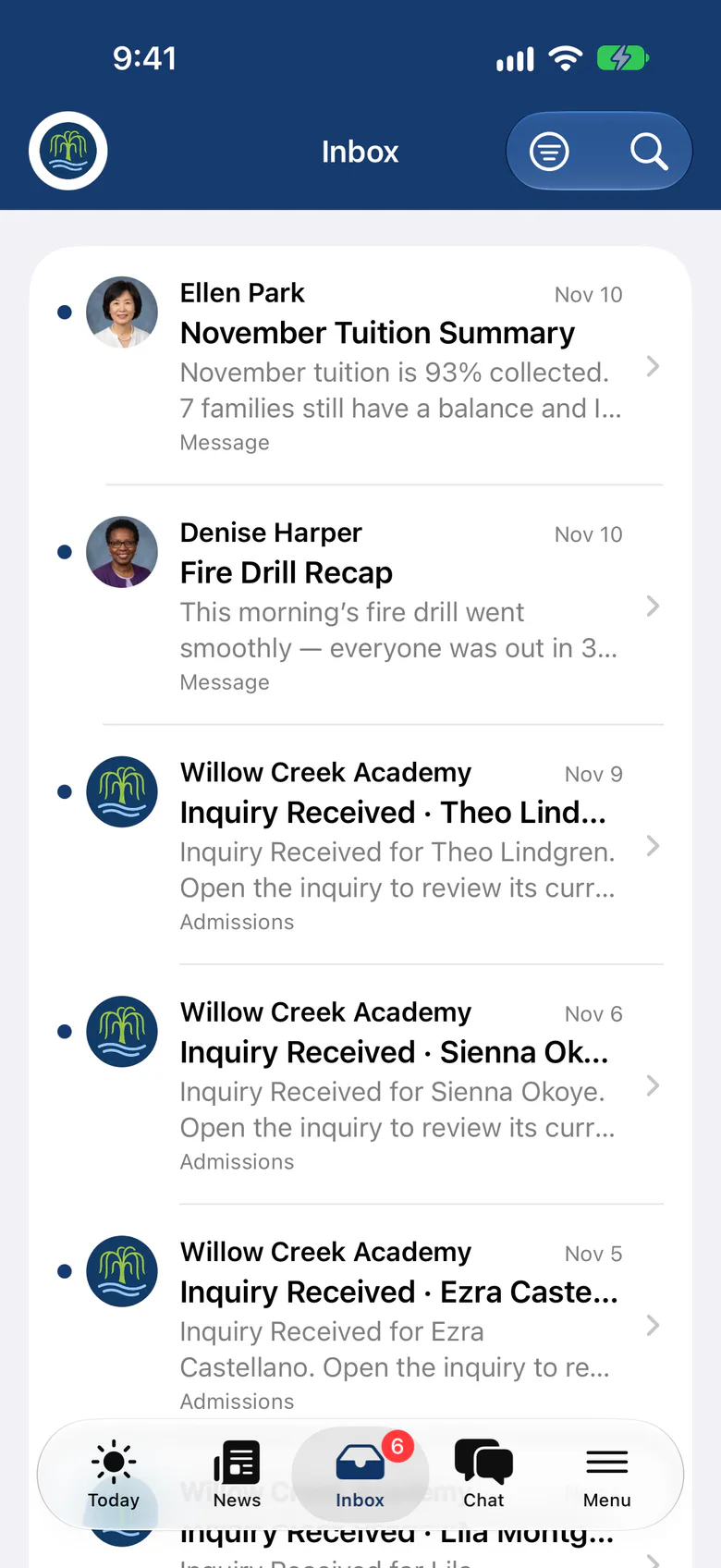
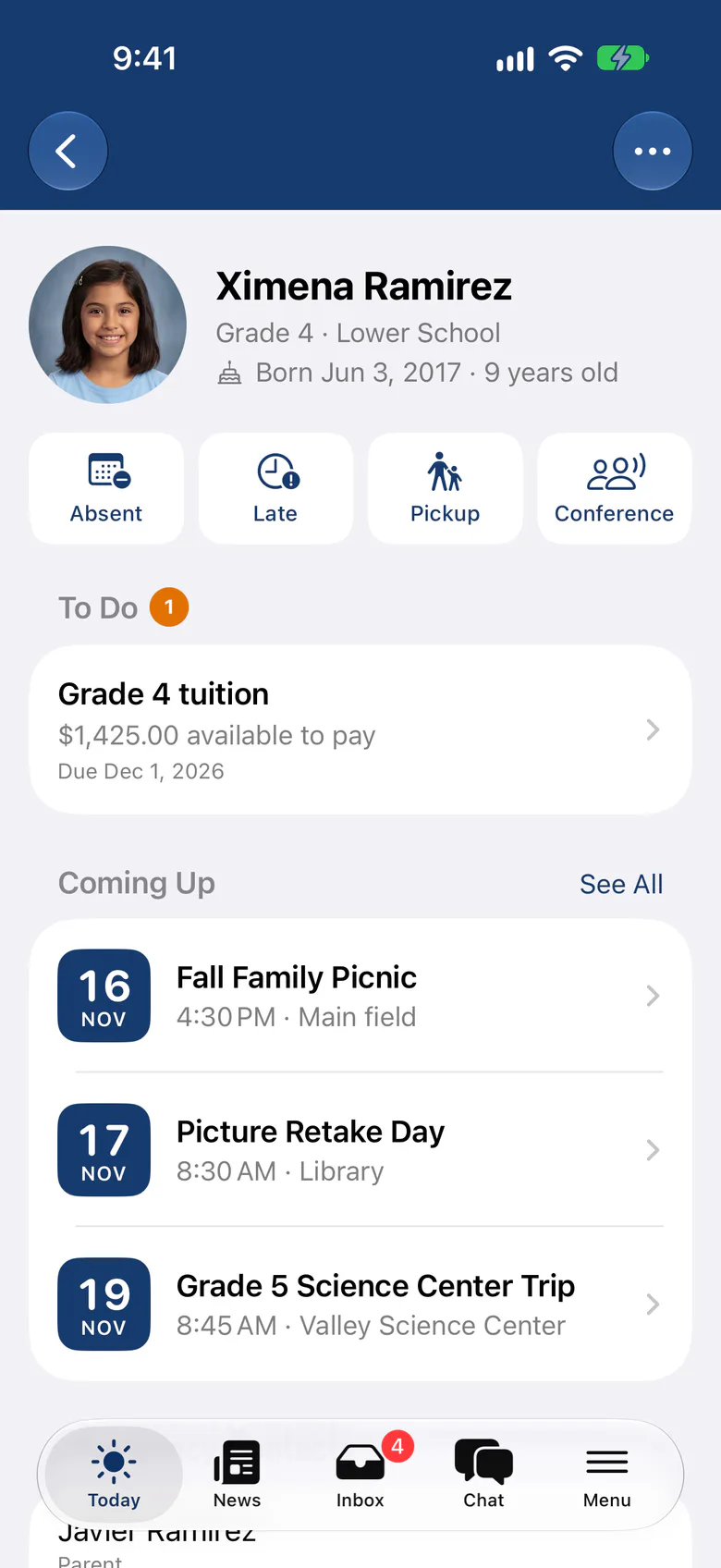
Families get each class update in their Inbox, on the web or in the SchoolCues app, and a push notification opens it straight away. The app is included in every plan.
- Read on any device, with email as well
- Checklists families tick off as they pack
- Private replies to the teacher
Teachers
Written in minutes, answered on the go
Teachers write updates in the portal, preview who receives them on each channel, and send now or schedule them for later. In the SchoolCues app they see replies and their day at a glance.
Explore school announcements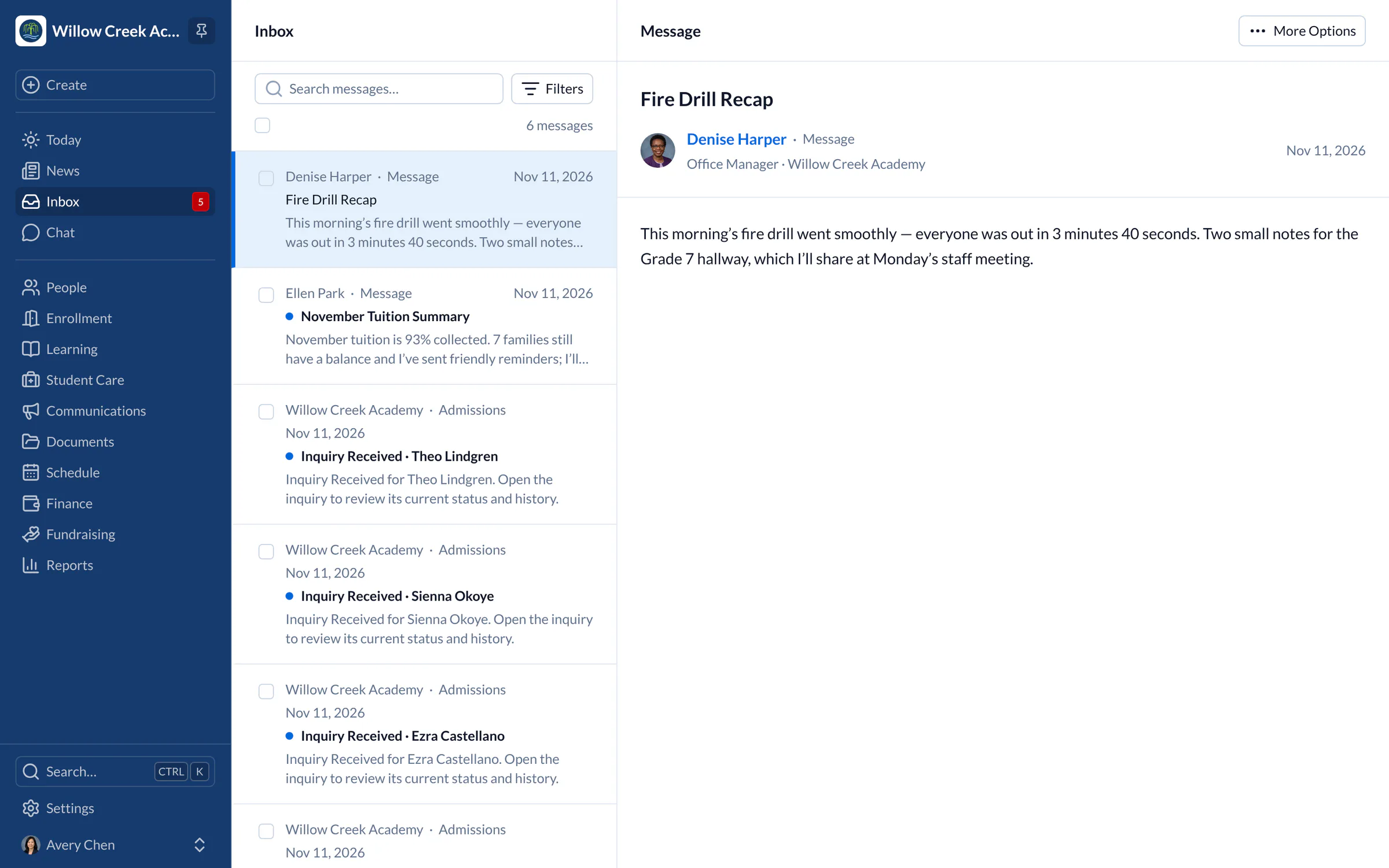
Many teachers post lesson plans, classroom activities, test schedules, upcoming trips and classroom meetings on a website, and parents are sent there to find assignments and events. The trouble is that parents don’t have time to check yet another website.
SchoolCues puts class and teacher updates in the same system as everything else the school sends. A teacher can post homework with a due date, a class announcement and more in a few minutes, and it goes straight to each parent’s Inbox. Parents can also read it in the SchoolCues app or the secure parent portal.
Teachers can also summarize the week’s curriculum in a class update, so families know what is coming.
SchoolCues
SchoolCues is an online school management system for every kind of school, built to keep parents engaged. It brings everything into one school management system: a student information system with admissions, enrollment, parent engagement, school administration, online payments and billing, plus built-in text messaging.
Staff use it to communicate, manage student information and engage parents. Parents use the SchoolCues mobile app, which connects to the same online student information management system, so school news reaches them wherever they are.
To see how this online school management system can increase parental engagement at your school, compare plans and pricing or book a demo.
“The All-in-One system is easy to set up. It has great features for communicating with parents in several different ways. Our parents appreciate that SchoolCues is very user friendly. Sending contracts electronically and storing information has been extremely easy. Our teachers have no difficulty setting up special groups for communications and engagement. Customer support is wonderful.”
Rebuilt for the way schools work today
The SchoolCues app for staff
Teachers use the same app as families, with their own Today page and Inbox, included in every plan.
Chat with families
Two-way conversations between teachers and families, with oversight for school leaders.
Video and audio
Add video and audio recordings to messages, alongside photos and files.
Pricing
Class updates is included in Connect
One price covers your whole school, including every staff member, every family and the parent app. Pricing follows your enrollment, not how many people use it.
Compare all plans- Messages, news, class updates, texts and WhatsApp
- The SchoolCues app and family portal
- Calendar, events, sign-ups and conferences
- Documents, forms and e-signatures
- Tuition, payments and financial aid
- Donations, giving pages and the school store
FAQ
Questions schools ask us
Yes. A teacher can write to the families in their own classes, and administrators choose what else each staff member can do.
A teacher posts homework as a message with a due date, so families see what is set and when it is due. Students hand in their work the way they do today.
Yes, in a private chat with the teacher. The school chooses whether families can reply freely, need approval or only read, and school leaders can review conversations.
Class updates are part of communications, which every plan includes, starting with Connect.
Book a demo
Give every teacher a direct line home
Book a live tour, then send your first class update this week.
- A live SchoolCues demo with Q&A
- Your pricing, after the demo
- A plans overview to share with your board

Hosted by SchoolCues founder, Dr S
Every week. Join the group tour, or ask for a call with just your team.
Tell us about your school
Takes a minute. Then choose a session.