
How We Bring Homework to the Parent
Our homework module sends assignments straight to each family’s Inbox, with the due date and any attachments, so parents know what’s expected tonight without digging through backpacks.
No setup fees · See pricing


Picture day is Thursday
Message Details
Message typeMessage
Categorye.g. Weekly learning
Checklist
 SCHOOLCUES · now
Picture day is Thursday
Smiles on! Class photos start at 9:00 a.m. Order forms are in your child’s folder, or order online by Friday.
MESSAGES · now
Weeping Willow Academy: Picture day is Thursday. Smiles on! Class photos start at 9:00 a.m. Order forms are in your child’s folder, or order online by Friday.
MAIL · now
Weeping Willow Academy
Picture day is Thursday
Smiles on! Class photos start at 9:00 a.m. Order forms are in your child’s folder, or order online by Friday.
Join 200+ schools using SchoolCues






Homework that finds its way home
Straight to the Inbox
Homework arrives with the family’s other school messages, by push notification, email or text as they prefer.
Due dates up front
Every assignment shows when it’s due, so families can plan the week.
Worksheets attached
Attach worksheets, reading lists and photos for families to open on any device.
Filtered by child
Families with several children filter the Inbox by child to see each one’s homework.
Sent to the right class
Teachers send to their class’s families, and the audience updates as students join or leave.
Drafts and scheduling
Write it during planning time, save a draft and schedule it to go out after school.
Families
Tonight’s homework, already on the phone
Parents don’t have to go looking. Homework lands in the Inbox beside class updates and newsletters, and families can filter by message type or child.
Explore the parent app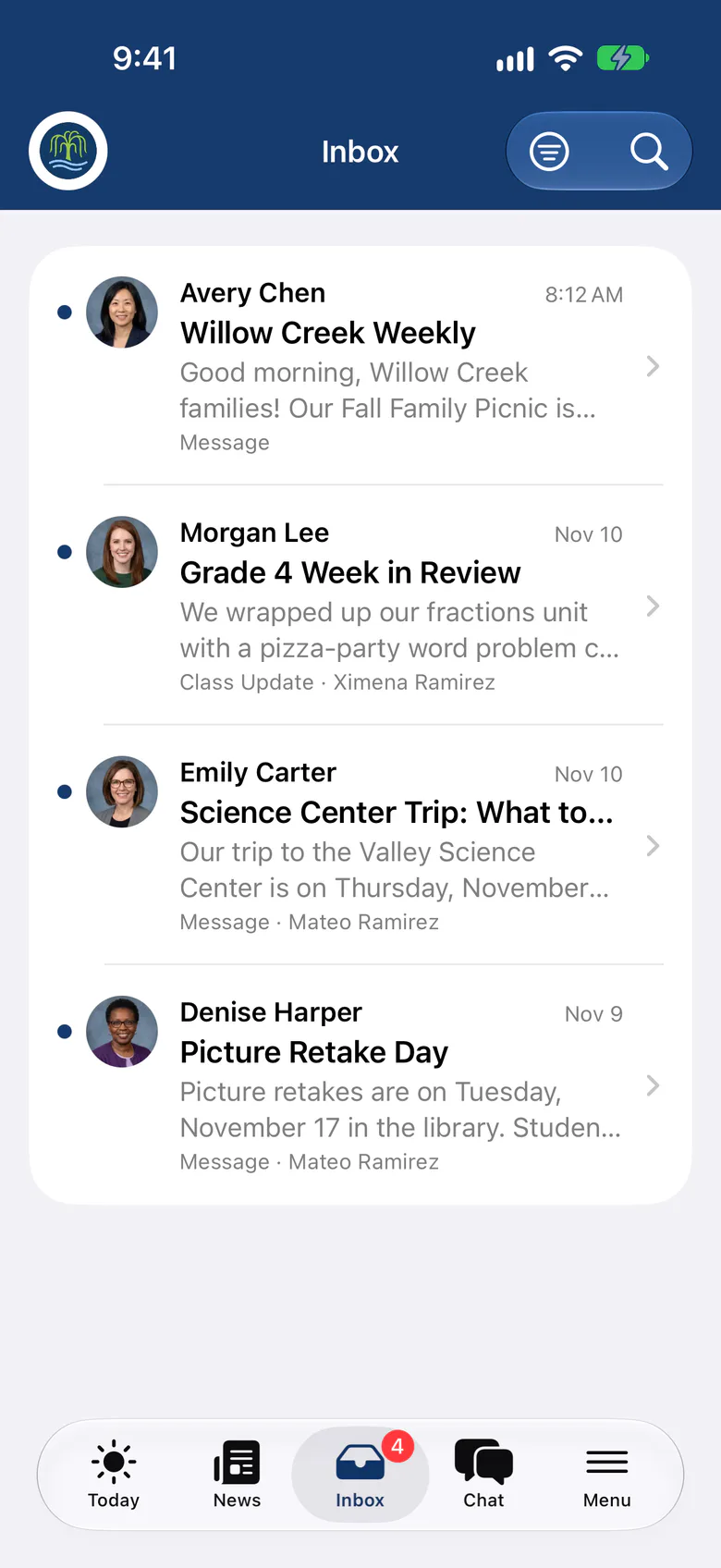
Teachers
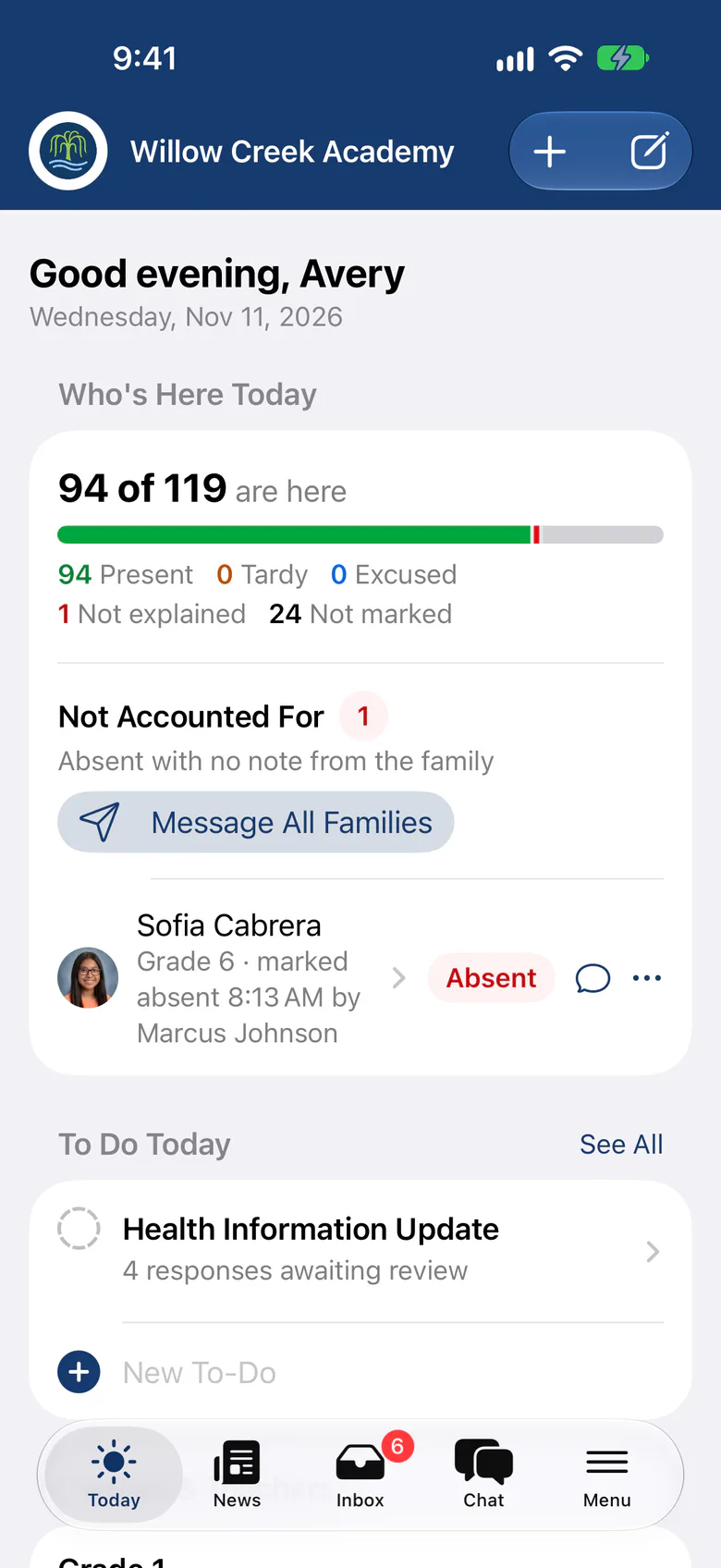
Send it from your phone between classes
Teachers write class updates and homework in the SchoolCues app, with photos. Unsent drafts wait on the teacher’s Today list until they go out.
- Preview exactly who will receive it
- Draft with AI, once your school turns it on
- Unsent drafts on the Today to-do list
Why it helps
With SchoolCues, The Intelligent School Information Management System
Parents want to keep an eye on their child’s education, and children do better in school when their parents are involved. Looking over homework is one of the best ways to see how a child is doing. But children routinely shrug off homework: they say they don’t have any, or they forget to do it.
Making sure the work gets done is usually slow and awkward for parents. They might have to log in and look up the homework themselves. SchoolCues makes the whole thing simpler.

Homework that comes to parents
With the SchoolCues Homework module, teachers send homework straight to the parent’s inbox. Instead of parents going to find it, the homework comes to them. That saves them time, effort and the frustration of missed assignments.

Every assignment with a due date
Parents get their child’s homework on time, so they can keep up with what their child needs to do. Each assignment comes with its due date, which helps the parent and the teacher alike. Teachers do like to get homework turned in on time!
SchoolCues
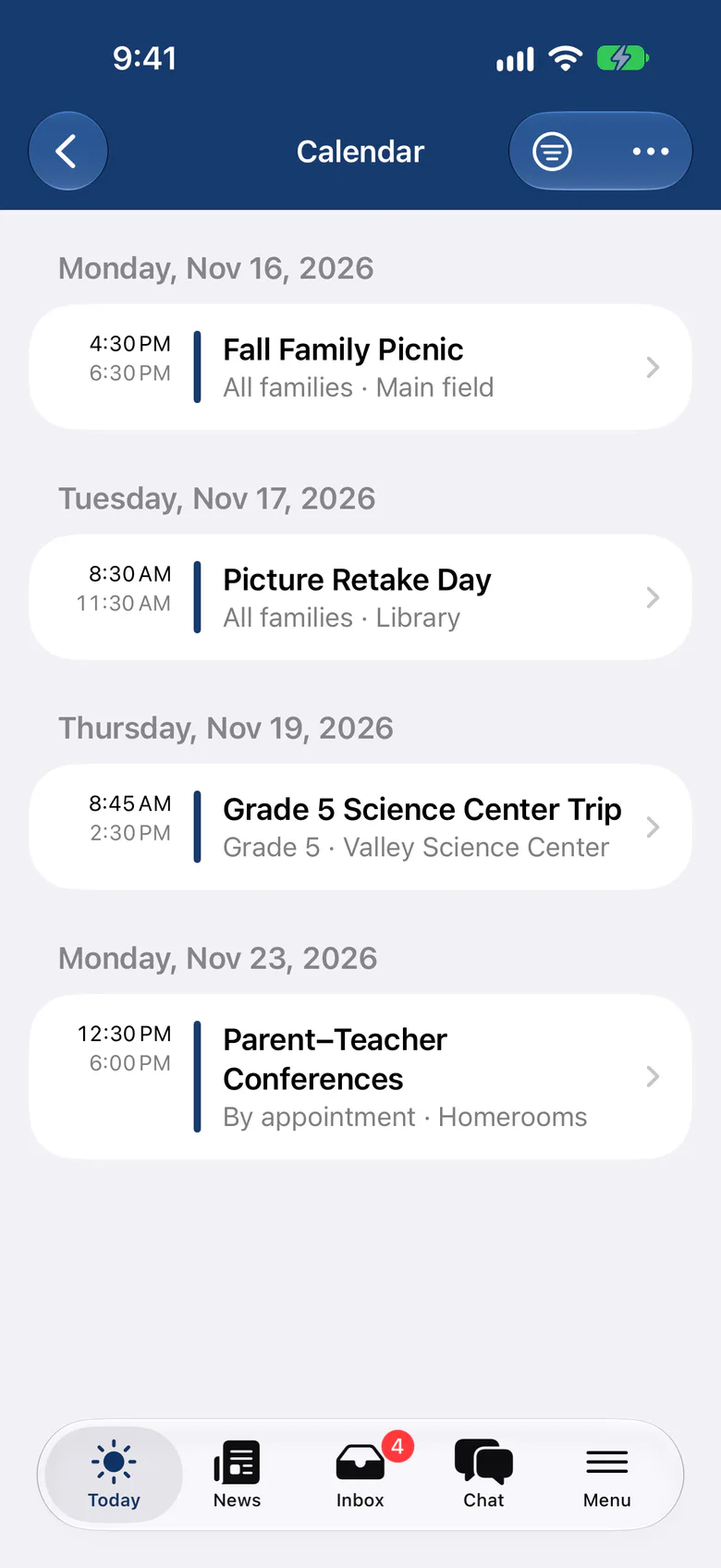
SchoolCues is an online school management system that helps you keep parents involved. It works as your school management system: a student information system with admissions, enrollment, parent engagement, school administration, online payments and billing, and built-in text messaging.
It gives a school what it needs to communicate, manage student information and engage parents. Parents use the mobile app, which connects to the same online student information management system.
To bring this online school management system to your school and get more parents involved, explore SchoolCues.
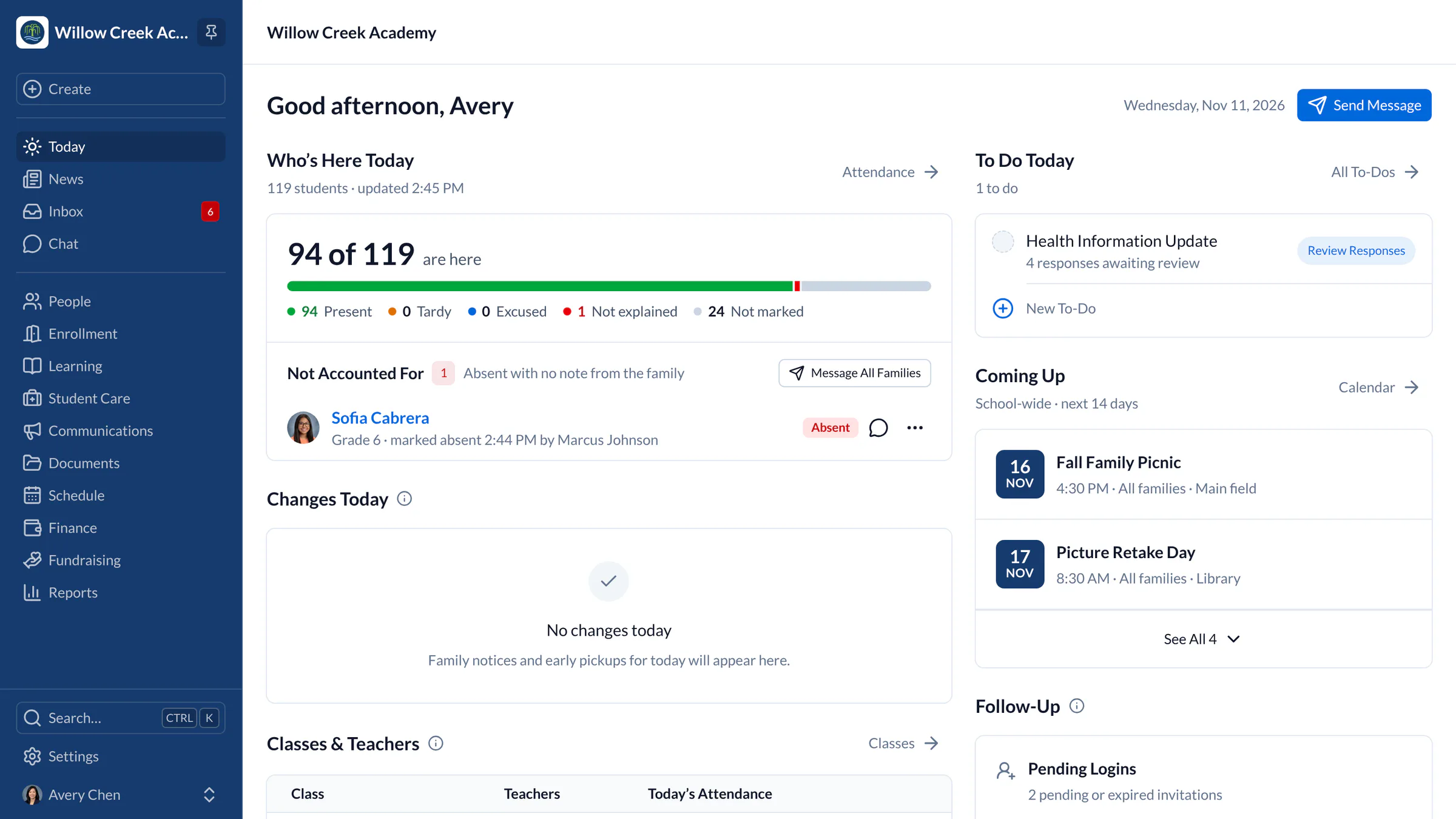
“SchoolCues has helped us streamline all the different ways in which schools operate. The seamless integration of all our admissions/enrollment, grade book, and incident report and forms has made the process much simpler and a huge time saver! Our overall experience with SchoolCues has been very positive.”
Rebuilt for the way schools work today
Send from the app
Teachers send class updates and homework from iPhone or iPad.
Checklists
Add a what-to-bring list to a message, and families tick items off as they go.
Questions in chat
Families can reply to a teacher privately in chat when the school allows it.
Pricing
Homework is included in Connect
One price covers your whole school, including every staff member, every family and the parent app. Pricing follows your enrollment, not how many people use it.
Compare all plans- Messages, news, class updates, texts and WhatsApp
- The SchoolCues app and family portal
- Calendar, events, sign-ups and conferences
- Documents, forms and e-signatures
- Tuition, payments and financial aid
- Donations, giving pages and the school store
FAQ
Questions schools ask us
No. SchoolCues sends homework to families with its due date and attachments. Students hand in their work the way your teachers already collect it.
Yes. Families filter their Inbox by child, so each child’s homework and class updates are easy to find.
Yes. Attach files and photos to a homework message, and families open them on their phone or computer.
Homework and class updates are part of communications, included in every plan starting with Connect.
Book a demo
Bring homework home, every time
Book a live tour, then send your first homework message today.
- A live SchoolCues demo with Q&A
- Your pricing, after the demo
- A plans overview to share with your board

Hosted by SchoolCues founder, Dr S
Every week. Join the group tour, or ask for a call with just your team.
Tell us about your school
Takes a minute. Then choose a session.