
Switch your student information system without starting over
Moving your records is usually the hardest part of changing systems. When you switch to SchoolCues, our team helps you bring over your students, families, staff, classes and balances at no additional cost, and you check everything before families are invited.
No setup fees · See pricing
Join 200+ schools using SchoolCues






Why moving to SchoolCues is easier than you think
No additional cost
Help moving your data is included with Connect, Manage and Unify, and there’s no setup fee.
We work through it with you
Send us the exports from your current system. We help match each column, sort out what doesn’t fit and bring it in.
From any system that exports
If your current system can save students, families and staff to a spreadsheet, we can bring them over. Spreadsheets you keep yourself work too.
Families stay together
A parent listed for two children comes over as one person linked to both, so siblings share one family from the first day.
Your old IDs come with you
Each student and class keeps its ID from your old system, so anything imported later finds the right record.
Set up before you go live
Choose your start date, then check everything with your staff before families hear from SchoolCues.
Students and families
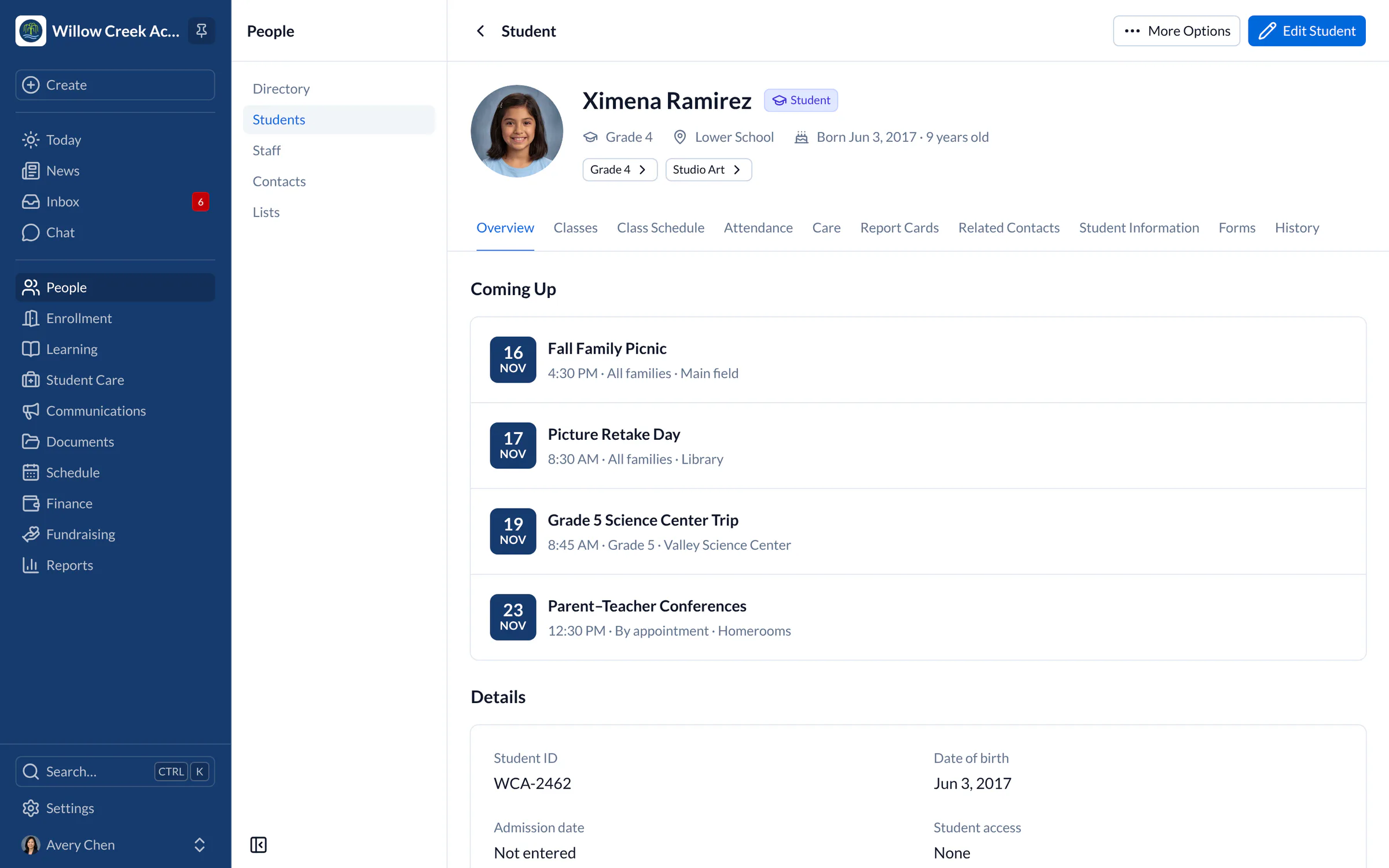
Every student, with their family and contacts
Students come over with their grade level, campus, class, date of birth and student ID, along with their parents and other contacts and how each one is related. Information your old system kept that SchoolCues has no field for, such as a bus route, can come over as your own custom fields.
- Siblings share their parents’ records
- Each student keeps their old system ID
- Your own fields, set up before the import
Staff and classes
Staff first, then classes with their teachers
Staff come over first, with their roles, so each class can arrive with its teachers, subject, term and academic year. Students then land in the right class, whether your export names the class or uses its ID from your old system.
Explore the school management system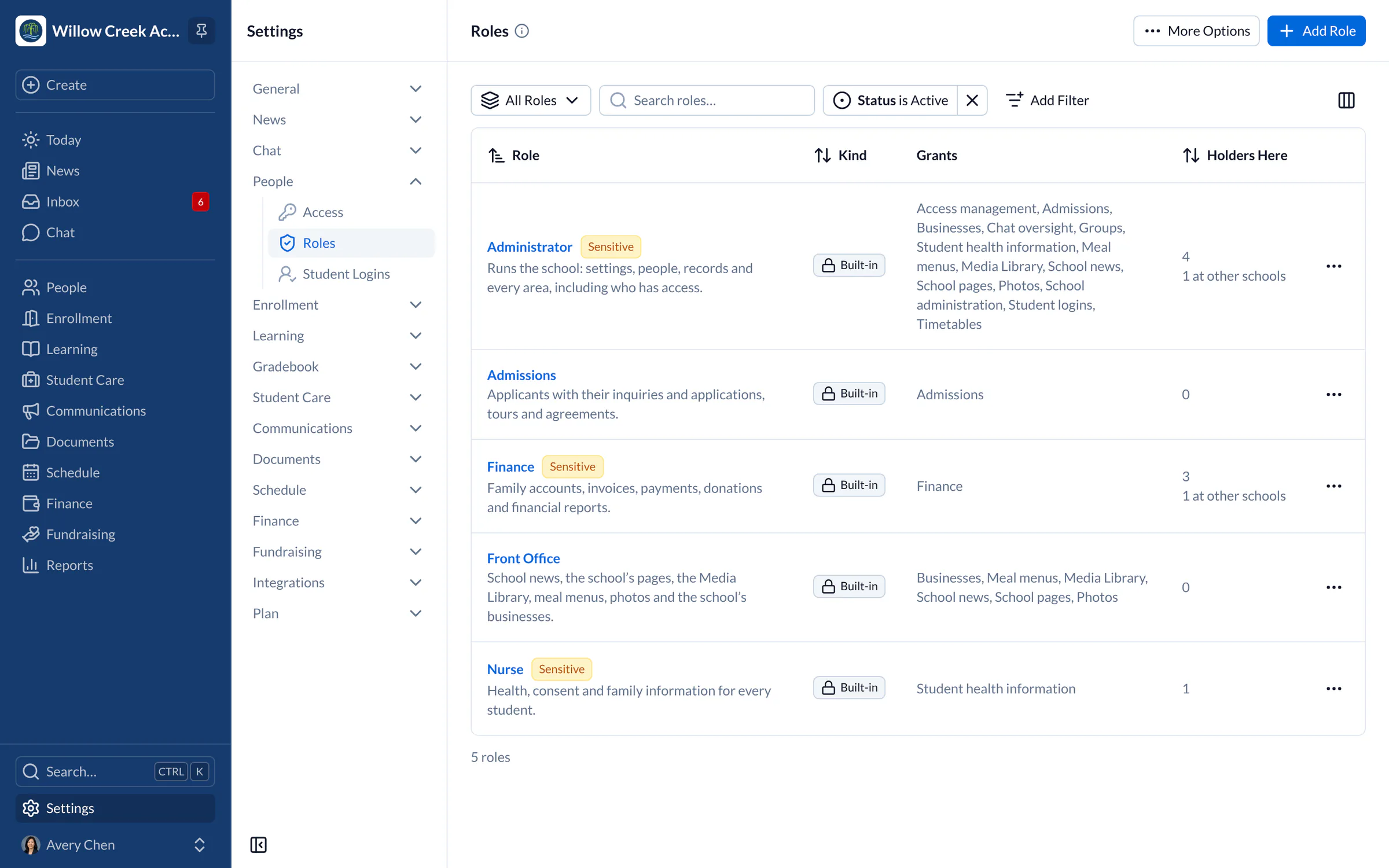
Balances
What each family owes, from day one
Open balances come over as charges on each family’s account, with their due dates, so statements are right the first time families look. Then set up tuition plans, reminders and autopay in SchoolCues for the year ahead.
Explore tuition management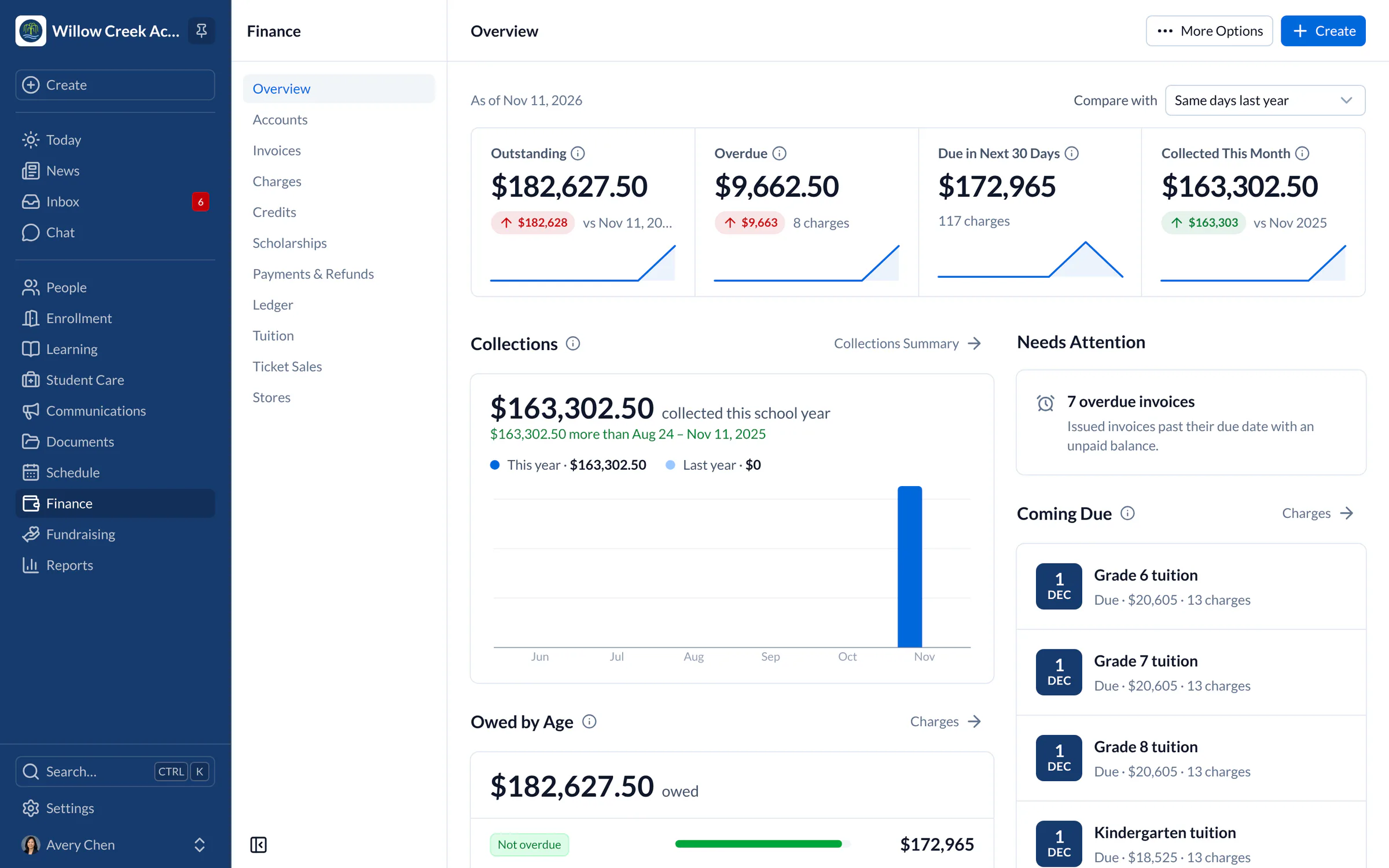
Before you go live
Check it all before families see it
Your staff can look through every imported record in SchoolCues before anyone is invited. Fix a detail in place, or send us another export and we’ll help bring in what was missing. Families only hear from SchoolCues when you invite them.

“Our experience has been extremely positive with SchoolCues. Every module has very informative yet brief instructional videos that are easy to follow, so setup and implementation of each module is very user friendly. The support staff are very responsive and are personalized to our school’s needs. The student information system and student dashboard make information so accessible to those who need it.”
How it works
How your move to SchoolCues works
- Step 1
Book a demo
Tell us which system you use now and what you’d like to bring over. We’ll show you SchoolCues and say what comes across.
- Step 2
Export your records
Save your students, families, staff, classes and balances from your current system. We’ll tell you which exports we need.
- Step 3
We help bring it in
Our team works with you to match each column and import in order: staff, then classes, then students and families, then balances.
- Step 4
Check it and invite families
Look through your records with your staff, then invite families to SchoolCues when you’re ready.
Pricing
Data migration help is included in Connect
One price covers your whole school, including every staff member, every family and the parent app. Pricing follows your enrollment, not how many people use it.
Compare all plans- Messages, news, class updates, texts and WhatsApp
- The SchoolCues app and family portal
- Calendar, events, sign-ups and conferences
- Documents, forms and e-signatures
- Tuition, payments and financial aid
- Donations, giving pages and the school store
FAQ
Questions schools ask us
No. Our help moving your records from your current system is included with every plan, and there’s no setup fee. You pay only for your plan, which is priced by enrollment.
Any student information system or school management system that can export to a spreadsheet, which is nearly all of them, as well as spreadsheets you keep yourself. Tell us what you use on your demo and we’ll say what comes over.
Staff with their roles, classes with their teachers, students with their families and contacts, information you keep in your own fields, and what each family owes. Keep an export of past years’ grades and attendance from your old system, as those don’t import yet.
Yes. Administrators can import students, staff, classes and charges from a spreadsheet on a computer. SchoolCues checks every row before it goes in, and students and classes open in a spreadsheet-style grid where you fix rows and import the ready ones.
Families get an invitation from your school when you’re ready, and sign in with their email address. Saved cards and bank accounts can’t be copied from another system, so families add theirs once in SchoolCues.
SchoolCues runs on servers in the United States. Our Trust Center lists every service that handles school data.
Book a demo
Tell us what you use today
Book a demo and tell us which system you’re moving from. We’ll show you SchoolCues and how your records come over.
- A live SchoolCues demo with Q&A
- Your pricing, after the demo
- A plans overview to share with your board

Hosted by SchoolCues founder, Dr S
Every week. Join the group tour, or ask for a call with just your team.
Tell us about your school
Takes a minute. Then choose a session.