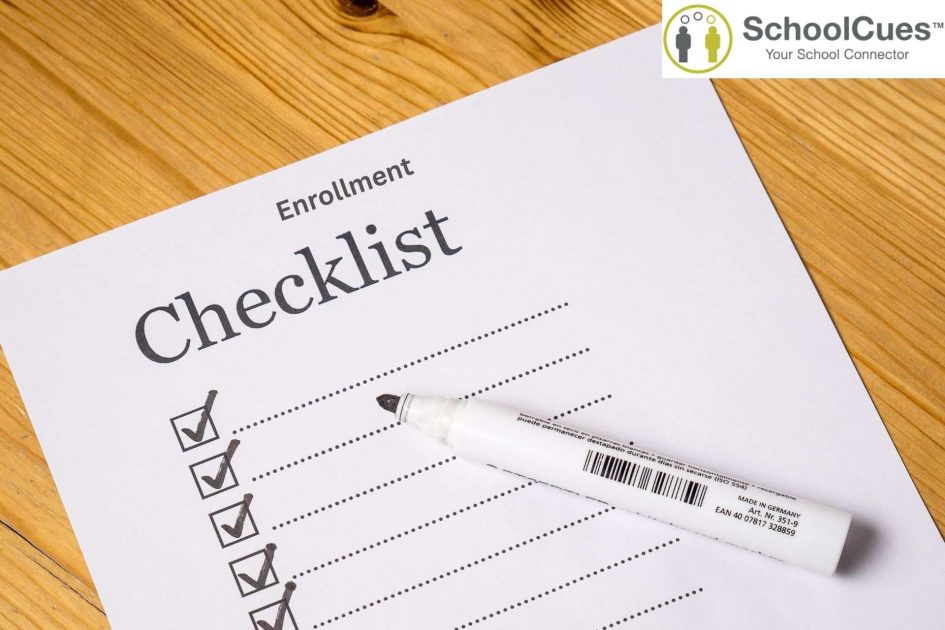
What is a micro school and why does enrollment require a dedicated checklist?
A micro school is a small, intentionally intimate educational program typically serving 10 to 100 students with a distinctive pedagogy — project-based, Socratic, self-directed, classical, or hybrid — and multi-age classrooms. The micro school movement has grown significantly: the Fordham Institute estimated 1 million US students in micro school settings by 2024, with growth accelerating post-pandemic.
Enrollment is not different from traditional schools in its requirements — it is different in who manages those requirements. A micro school founder often handles admissions alongside teaching, curriculum, facilities, and parent relations. The checklist exists because when one person manages all of this, nothing can be forgotten without real consequences.
Phase 1: Before enrollment opens — what must be in place first
- Set enrollment capacity and waitlist policy for the upcoming year — in writing, before you promote enrollment opening.
- Define tuition rates and all payment plan options, including any scholarship or sliding-scale policies.
- Create or update your digital student application form — mobile-accessible, covering all required information fields.
- Establish your required documentation list: health records, immunization certificates, proof of age, prior school records, and any program-specific requirements.
- Set up your enrollment management system before opening enrollment — not while managing live applications.
- Prepare tuition agreement and enrollment contract templates with all legally required provisions.
- Configure automated confirmation to go out the moment an application is submitted.
Phase 2: During the application period — managing volume without losing anyone
- Publish enrollment open dates on your school website, social media, and any local directories a minimum of 4 weeks before opening.
- Open your digital application portal — confirm it works correctly on mobile before promoting.
- Confirm automated acknowledgment messages are firing for every submitted application.
- Track application completeness daily — flag missing documents for each applicant specifically, not generically.
- Schedule school visit or observation invitations within 48 hours of receiving a complete application.
- Maintain rolling communication with applicants — silence from a school during the review period is the primary reason families withdraw their applications for a competing program.
- Manage your waitlist with transparent, documented criteria.
Phase 3: Enrollment confirmation — securing the commitment
- Send acceptance offers with clear enrollment deadlines — 10 to 14 days is typical for micro schools.
- Collect signed enrollment contracts and enrollment deposits within the deadline.
- Configure each enrolled student’s tuition payment plan in your billing system before the first invoice date.
- Collect all required health records, immunization documentation, and allergy information for every enrolled student.
- Create parent portal accounts and send app download invitations — confirm every family is active before school starts.
- Add every enrolled student to your attendance system, gradebook, and communication platform.
- Send a welcome packet: school calendar, staff introductions, supply list, and first-day logistics.
Phase 4: Before the first day — final verification
- Confirm emergency contact information for every enrolled student — call or message directly to verify.
- Collect any outstanding required forms: medication authorization, photography consent, emergency medical consent.
- Verify every family is active in your parent communication app — send a test message and confirm receipt.
- Assign students to classes, learning groups, or daily schedules.
- Brief all staff on specific student needs, allergies, accommodations, and emergency protocols.
- Test your attendance system with all enrolled students before day one.
Which enrollment tasks should micro schools automate — and which ones should stay personal?
| Task | Automate | Keep personal |
| Application acknowledgment | ✓ Immediate automated confirmation | |
| Missing document reminders | ✓ Specific, targeted automated follow-up | |
| Acceptance communication | ✓ Personal message from founder/director | |
| Tuition invoice setup | ✓ Configured once per family, automatic thereafter | |
| Parent app invitation | ✓ Automatic account creation at enrollment confirm | |
| Welcome communication | ✓ Personal welcome from the teacher who will know this child | |
| First-day logistics | ✓ Automated information sequence | ✓ Personal confirmation call or message |
How does SchoolCues support micro school enrollment?
SchoolCues serves micro schools, homeschool co-ops, and small independent programs with per-student pricing accessible at micro school enrollment levels — starting from programs with 15 students, without minimum enrollment requirements. Digital enrollment, tuition management, and parent communication are in one system, configured and managed from one dashboard by a single administrator who is also the head teacher.
Frequently Asked Questions — Micro School Enrollment
Q: What is micro school enrollment?
A: Micro school enrollment is the process of accepting and onboarding students into a small educational program serving 10 to 100 students. It requires the same completeness as traditional school enrollment — applications, health records, tuition agreements — managed by a small team or a single founder-administrator.
Q: How can a micro school manage enrollment without an admissions team?
A: Digital enrollment management software automates the highest-volume tasks: application acknowledgments, missing document tracking, tuition setup, and parent portal creation. A one-person micro school team can manage a complete enrollment cycle with a purpose-built platform that handles routine follow-up automatically.
Q: What documents does a micro school need to collect during enrollment?
A: Standard requirements include a completed application, birth certificate or proof of age, up-to-date immunization records, emergency contact information, health history and allergy documentation, and a signed enrollment contract. State requirements vary — always verify current state-specific requirements for your program type.
Q: When should a micro school open enrollment for the following year?
A: Most micro schools open enrollment for current families 3–4 months before the school year ends, then open to new families 1–2 months later. Clear enrollment open dates and a managed waitlist prevent last-minute enrollment shortfalls that can destabilize a small program’s finances.
Q: What enrollment software works best for micro schools?
A: Micro school-appropriate platforms use per-student pricing accessible at small enrollment levels, with simplified interfaces for administrators who also teach. SchoolCues serves programs from 15 students with enrollment, billing, and communication in one affordable system.