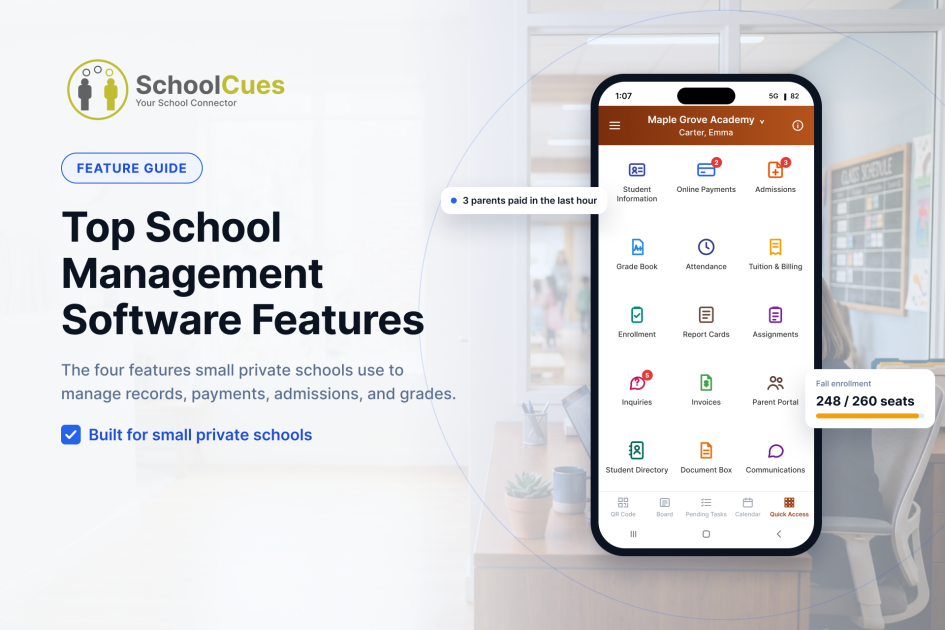
Small private schools almost always ask two questions about school management software in the same breath: what does it actually do, and what does it actually cost? Most vendors make you dig for both answers separately. Here is the shortcut: four features, what each one does, and which schools it fits best.
The Fast Answer: Which Feature Does What
| Feature | What It Solves | Module Type |
| Student Information System | One student record instead of scattered spreadsheets and folders | Core module |
| Online Payments | Tuition, fees, and ACH, card, cash, and check payments in one place | Core module |
| Admissions & Enrollment | Online inquiry through enrollment, instead of paper folders | Add-on module |
| Gradebook | Assignments, grades, and report cards in one place | Add-on module |
Core modules are the foundation. Add-on modules join as your needs grow.
See exactly which modules your school needs and how they work together.
Top 4 SchoolCues Features for Small Private Schools
1. Student Information System (SIS)
What it does: Every student record lives in one digital place: basic details, health records, supporting documents, contract documents, authorization details, and other student information. Upload and store documents digitally, find any record quickly, and run built-in reports to keep an eye on student records. The result is fewer paper files, fewer scattered folders, and a record system that stays organized.
Best for: Schools moving off physical folders and legacy systems and into one student information system for small private K-12 schools.
Module type: Core module.
Learn more: Student information system | Budget friendly SIS for enhancing small schools
See which modules fit your school.
2. Online Payments
What it does: Set up tuition and non-tuition charges, then apply credits, discounts, and scholarships as needed. Payments come in by ACH, credit card, cash, or check, with Stripe payment integration and QuickBooks integration for bookkeeping. The system also handles refunds, overpayments, and underpayments, and keeps a ledger with reports so your office can track financial transactions in one place.
Best for: Offices that want simpler fee management, smoother payment processing, and clean financial records, including refunds, adjustments, and ledger reports.
Module type: Core module.
Learn more: Online payments for small schools | Tuition management system | How tuition management works, start to finish
See which modules fit your school.
3. Admissions and Enrollment
What it does: A family starts with an online admission inquiry form. They can pay by credit card or cash with the inquiry, or submit it without payment and pay offline. When the inquiry reaches the contract stage, parents submit the required contract documents online, and enrollment is complete. The whole journey, from first inquiry to enrolled student, runs in one system.
Best for: Schools that want less manual paperwork, support for online and offline payments, and a clear view of each applicant’s progress from inquiry through contract submission and enrollment.
Module type: Add-on module.
Learn more: Admissions and enrollment for small schools | Micro school enrollment checklist
See which modules fit your school.
4. Gradebook
What it does: Set up academic terms, grading systems, courses, and student details in one system. Teachers create and manage assignments, record grades, and generate reports for a single term or across all terms, so academic performance is easy to track and review.
Best for: Schools that want grade management in one place, simpler assignment and grading workflows, and academic reports that span terms.
Module type: Add-on module.
Learn more: Online gradebook | Online gradebook tailored for small private schoolv
See which modules fit your school.
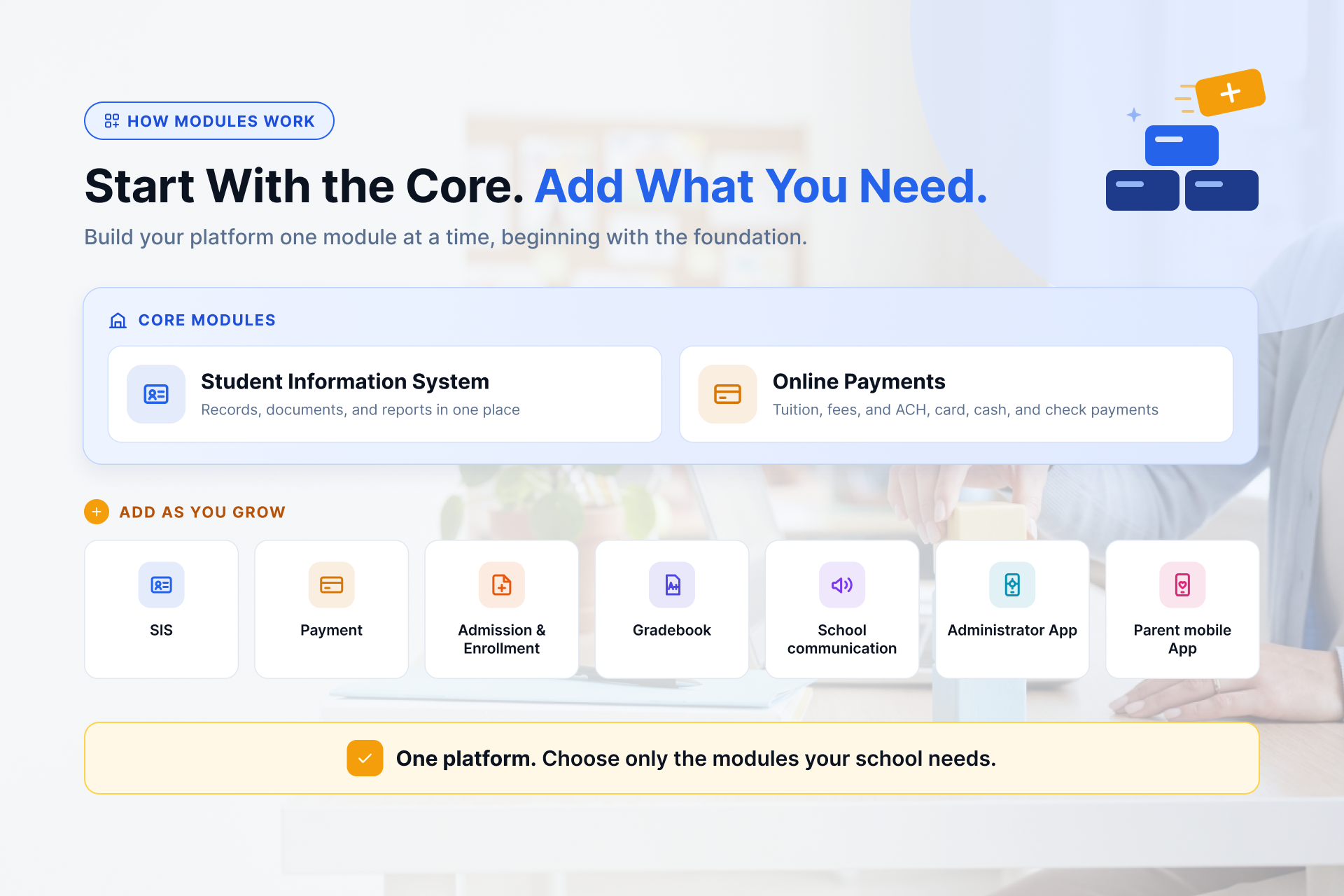
Build your platform one module at a time, beginning with the foundation.
Also Available: Communications, Mobile Modules
SchoolCues lets schools send announcements, newsletters, class updates, and mass texts to families by email and text, optimized for mobile. Learn more about school communications
More modules round out the platform. Administrator app and parent mobile app work closely together.
Learn more: How a School Mobile App Improves Parent Engagement in Small Schools
See which modules fit your school.
How SchoolCues Pricing Actually Works
Pricing starts as low as $75 per month and is built around modules, not a flat enterprise license. Start with the core, the student information system and online payments, then add admissions, gradebook, or communication as your needs grow. There are no setup or training fees, and support and training are unlimited for the life of your subscription.
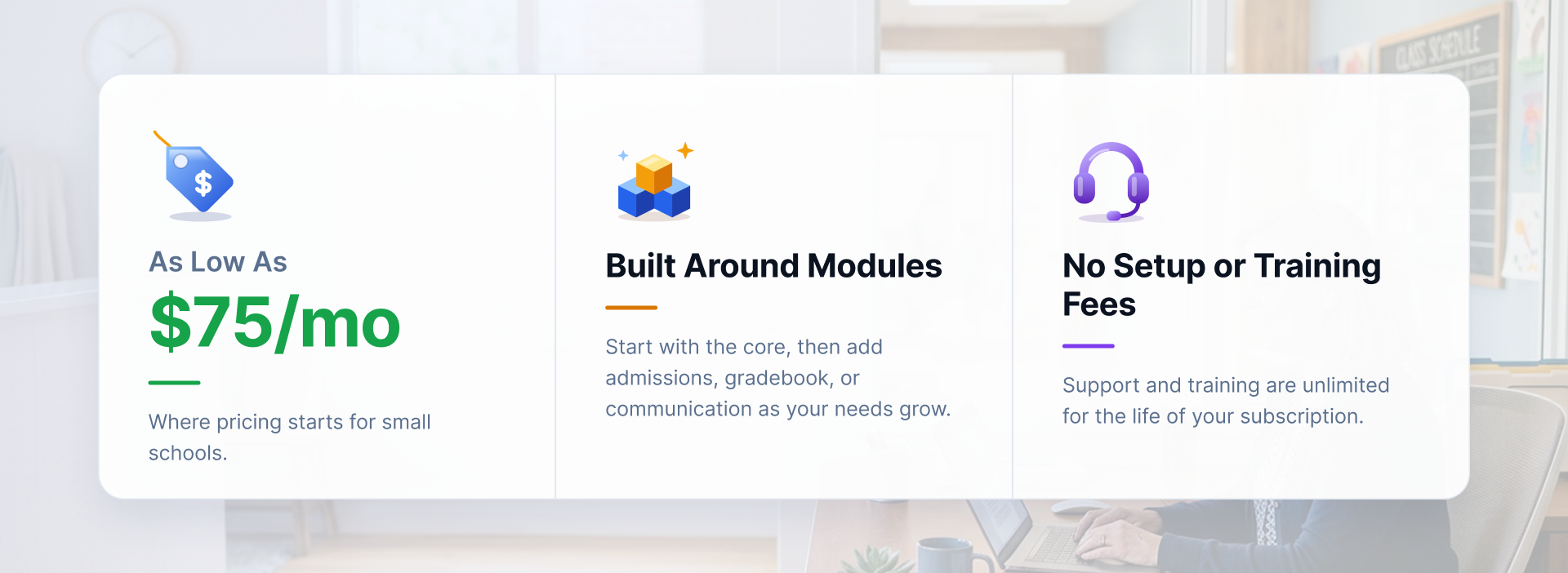
Where pricing starts for small schools.
Matching Features to Your School Type
SchoolCues serves small schools across faith communities and school models, including Christian, Catholic, Islamic, Montessori, charter, and independent schools. The modules are the same for every school type; what changes is which ones you choose. Pick what fits how your school runs, whether that is billing, admissions, or grading.
See Which Features Fit Your School
Tell us which modules matter for your school, and we’ll build the demo and pricing walkthrough around them, not a generic script.
Your modules. We deliver.
Frequently Asked Questions
What does a student information system do for a small school?
A student information system (SIS) keeps every student record in one digital repository: basic details, health records, supporting documents, contract documents, and authorization details. Schools upload and store documents digitally and run built-in reports, so they depend less on paper files and scattered folders.
Which payment methods does SchoolCues accept?
Schools can accept ACH, credit card, cash, and check through online payments. ACH and card payments are processed online, while cash and check are recorded by staff. Schools can also process refunds, handle overpayments and underpayments, and connect to QuickBooks for bookkeeping.
Can families pay tuition in installments?
Yes. With tuition management, families can pay in full, by semester, monthly, or on a custom plan. Schools can also configure credits, discounts, and scholarships.
How does a family go from inquiry to enrollment?
A parent submits an online admission inquiry form, with payment or without it, in which case the school collects payment offline. When the inquiry reaches the contract stage, the parent submits the required contract documents online, which completes enrollment through the admissions and enrollment module.
What can teachers do in the SchoolCues gradebook?
Teachers create and manage assignments, record grades, and generate reports for a single term or across all terms. Schools configure academic terms, grading systems, and courses in the online gradebook.
Which types of schools does SchoolCues support?
SchoolCues supports many types of small schools, including Christian, Classical Christian, Catholic, Lutheran, Episcopal, Islamic, Jewish day, Montessori, Waldorf, charter, independent, special education, private, preschool, and homeschool programs.