24,206 private schools operate in the United States. They enroll 5.47 million students. The average school has roughly 184 students, and 66% are religiously affiliated.
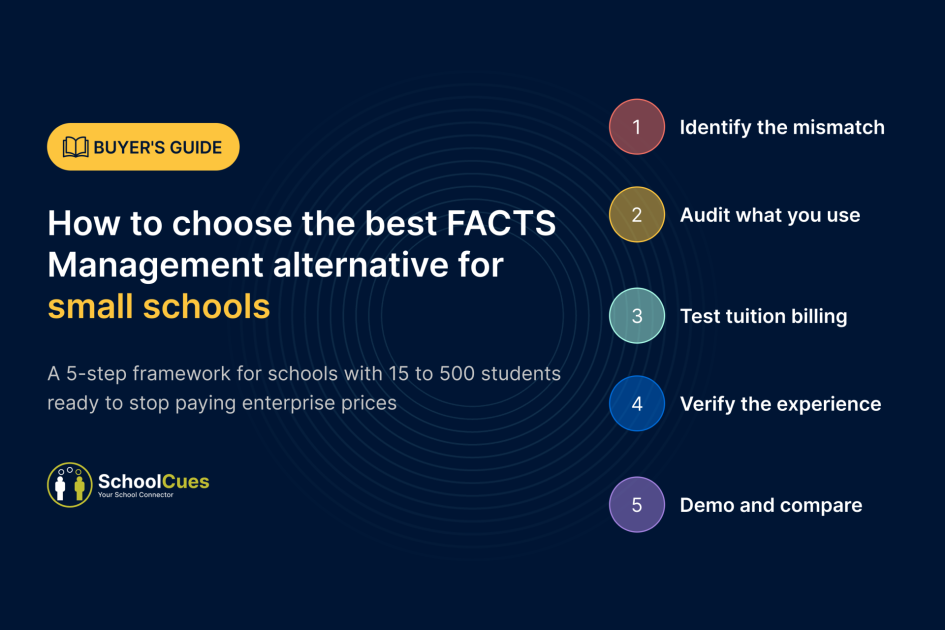
FACTS Management was built for the top 10% of that market. If you’re running a small campus with one admin handling everything from enrollment to billing, this guide gives you a five-step framework for choosing an alternative that matches your actual school, not the one FACTS was designed for.
3 Signs FACTS Is Not Built for Your School
Sign 1: You’re paying for five product hubs and using two. FACTS operates five intelligence hubs: FACTS IQ, Admissions Intelligence, Engagement Intelligence, Financial Intelligence, and Success Intelligence. Each is priced separately. If your daily workflow is SIS, tuition collection, and parent messaging, three of those hubs are dead weight on your invoice.
Sign 2: Your pricing page doesn’t exist. FACTS doesn’t publish pricing. The URL factsmgt.com/pricing returns a 404 page. If you can’t see what you’re paying before a sales call, the pricing model was designed for institutions with procurement teams, not a principal making a software decision between parent conferences.
factsmgt.com/pricing
Sign 3: Your admin needs IT support to run the platform. FACTS IQ is described as “SIS, analytics, AI models, and integrations unified in one school operating system.” That’s powerful for a 2,000-student diocese. For a 150-student school, it means your one admin is navigating an interface built for a team of ten.
How to Audit What You Actually Use vs What You Pay For
Pull your last FACTS invoice. Circle every line item. Then answer one question for each:
- Did any staff member use this feature in the last 30 days?
- Is this module something your admin touches daily, or something that just sits there?
- Would your school notice if this feature disappeared tomorrow?
Most small schools discover they actively use three things daily: student records, tuition billing, and parent communication. Everything else, enrollment analytics, AI retention forecasting, multi-campus financial reporting, sits untouched.
SchoolCues is built around exactly what small schools use daily: student information system, tuition management and online payments, admissions and enrollment, gradebook, parent communication (email, SMS, push), and a native parent mobile app. You pick the modules. You pay for what you use. Pricing starts as low as $75/month.
See your school inside the platform. Real walkthrough. No obligation.
How to Test Whether Tuition Billing Is Truly Built In
This is the most expensive in school management software. “Financial management included” often means reporting dashboards, not payment collection. You still need a third-party processor, a separate merchant account, and a manual reconciliation workflow.
FACTS Financial Intelligence offers tuition management, financial aid modeling, fee collection, and general ledger integration. That’s a financial operations layer built for institutions with dedicated finance staff.
One question cuts through every vendor’s pitch: can a parent open the app right now, see their balance, and pay with ACH or credit card? Can the system auto-charge monthly? Can it apply late fees and sibling discounts without your admin touching it?
SchoolCues handles tuition end to end. Parents pay via ACH, credit card, cash, or check. Auto-pay and recurring billing are built in. Late fees with configurable grace periods apply automatically. Electronic invoicing delivers to parent accounts. No paper. No third party. Our SchoolCues vs Gradelink comparison broke down how hidden billing costs stack up fast.
How to Verify the Parent and Teacher Experience Before You Commit
The platform parents ignore fills your voicemail. The platform teachers avoid becomes shelfware you pay for every month.
Two tests in 60 seconds:
Test 1: Is the parent portal a native mobile app or a browser-responsive page? Working parents managing school from their phone need a real app. Not a login screen squeezed onto a 6-inch display.
Test 2: How many training sessions does a teacher need before they can use the gradebook? If the answer is more than one, the platform is too complex for a small school.
SchoolCues passes both. Parents download the free mobile app on iOS and Android. Teachers access the online gradebook and attendance from the teacher dashboard with minimal training. If your current system needs a training budget, it wasn’t built for your team size.
What Your School Looks Like 30 Days After the Switch
Day 1 to 10: Account setup, staff onboarding, parent invitations sent. SchoolCues supports schools through the migration process.
Day 11 to 20: Tuition billing live. Parents paying from their phones. Auto-pay enrollment climbing.
Day 21 to 30: One platform running SIS, grades, attendance, communication, and billing. One invoice from one vendor. Your admin’s phone stops ringing with balance inquiries because parents see everything in the app.
That’s what the right alternative looks like. Not a feature list. A different Monday morning.
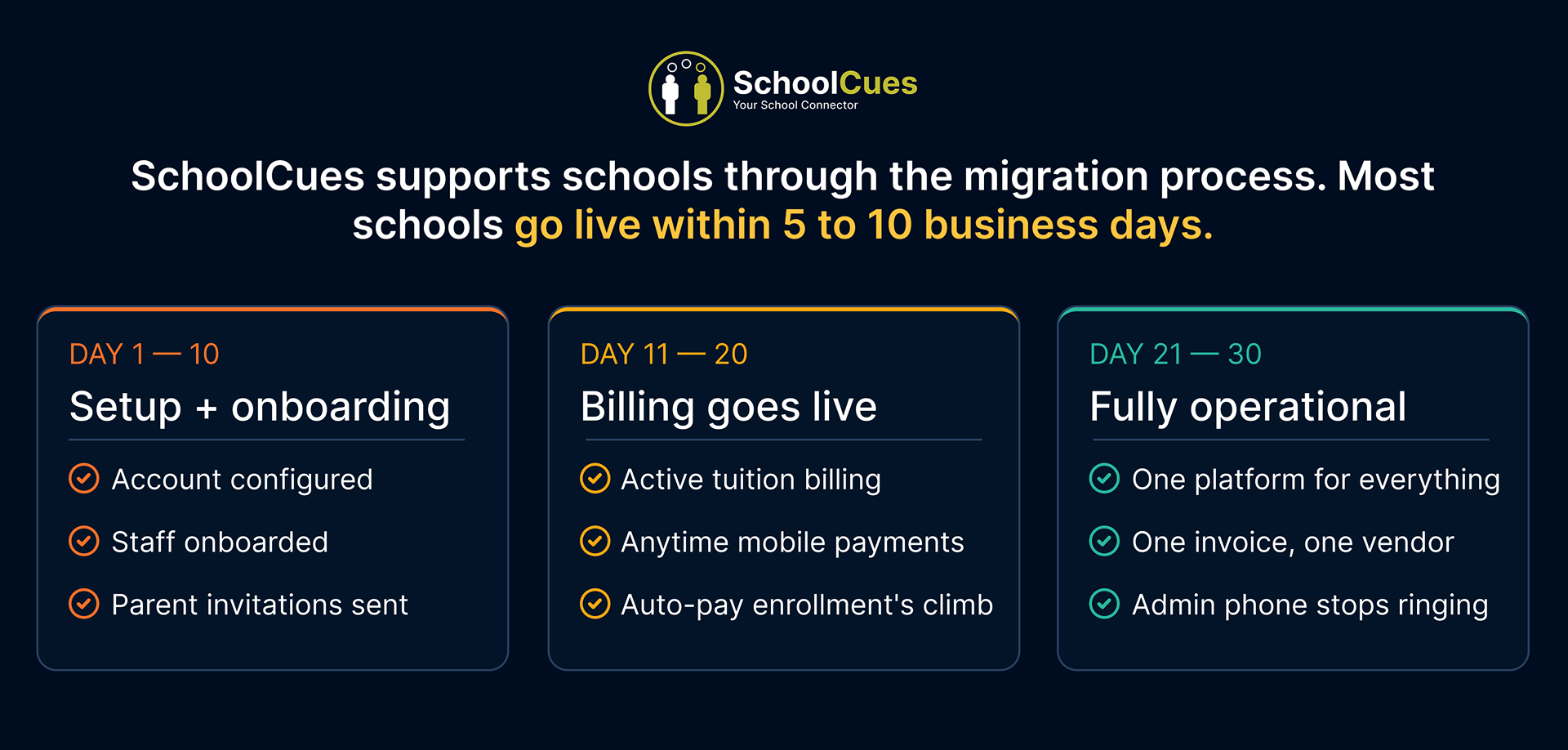
Most schools go live within 5 to 10 business days. Here’s what the full 30 days looks like.
Your School Changed. Your Software Should Too.
FACTS is excellent for who it was built for. But if your school has fewer than 500 students, one admin running the office, and parents who expect a mobile app, FACTS wasn’t built for your Monday morning.
Frequently Asked Questions
Is SchoolCues Cost-effective than FACTS Management?
SchoolCues pricing starts as low as $75/month with no setup or training fees. Schools select the modules they need. FACTS pricing is quote-based and not published. For most schools under 500 students, total cost with SchoolCues is typically lower.
Can I switch from FACTS to SchoolCues mid-year?
Yes. SchoolCues supports schools through the migration process. Most transitions happen without disrupting the school year. Migration scope and any associated costs depend on the school’s data complexity.
Does SchoolCues work for religious schools?
Yes. SchoolCues serves Catholic schools, Lutheran schools, Islamic schools, Jewish day schools, Montessori schools, charter schools, and independent schools.
Does FACTS publish pricing?
No. FACTS doesn’t publish pricing. The factsmgt.com/pricing URL returns a 404 as of July 2026. Schools must request a custom quote.
See your school inside the platform. Real walkthrough. No obligation.