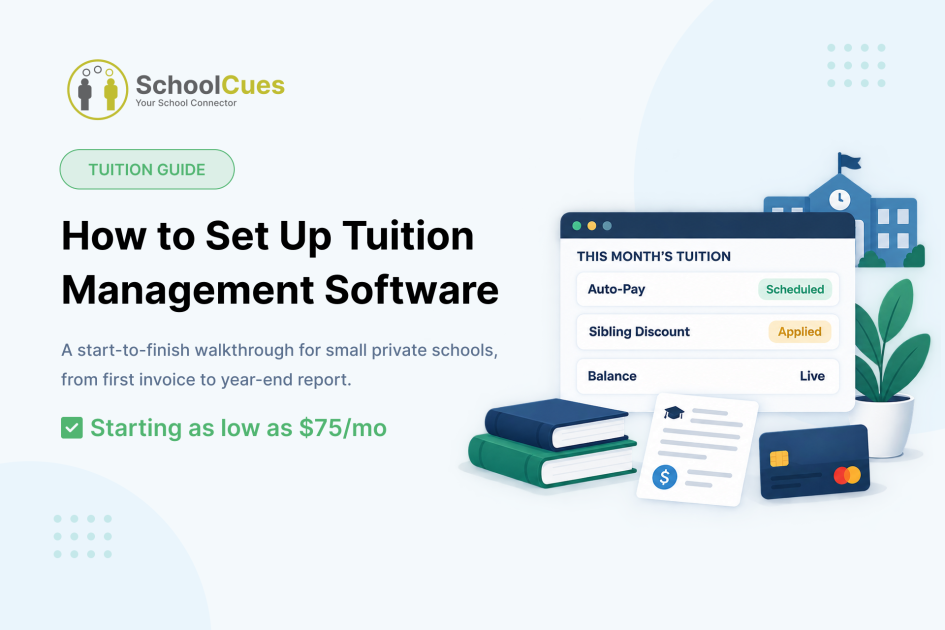
Ask any small private school office what eats the most hours in a week, and tuition billing usually wins. Not because collecting money is hard, but because most software treats it as a report to generate instead of a payment system to run. This guide walks through exactly how tuition management works inside SchoolCues, from the invoice a family receives on day one to the report your bookkeeper pulls at year-end.
Quick Answer: What Tuition Management Software Should Actually Do
Before evaluating any platform, tuition management software should handle the full cycle without a second vendor:
- Generate and deliver electronic invoices automatically
- Accept ACH, credit card, cash, and check, with ACH and card processing online
- Run auto-pay and recurring billing on a set schedule
- Apply late fees with configurable grace periods, and sibling or family discounts, without manual entry
- Show a parent their real-time balance the moment a payment posts
- Generate payment reports and year-end tax statements in one click
See tuition management running inside SchoolCues with your own school’s numbers.
How a Family’s Invoice Gets Created
Tuition billing starts the moment admissions and enrollment marks a family enrolled. From there, the tuition plan attaches straight to the student’s record in the student information system. No separate billing tool, no second data entry. Electronic invoices go straight to the parent’s account, no paper, no postage.
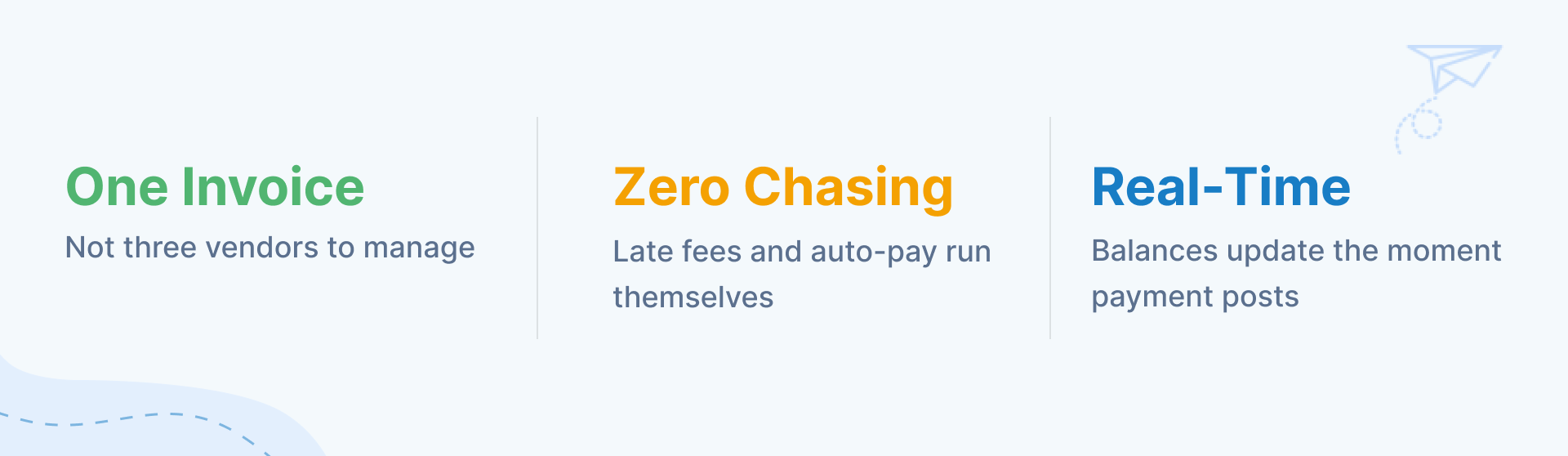
What changes for a small school’s office once tuition runs on one platform.
How a Parent Pays, and What Happens If They Don’t
Parents pay tuition through online payments inside the parent mobile app or the web portal: ACH, credit card, cash, or check. ACH and card payments process online. Cash and check post to the student account in real time, so the balance a parent sees is always current.
Auto-pay and recurring billing are built in. A parent enrolls once, and the system collects on schedule with no manual follow-up. Miss a payment, and late fees apply automatically, with grace periods your school sets. Nobody on staff has to chase anyone down.
Walk through your school’s exact billing cycle, discounts included, before you commit.
Discounts, Adjustments, and Real-Time Reconciliation
Sibling and family discounts calculate automatically at billing time, not as a manual adjustment someone has to remember every cycle. Every payment, ACH, card, cash, or check, posts in real time, so reconciliation is a live view instead of a month-end spreadsheet.
Year-End Reporting Without a Spreadsheet
Payment reports and year-end tax statements generate in one click, filterable by student, class, payment type, and date range. The report pulls from the same system that ran the billing all year, no second export, no reconciling two tools, no April spent chasing numbers that should have been ready in January.
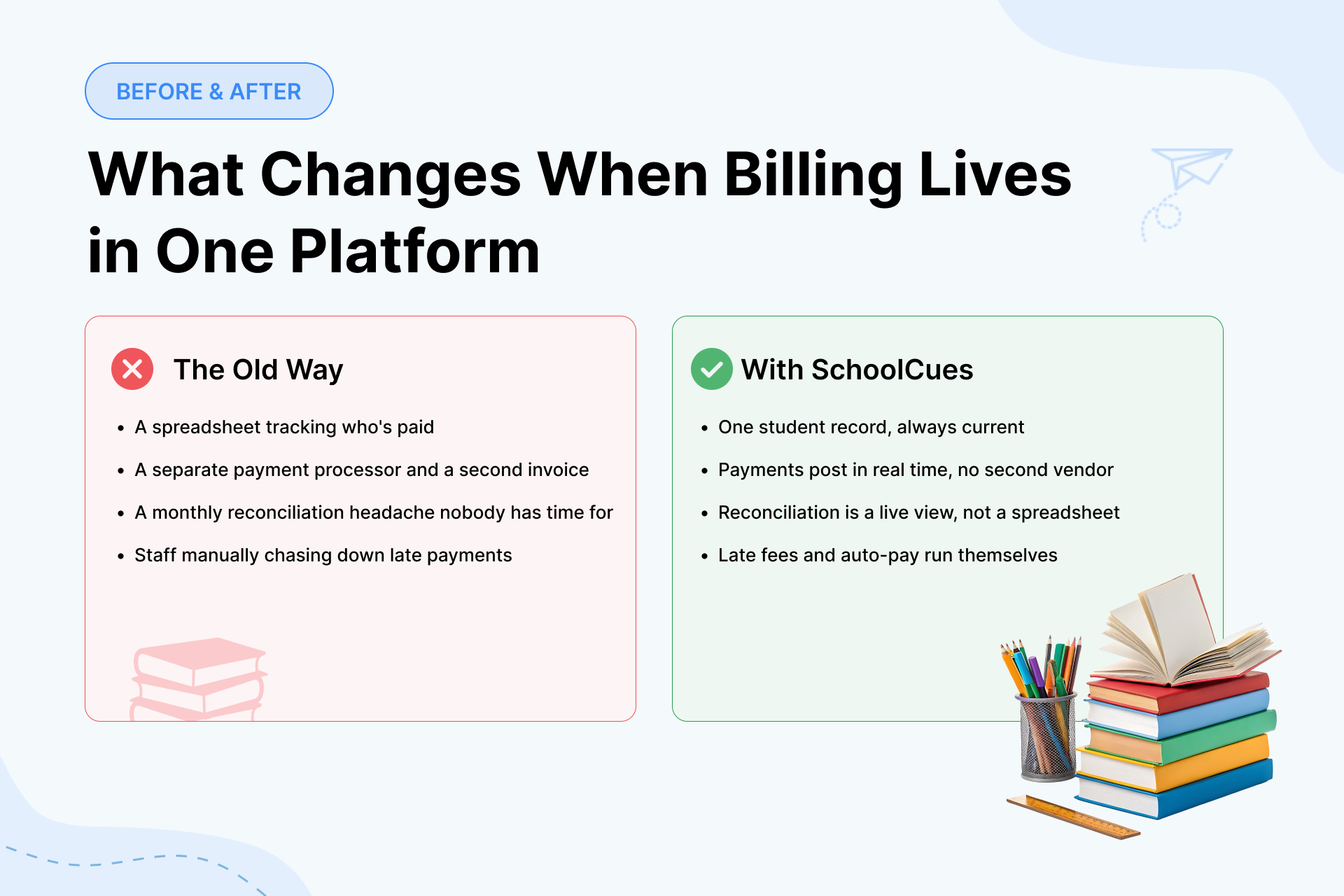
The old way meant a spreadsheet and a second vendor. SchoolCues runs it in one platform.
Where Tuition Management Fits Into the Rest of Your School’s Software
Tuition billing doesn’t work in isolation. It sits inside the student information system, connects to admissions for new families, shows up in the gradebook and attendance workflow teachers already use, and reaches parents through the same communication tools covering grades and announcements. SchoolCues was built this way from the start for small private schools, including Christian, Catholic, and Montessori communities, so tuition management is one connected module, not a bolt-on system with its own login and its own support line.
Set Up Tuition Management Built for Your School
If your current tuition process still involves a spreadsheet, a separate payment processor, or a monthly reconciliation headache, see what it looks like when billing lives inside the same platform as everything else your school runs.
Your school’s modules. No obligation.
Frequently Asked Questions
Does SchoolCues tuition management include online payments?
Yes. Parents pay via ACH, credit card, cash, or check through the same online payments system, and every payment posts to the student account in real time.
What happens if a parent misses a tuition payment?
Late fees apply automatically with grace periods your school configures. Auto-pay and recurring billing reduce how often this happens in the first place.
Can sibling discounts be applied automatically?
Yes. Sibling and family discounts calculate automatically at billing time, using the same student records tracked in the SIS.
What should a small school expect from tuition management software?
Native payment processing connected to the same system that tracks enrollment and attendance, not a separate add-on. If tuition, admissions, and the parent app don’t share one login, expect extra vendors and extra invoices down the line. That’s what tuition management inside SchoolCues is built to avoid.
How is SchoolCues different from other tuition management software for small schools?
Most tuition tools are bolted onto a separate SIS or hand off payment processing to a third party. Tuition management inside SchoolCues runs on the same student information system as enrollment, gradebook, and the parent app, so it’s one login and one invoice instead of several tools stitched together.
How does tuition billing connect to a family’s enrollment?
A tuition plan attaches to a student’s record the moment admissions and enrollment marks them enrolled, so billing starts without a second data entry step.
Can parents manage tuition from the same app they use for grades?
Yes. Tuition balance, payments, and due dates show up in the same parent mobile app used for grades and attendance, one login for everything.
Does SchoolCues handle financial aid or flexible payment plans?
Yes. Families can pay in full, by semester, monthly, or on a custom plan, and financial aid carries through automatically once admissions and enrollment marks a student enrolled, no separate application process to manage.
What happens to our records if we switch from a spreadsheet or another platform?
SchoolCues supports schools through the migration process, moving existing student and tuition records into the student information system rather than starting from scratch.