In today’s evolving educational environment, small schools face distinct challenges, including limited budgets, small administrative teams, and the need for streamlined operations. Implementing the right school management system (SMS) can transform these challenges into opportunities by automating processes, enhancing communication, and boosting overall efficiency. However, choosing an inappropriate system can result in wasted resources, frustrated staff, and ongoing operational headaches.
This comprehensive guide examines the five most common mistakes small schools commit when selecting a school management system, along with practical strategies to avoid them. Whether you’re evaluating school ERP software, student information systems, or cloud-based administrative solutions, these insights will help you make an informed decision that aligns with your institution’s unique needs.
1. Failing to Establish Clear Objectives and Requirements
The Problem:
Many small schools begin their search for school administration software without first defining their specific institutional needs. This oversight often leads to selecting systems that are either overly complex for their requirements or lacking critical functionality.
The Solution:
- Conduct a comprehensive needs analysis involving all stakeholders – administrators, faculty, parents, and students
- Create a prioritized list of essential features (e.g., mobile accessibility, robust data security, scalable architecture)
- Document current pain points (such as inefficient attendance tracking or cumbersome fee collection) and ensure potential solutions address these specifically
2. Underestimating Integration Requirements
The Problem:
Many institutions select school management platforms without considering how they’ll integrate with existing tools like learning management systems, accounting software, or communication platforms, creating data silos and workflow inefficiencies.
The Solution:
- Prioritize systems with flexible API support and proven compatibility with essential third-party applications
- Verify seamless student information system (SIS) integration capabilities
- Confirm support for institution-specific needs like payment gateways or biometric systems
3. Neglecting User Adoption Factors
The Problem:
Even the most sophisticated school ERP software will fail if users find it unintuitive or difficult to navigate, leading to poor adoption rates among staff and parents.
The Solution:
- Select systems with intuitive interfaces and role-appropriate dashboards
- Implement structured training programs with ongoing support
- Choose vendors offering responsive technical assistance to resolve issues promptly
4. Prioritizing Price Over Long-Term Value
The Problem:
Budget constraints often lead small schools to opt for the least expensive school management software, which may lack essential features or scalability, ultimately requiring costly replacements or upgrades.
The Solution:
- Evaluate the total cost of ownership, including implementation and maintenance
- Compare subscription models versus perpetual licenses
- Consider cloud-based solutions that reduce infrastructure demands
5. Overlooking Future Growth Potential
The Problem:
Institutions frequently choose systems sized only for current enrollment without considering future expansion needs, leading to premature system replacements.
The Solution:
- Select modular systems that allow for gradual feature expansion
- Verify the vendor’s update roadmap for emerging technologies
- Prefer cloud-based architectures that can scale effortlessly
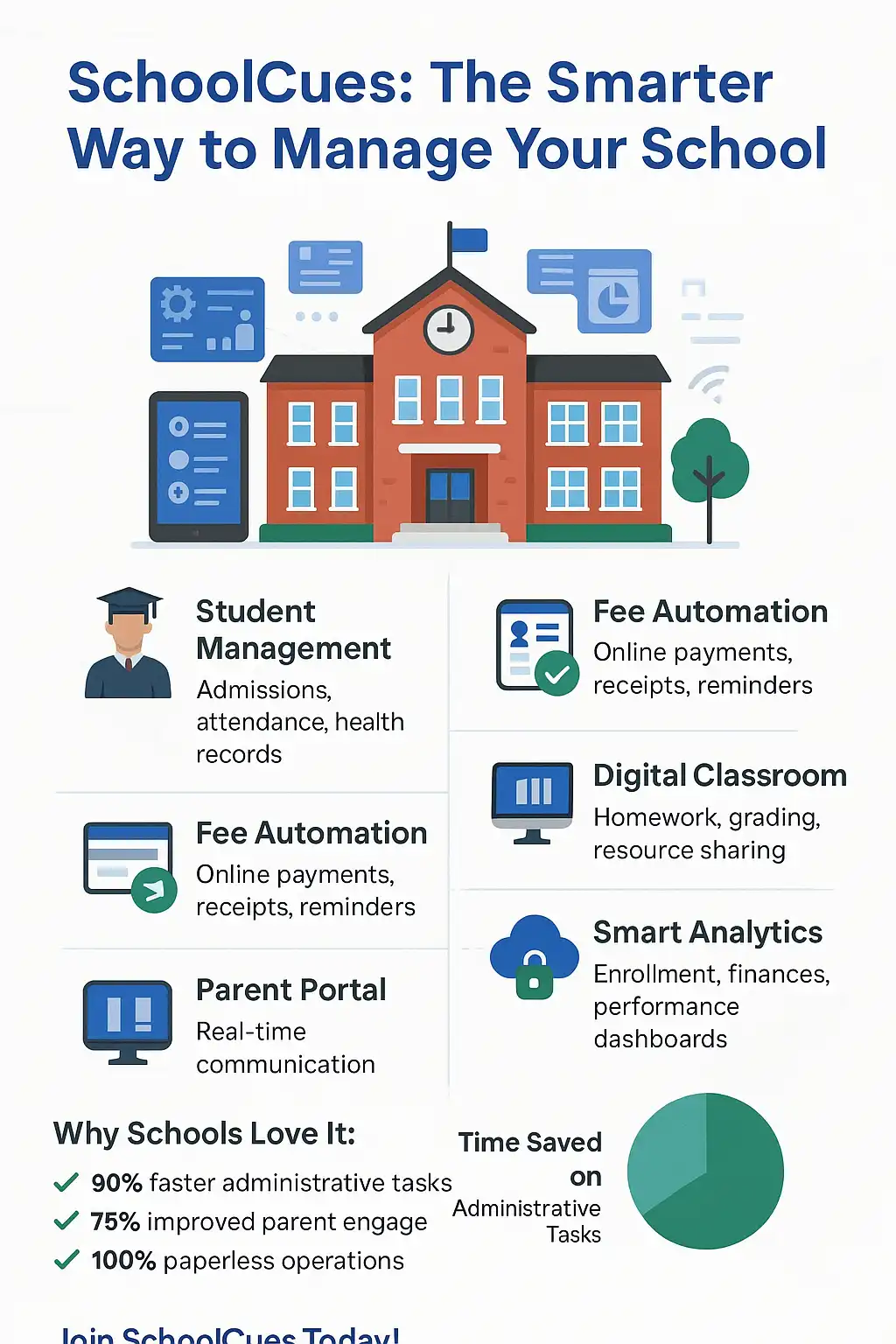
Why SchoolCues is best for Small Schools
SchoolCues addresses the specific pain points of small educational institutions through:
- Cost-effective solutions designed for limited budgets
- Seamless ecosystem integration with education technology tools
- Role-optimized interfaces for all user types
- Enterprise-grade security with customizable access controls
By avoiding these common selection mistakes, small schools can implement systems that meet current needs and support their long-term institutional vision.
Frequently Asked Questions
1. What features should small schools prioritize in management software?
Focus on core functionality first—attendance tracking, grade management, and communication tools—before considering advanced features.
2. How should we budget for school management software?
Allocate funds for implementation, training, ongoing support, and licensing costs. Many providers offer scalable pricing models.
3. What security standards should we look for?
Prioritize systems that utilize data encryption, maintain regular backups, and comply with educational data protection regulations.
4. How long does a typical implementation take?
Most small schools can expect 2-8 weeks for full deployment, depending on data migration needs and staff training requirements.
5. What if we outgrow our system?
Choose vendors offering clear upgrade paths to more advanced versions or additional modules as needed.